SaaS Animation Templates for Product and App Videos
Glass interfaces, glowing buttons, typed prompts, phones and dashboards in the style of modern software launch films. Each scene keeps its own job, such as a hook, a list or a call to action, and they all share one look: clean product motion you can rename for your app.
 Writing cards and app panelLists & steps
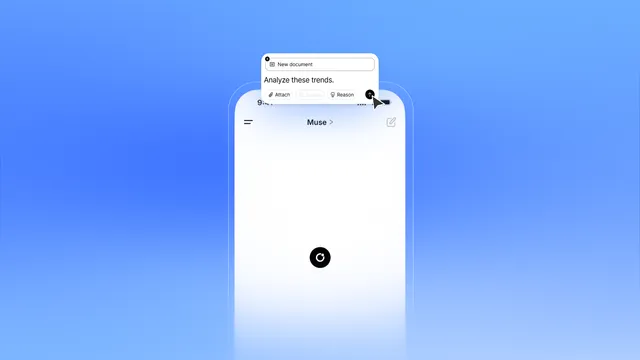 Phone prompt and resultsInterfaces
 White logo signatureCalls to action
 White flash logo and blue wipeTransitions
 Research cards and big typeKinetic type
 Cursor line and turning globeKinetic type
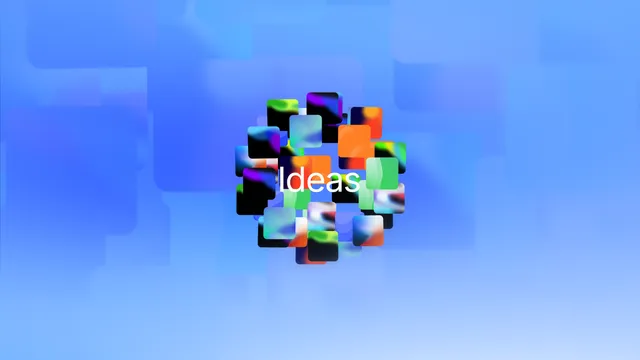 Image orb and topic chipsInterfaces
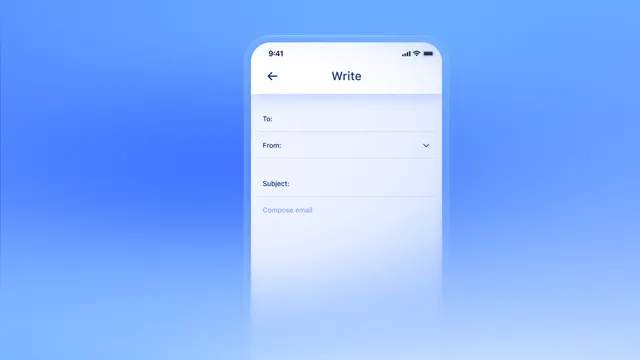 Mail form into a kinetic lineHooks & titles
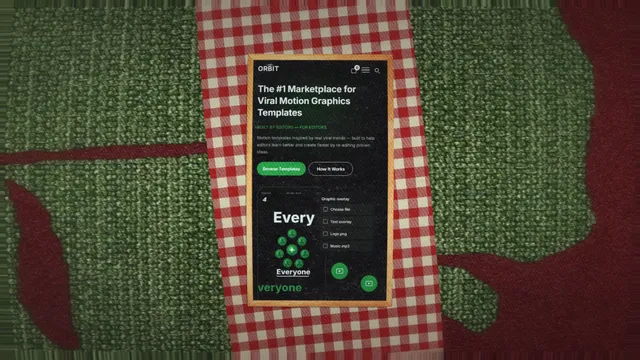 Tablet website picnic outroCalls to action
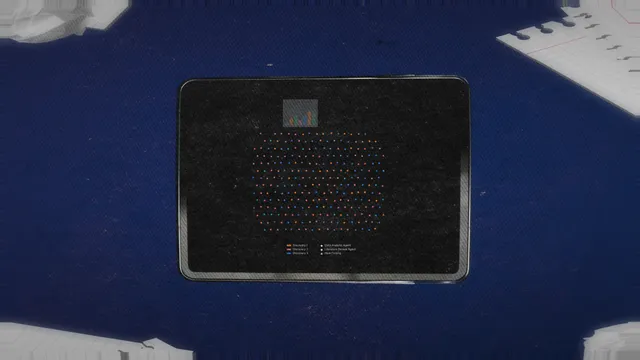 Tablet agent dashboardInterfaces
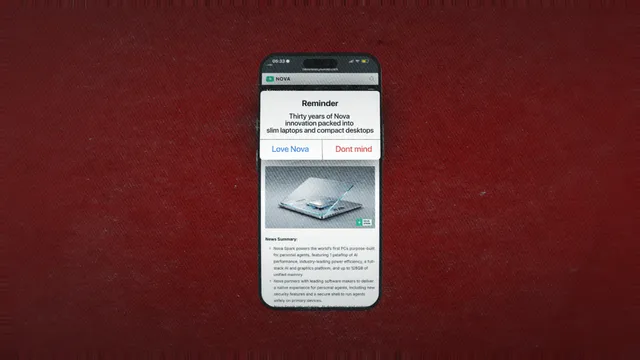 Phone reminder alertInterfaces
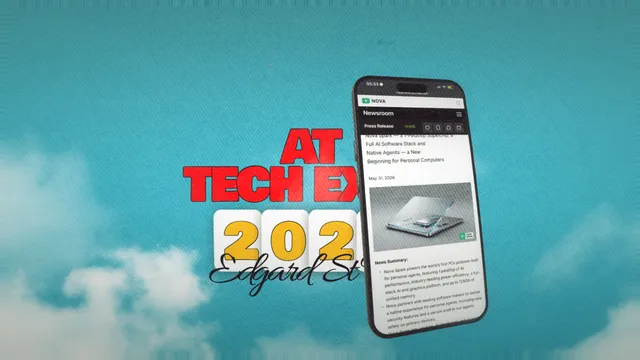 Expo year dice and phoneKey numbers
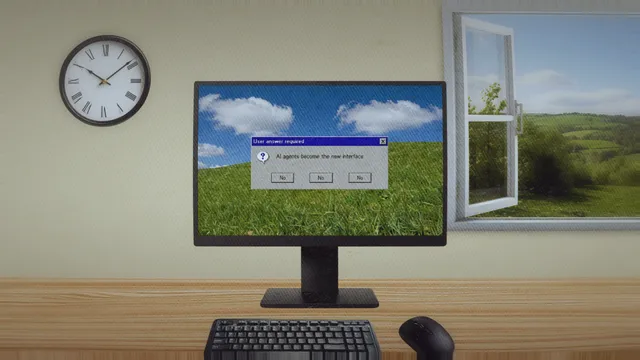 Desktop monitor dialogInterfaces
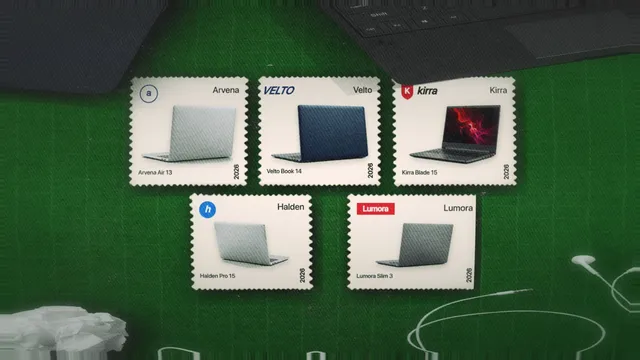 Laptop stamps all on boardLists & steps
 Retro PC in the clouds and playing cardsHooks & titles
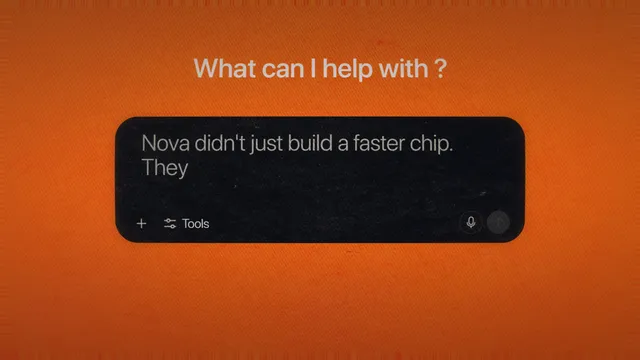 Chat box, then replaced itInterfaces
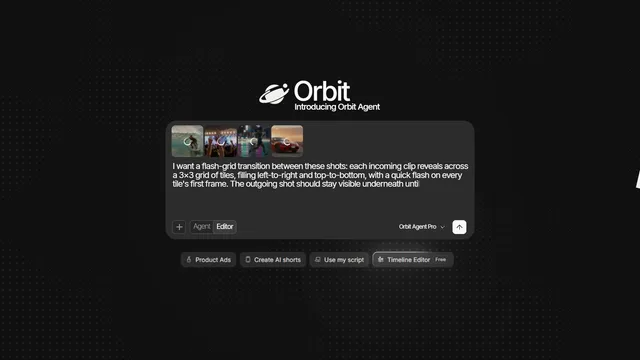 AI agent prompt boxInterfaces
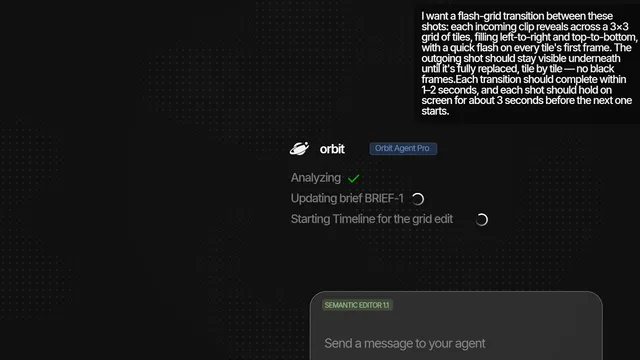 AI agent progress stepsInterfaces
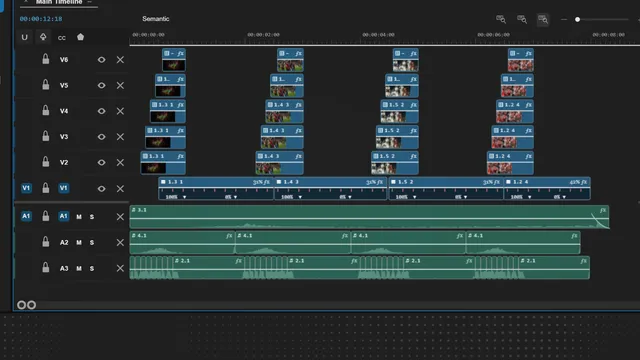 Editor timeline buildInterfaces
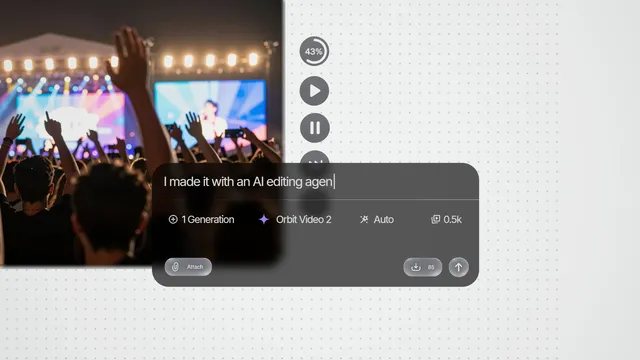 AI video result playerHooks & titles
 Phone chat over landscapeInterfaces
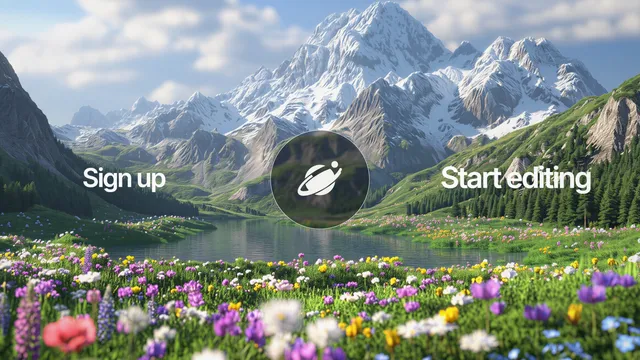 Brand reveal over landscapeCalls to action
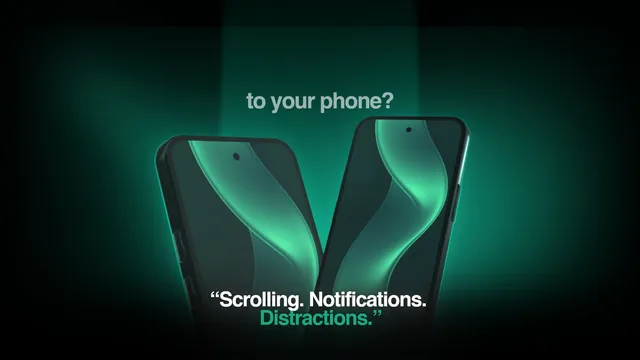 Phones 3D time questionHooks & titles
 Website hero scrollInterfaces
 Gem grid into a stats cardInterfaces
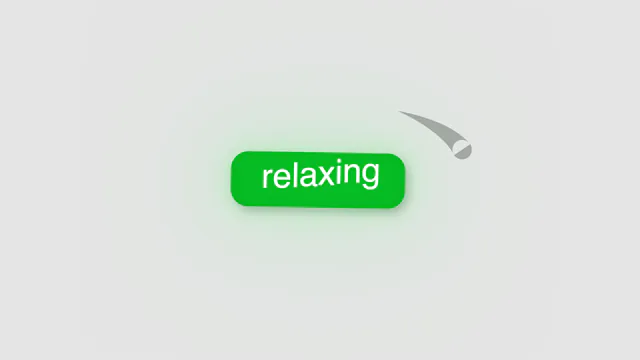 Status pills into a logo revealCalls to action
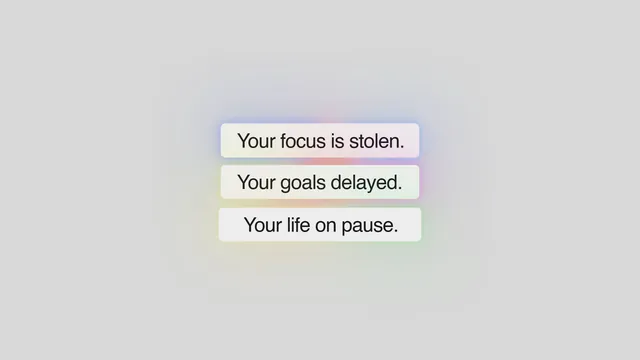 Glowing cards, then a questionHooks & titles
 Glowing button word clickInterfaces
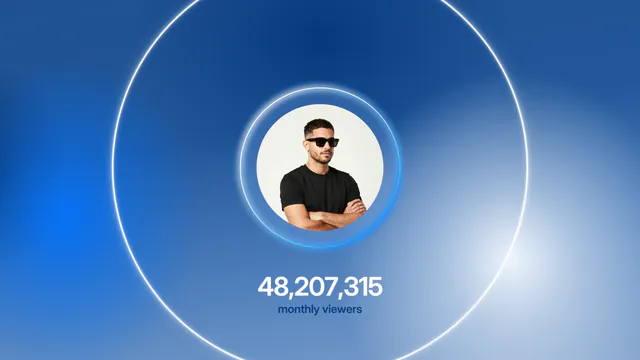 Follower count with portrait haloKey numbers
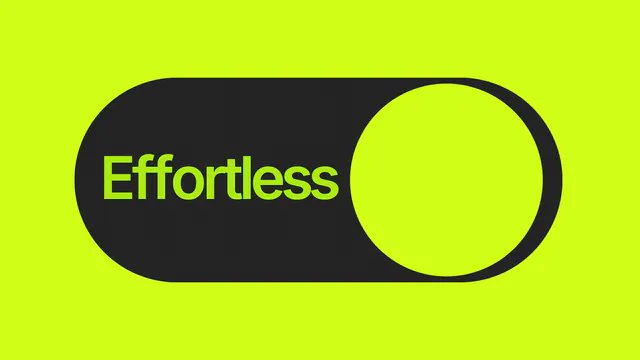 Giant toggle switch wordInterfaces
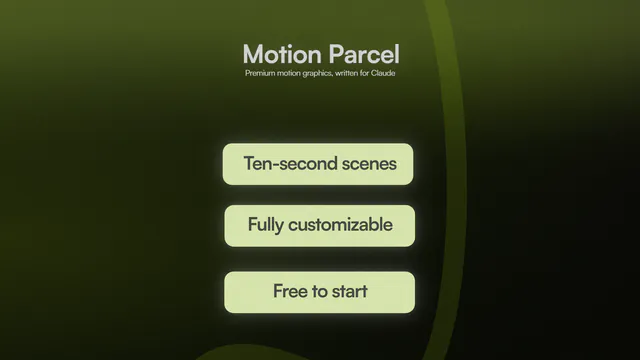 Feature pills stackLists & steps
How to make a SaaS product video feel premium
When to use it, pacing, design and readability.
Lead with the problem, not the dashboard. The strongest product films open on a feeling the viewer recognizes, such as a blank page, a slow task or a crowded inbox, and only then reveal the interface that fixes it. Pick a hook or a typed prompt scene for that first beat, then let the product appear as the answer.
Show one feature per scene and give it room. A glowing card that types one line, a switch that flips, a cursor that clicks a single button: each tells a complete micro story in two or three seconds. Cramming three features into one shot makes all of them forgettable. If a feature needs more explanation, give it a second scene rather than a longer one.
Keep the palette of your own product. These scenes rely on a few colors, a background, a surface and one accent, so swapping them for your brand colors is enough to make the motion feel native. Avoid adding a second accent: the eye should always know where to look.
Let the interface breathe with soft depth instead of busy effects. Blur what sits behind the active panel, keep shadows gentle and move the camera slowly toward the element that matters. Premium software films feel calm because nothing moves without a reason.
End on a single clear action. After the features, cut to your name, your tagline and one button: start free, join the waitlist or download the app. A SaaS call to action works best when it repeats the words the viewer will see on your real landing page.
Questions
- What makes an animation SaaS style?
- Clean product visuals: interfaces, devices, glowing buttons, typed prompts and cards, usually on a calm background with one accent color. The same scene can still be a hook, a list or a call to action; this collection groups them by look.
- Can I use these scenes to present my own app?
- Yes. Replace the product name, labels and lines with your own, and describe your brand colors or a specific screen in the notes field. Claude rebuilds the scene with your content and keeps the original timing.
- Do the scenes work for a vertical ad?
- Yes. Switch the format to 9:16 in the preview and the layout is rebuilt for a vertical screen, so the same motion works for a launch video on YouTube and for Shorts, Reels or TikTok ads.
Go further
Guide · 9 min read
How to Make Motion Graphics with Claude, Step by Step
Claude writes code that draws every frame. Set up Claude Code with Remotion, HyperFrames or plain HTML, prompt a scene, check stills, then render an MP4.
Related categories
- Interfaces
Apps, tools, screens
14 animations
- Hooks & titles
The first seconds
7 animations
- Calls to action
Subscribe, link, offer
6 animations
Build it your way
Every animation comes with a prompt for Remotion, HyperFrames and plain HTML. Each tool page covers setup, licensing and export.
- Remotion prompts
React video, rendered to MP4 in one command.
- HyperFrames prompts
HTML compositions rendered to video, open source.
- HTML animation prompts
One self-contained file that plays in any browser.