Glowing cards, then a question
A blue plus button is pressed and stretches into glowing cards that type their lines, then ribbons sweep in a question word by word.
Hooks & titles5–6 s16:9, 9:16, 1:1Build with Remotion, HyperFrames or HTML
Your prompt
Your prompt is ready
Leave your email to see it and copy it. Free during launch.
Paste it into Claude (Claude Code works best). It builds the scene and shows you 3 still frames before rendering. How to use it
About this animation
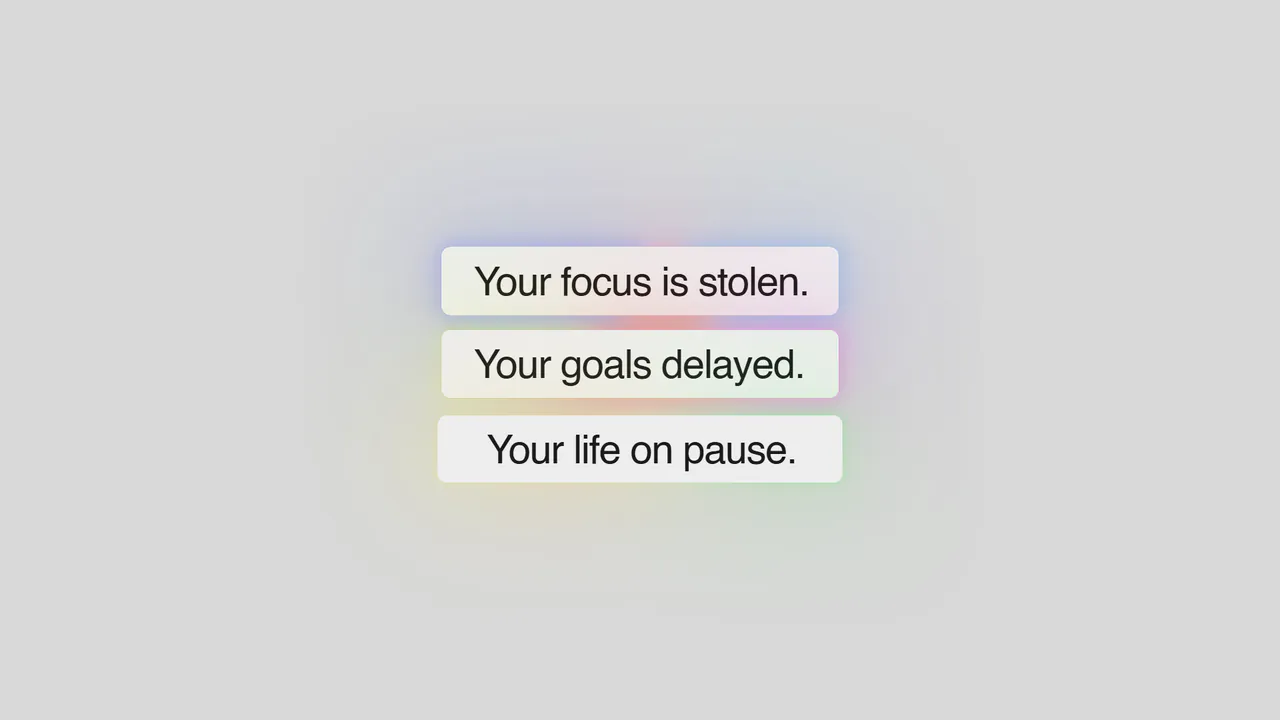
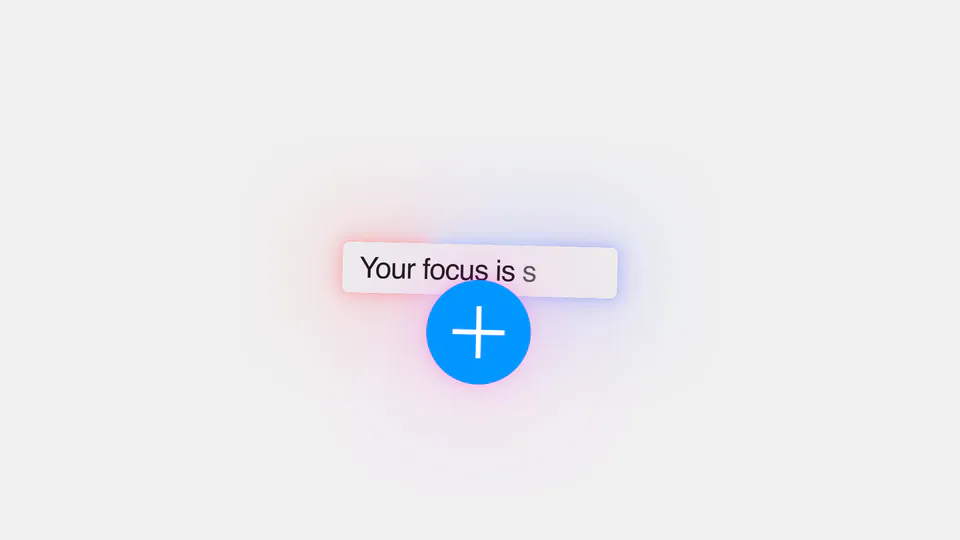
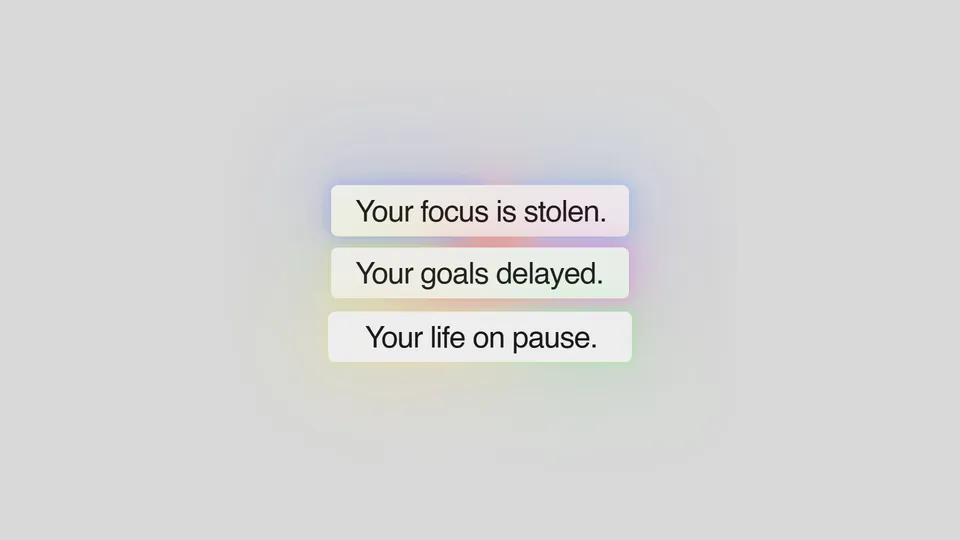
Some videos open on a problem told in three short lines. This scene stages them as an app would: a blue plus button pops onto a white page, gets pressed with a dark flash, and stretches into a light card with a soft rainbow halo while its line types in letter by letter. Two more cards follow, the stack rising each time, until three problems sit together under a slowly dimming light. Then the stack shrinks away, three luminous ribbons sweep across a white frame, and a question slides in word by word with real motion blur before a gray circle closes over it.
It comes from a professional After Effects project, rewritten as readable code keyframe by keyframe: the same spring on every button, the same press, the same typing speed, and halos and ribbon glows measured pixel by pixel on the original render. It also keeps the sound design of the original edit, a notification impulse on each press and two stereo sweeps, placed at the exact instants measured in its mix. Lines, question, colors and format stay editable; a longer line widens every card together and a long question splits into two lines.
Scene timeline
Second by second, with the example content. Timing adapts to your text.
- 0.0 s
The button
A blue plus button springs onto the white page with a soft blue halo, overshooting and settling.
- 0.6 s
First card
The button is pressed (dark flash, notification impulse), stretches into a light card that tilts and settles, and the first line types in.
- 1.4 s
Second and third cards
A new button pops under the stack every 0.9 seconds and opens the same way, the stack rising to stay centered; each card keeps a drifting rainbow halo.
- 3.5 s
Ribbons and question
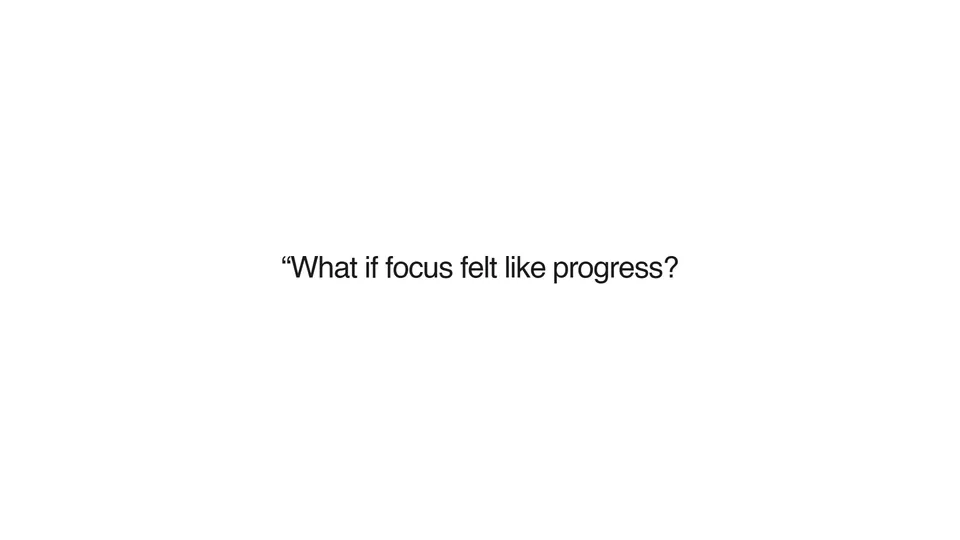
The stack shrinks away under white while pink, blue and orange ribbons sweep across with a stereo whoosh, and the question slides in word by word.
- 4.7 s
Closing circle
A gray circle closes over the question and everything collapses to a dot with a second sweep. With Transition out the shot cuts at 5.37 seconds; with Hold the question stays until 6 seconds.
Frames from the scene
Entrance, middle and final hold, with the example content.
What you can customize
- Cards
- One to three cards, each with one short line. A longer line widens every card together so the stack stays aligned; very long lines shrink inside their card.
- Question
- Any question, ideally six to ten words. It appears word by word; a long question splits into two centered lines and its words come faster so they all land before the circle.
- Sound
- Turn Sound on under the preview to hear the effects; the downloaded MP4 always includes them as an AAC audio track.
- Color and format
- The Color menu turns the button, halos and ribbons to another hue. Landscape is the original framing; vertical and square keep the cards at the same size and fit the question to the width.
Best for
Pain-point openings
State three problems your viewer recognizes, then pivot to the question your video answers.
App and SaaS explainers
The cards read as notifications or input fields, perfect for productivity, focus or messaging products.
Before and after setups
Use the cards for the frustrating before, and the question as the bridge to your solution.
How to use it
Customize
Change the text, the color, the format and the tool in the panel above. The live preview follows as you type.
Unlock
Leave your email once to reveal the full prompt and copy it. It is free during launch.
Paste into Claude Code
Start Claude Code in a project folder (npx create-video for Remotion, npx hyperframes init for HyperFrames, any empty folder for plain HTML) and paste the prompt. Claude writes the scene with your content.
Check the 3 frames
Before any render, Claude shows you three still frames: the end of the entrance, the middle of the hold and the moment just before the exit. Ask for fixes until they match the preview.
Render
Approve and let Claude render the video: an MP4 to upload, or a transparent WebM or ProRes 4444 file for your editor. A plain HTML scene is captured frame by frame with a headless browser and FFmpeg.
Pro tips
- Keep each card to four words or fewer: they type in under a second.
- Say the question in your voice-over as the ribbons arrive, at about 3.5 seconds.
- Under a voice, lower the sound effects by about 18 dB so they stay a texture, not a distraction.
Questions
Is it the original After Effects animation?
Yes. Every keyframe, curve and expression of the original scene was copied into the code, and the halos, ribbons and line widths were measured on the original render and compared frame by frame.
Does the video include the sound?
Yes. The notification impulses and the two stereo sweeps of the original edit are mixed at their exact instants and saved as an AAC audio track in the MP4, rendered in your browser.
Can I change the number of cards?
Yes, from one to three: leave a card empty to remove it, and the stack stays centered. Ask Claude for more cards and it extends the list in the code.
Which font does it use?
Helvetica, as in the original project, served with the code.
More animations
Browse the library