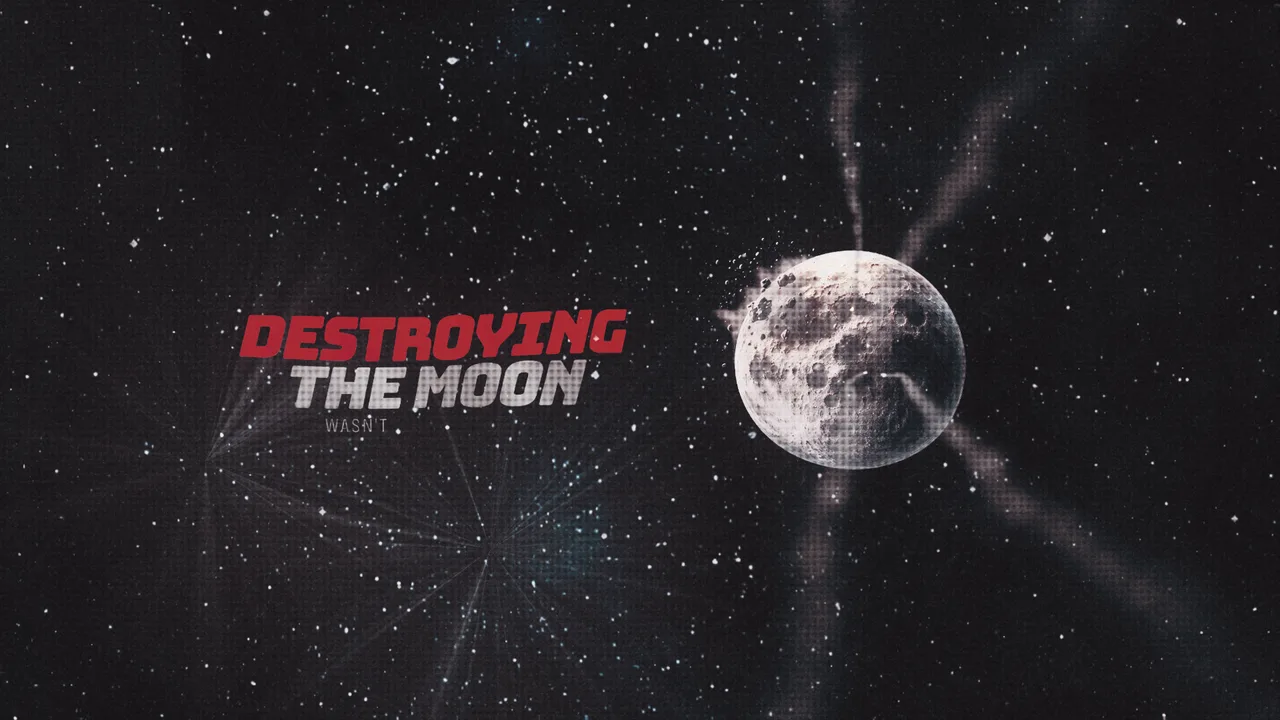
Documentary title over the Moon
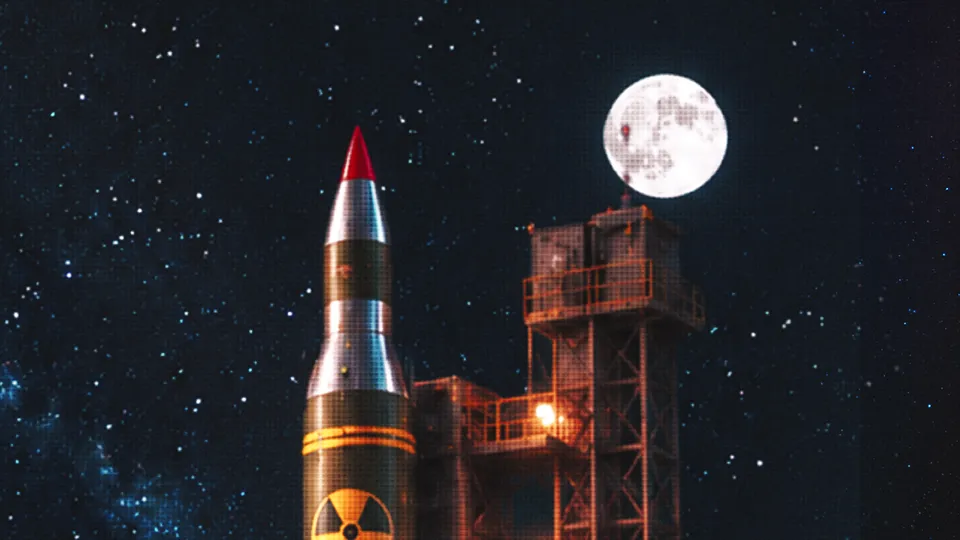
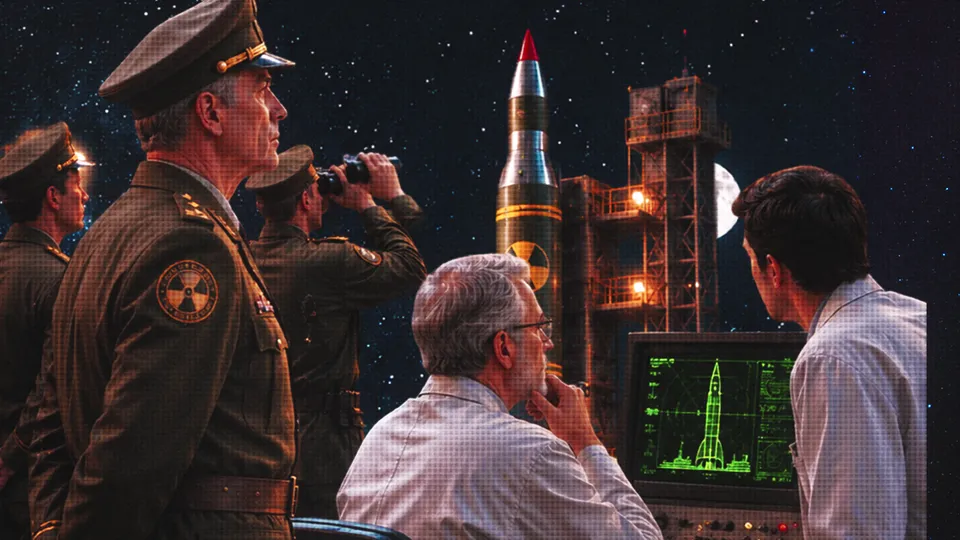
A blurred Moon comes into focus under a bold red documentary title, a rocket streaks past, then the camera reveals a moonlit launch site.
Hooks & titles5.5 s16:9, 9:16Build with Remotion, HyperFrames or HTML
Your prompt
Your prompt is ready
Leave your email to see it and copy it. Free during launch.
Paste it into Claude (Claude Code works best). It builds the scene and shows you 3 still frames before rendering. How to use it
About this animation
History documentaries open on one strong image and a title that hits. This scene starts on a blurred Moon that slowly comes into focus over a halftone starfield, slams a two-color title in front of it, red word first, white words below, and writes a thin condensed line underneath. Then the camera moves on: a rocket passes the Moon and the shot turns into a moonlit launch site where officers and scientists watch the pad.
It is a professional After Effects documentary edit replayed by code: the focus pull, the halftone grade, the title animation, the camera moves and the motion blur come from the original project, sample by sample. Your three words replace the title; the pictures are separate layers you can swap.
Scene timeline
Second by second, with the example content. Timing adapts to your text.
- 0.0 s
Focus in
A blurred Moon sharpens over a grainy, halftone starfield.
- 0.8 s
Title
The red word and the white words of the title slam in front of the Moon.
- 1.4 s
Subtitle
A thin condensed line writes itself under the title.
- 2.6 s
Rocket
A rocket streaks past the Moon as the title clears.
- 4.4 s
Launch site
Officers and scientists watch a rocket on its pad under the Moon, then a dark band wipes up.
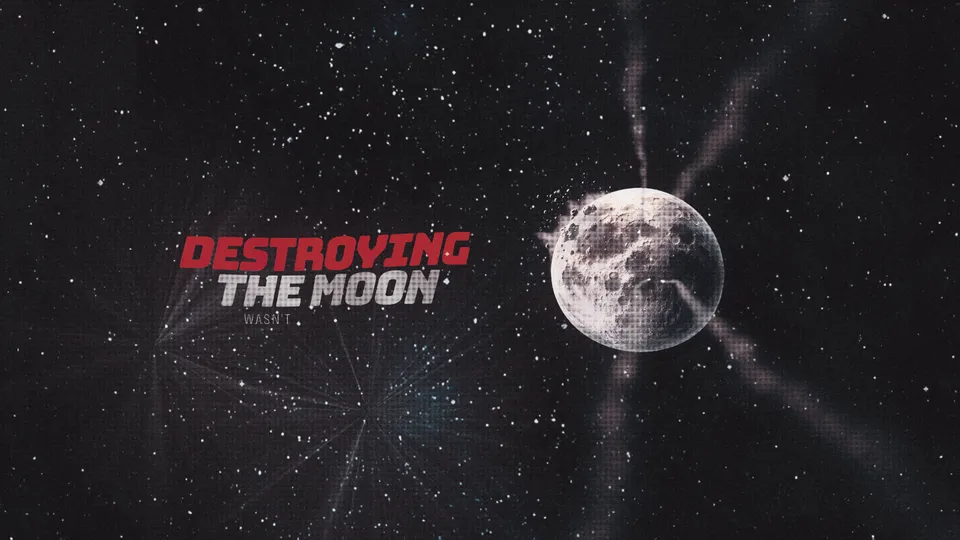
Frames from the scene
Entrance, middle and final hold, with the example content.
What you can customize
- Title
- The red word carries the shock; keep it to ten letters or fewer so it stays on one line.
- Subtitle
- The thin line under the title finishes the sentence: up to about 22 characters.
- Pictures
- The Moon, the rocket and the launch site are separate pictures you can replace.
Best for
History documentaries
Open a story about space, science or the Cold War with a cinematic title card.
Explainer hooks
State a surprising claim in three words before the voice-over explains it.
Shorts and reels
A strong first second that makes viewers stay for the story.
How to use it
Customize
Change the text, the color, the format and the tool in the panel above. The live preview follows as you type.
Unlock
Leave your email once to reveal the full prompt and copy it. It is free during launch.
Paste into Claude Code
Start Claude Code in a project folder (npx create-video for Remotion, npx hyperframes init for HyperFrames, any empty folder for plain HTML) and paste the prompt. Claude writes the scene with your content.
Check the 3 frames
Before any render, Claude shows you three still frames: the end of the entrance, the middle of the hold and the moment just before the exit. Ask for fixes until they match the preview.
Render
Approve and let Claude render the video: an MP4 to upload, or a transparent WebM or ProRes 4444 file for your editor. A plain HTML scene is captured frame by frame with a headless browser and FFmpeg.
Pro tips
- Put the verb in red and the subject in white: “Destroying / the Moon”.
- Let the voice-over say the title right as it lands, at 0.8 s.
- Follow it with Archive planning room to set the era.
Questions
Is it the original After Effects animation?
Yes. The documentary was ported to code value by value: camera moves, easing, textures, transitions and motion blur play exactly as in the original edit. Only the words you change are different.
Can I change the pictures?
Yes. The Moon, the rocket, the starfield and the launch site are separate image layers; the prompt lists each file with its size.
Does it come with sound?
No. The original documentary only had a voice-over: add your own narration and music in your edit, the scene is timed to carry one sentence.
Which formats are available?
Two: 16:9 (1920 × 1080), adapted for YouTube, and 9:16 (1080 × 1920), the vertical original of the documentary for Shorts, Reels and TikTok. Same timing, same texts.
More animations
Browse the library