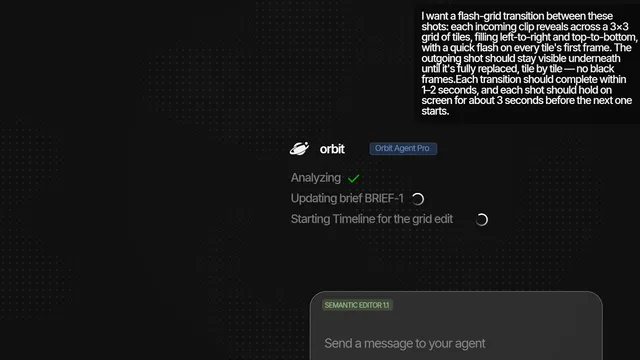
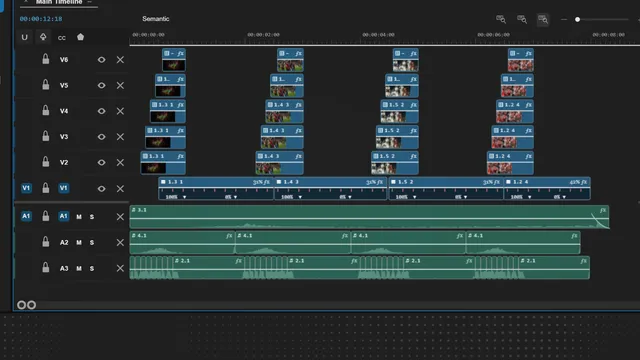
AI agent prompt box
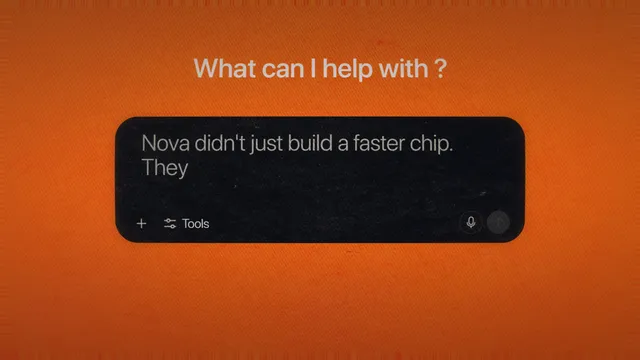
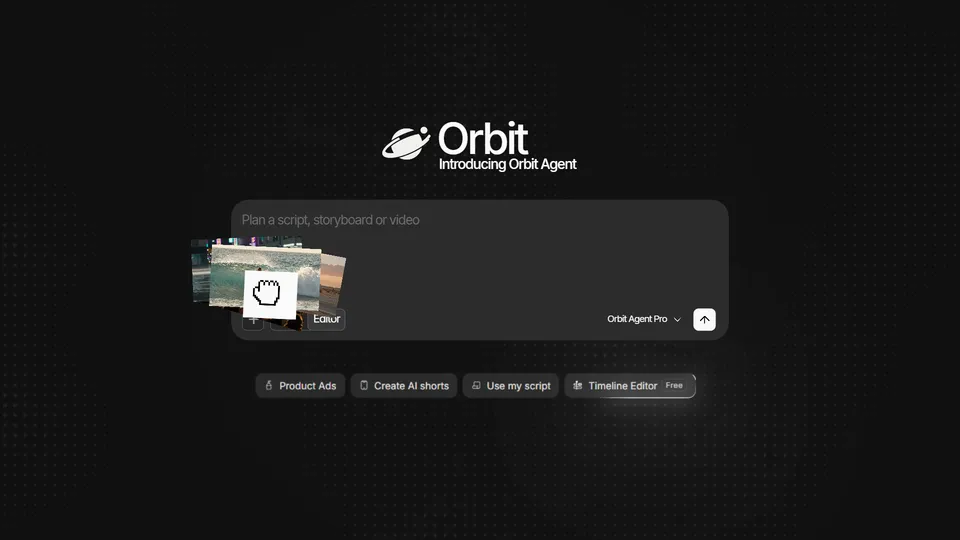
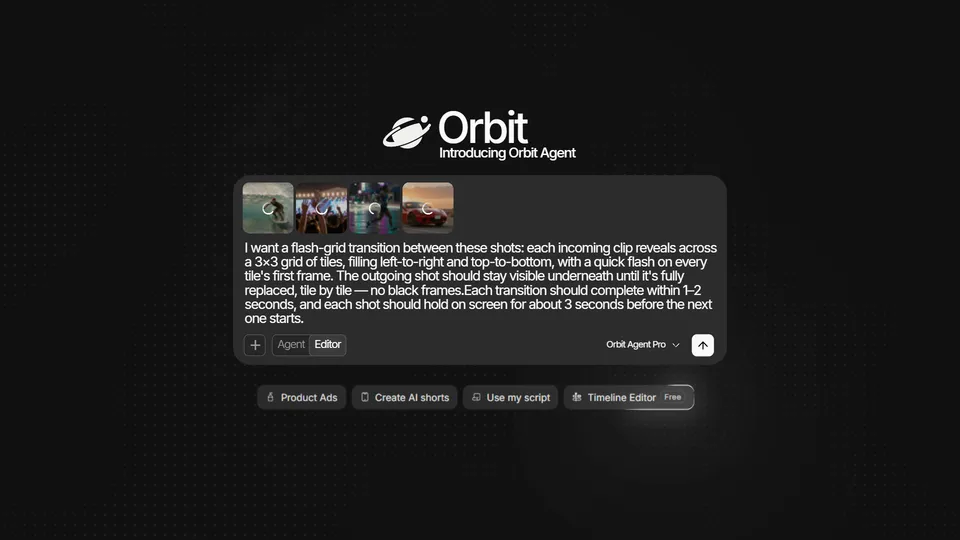
A dark product intro: logo and tagline, a prompt box with a model picker, a long request typed with four clips attached, then sent.
Interfaces6 s16:9Build with Remotion, HyperFrames or HTML
Your prompt
Your prompt is ready
Leave your email to see it and copy it. Free during launch.
Paste it into Claude (Claude Code works best). It builds the scene and shows you 3 still frames before rendering. How to use it
About this animation
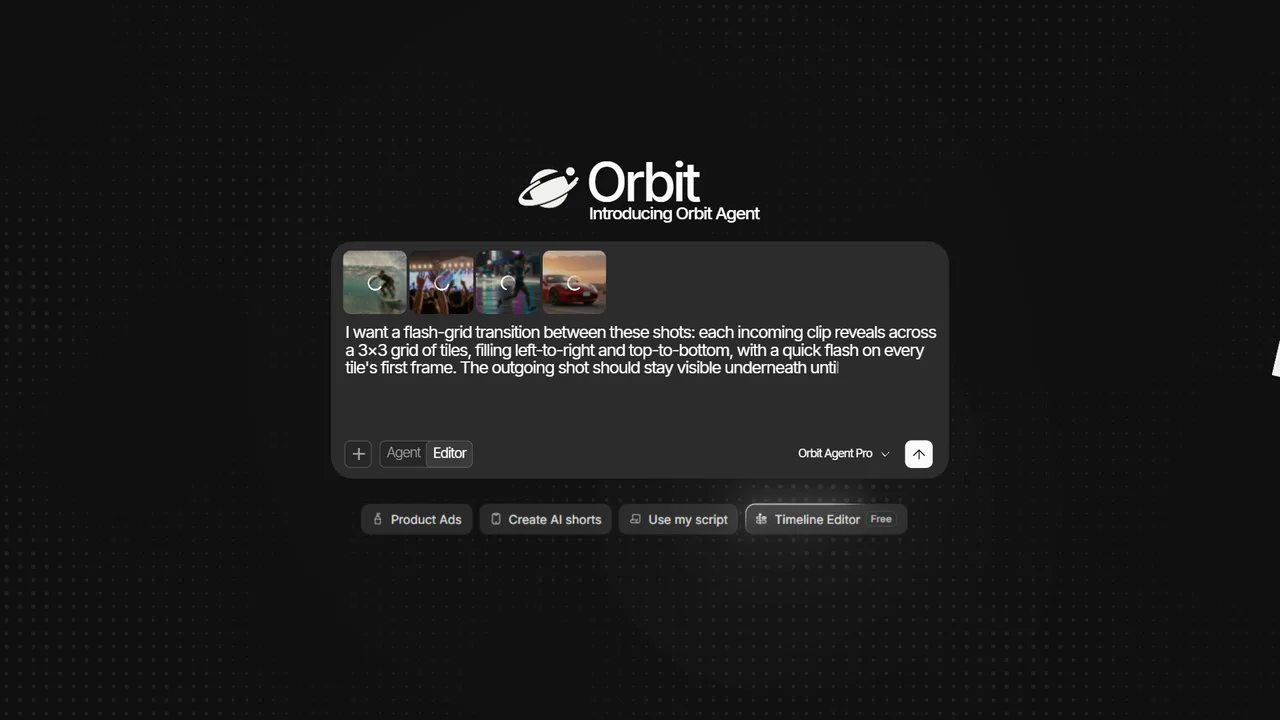
Every AI product video needs the moment where the user asks for something. This scene films it like a launch: the logo and its tagline settle at the top of a dark page, the camera glides down to an empty prompt box with its Agent and Editor switch, a model picker and four quick-action chips, then a long request is typed while four video clips drop into the box. The cursor finally presses Send.
It is a professional After Effects scene replayed by code: the camera moves, the easing, the typing rhythm, the motion blur and the glows come from the original project, sample by sample. Your brand, tagline, model name, empty prompt text and typed request replace the original words; the logo and the four clips are neutral pictures you can swap for your own. The interface sounds of the original edit come with it.
Scene timeline
Second by second, with the example content. Timing adapts to your text.
- 0.0 s
Brand intro
The logo and the tagline rise into place above an empty prompt box.
- 1.7 s
Camera on the box
The camera pushes in on the prompt box: placeholder, Agent and Editor switch, model picker, quick actions.
- 3.1 s
Request typed
Four clips drop into the box and the long request types itself, line after line.
- 5.6 s
Send
The cursor lands on the send button and presses it as the camera moves on.
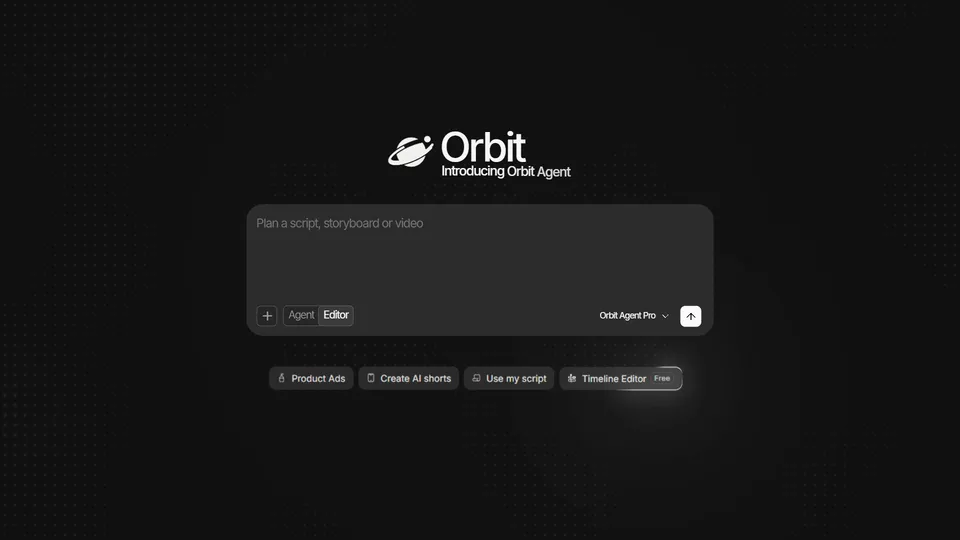
Frames from the scene
Entrance, middle and final hold, with the example content.
What you can customize
- Brand and tagline
- Your brand and tagline replace the intro words, in the same font and position.
- Request
- Type the request your agent receives; keep it under five lines so it stays inside the box.
- Logo and clips
- The logo and the four attached clips are separate pictures: ask Claude to put your own in their place.
- Sound
- Turn Sound on to hear the interface pops and hits; the MP4 includes them.
Best for
AI tool launches
Show the exact moment a user asks your agent for something, with a believable interface.
SaaS explainers
Introduce a prompt-based feature in six seconds, before cutting to the result.
Video editing apps
Clips attached to a request make it obvious that the product edits video.
How to use it
Customize
Change the text, the color, the format and the tool in the panel above. The live preview follows as you type.
Unlock
Leave your email once to reveal the full prompt and copy it. It is free during launch.
Paste into Claude Code
Start Claude Code in a project folder (npx create-video for Remotion, npx hyperframes init for HyperFrames, any empty folder for plain HTML) and paste the prompt. Claude writes the scene with your content.
Check the 3 frames
Before any render, Claude shows you three still frames: the end of the entrance, the middle of the hold and the moment just before the exit. Ask for fixes until they match the preview.
Render
Approve and let Claude render the video: an MP4 to upload, or a transparent WebM or ProRes 4444 file for your editor. A plain HTML scene is captured frame by frame with a headless browser and FFmpeg.
Pro tips
- Write the request the way a real user would, with a concrete edit to make.
- Keep the model name short, like Agent Pro or Studio 2.
- Follow this scene with AI agent progress steps for the next beat of the story.
Questions
Is it the original After Effects animation?
Yes. The project was ported to code value by value: camera moves, easing, typing, motion blur and glows play exactly as in the original edit. Only the brand, the words and the pictures were replaced.
Can I use my own logo and clips?
Yes. The logo and the four clips are separate image files; the prompt explains which file to replace, with its size.
Does the video include the sound?
Yes. The interface sounds of the original edit are mixed at their exact instants into the MP4.
Which formats are available?
This scene is 16:9, 1920 × 1080, like the original film.
More animations
Browse the library