AI agent progress steps
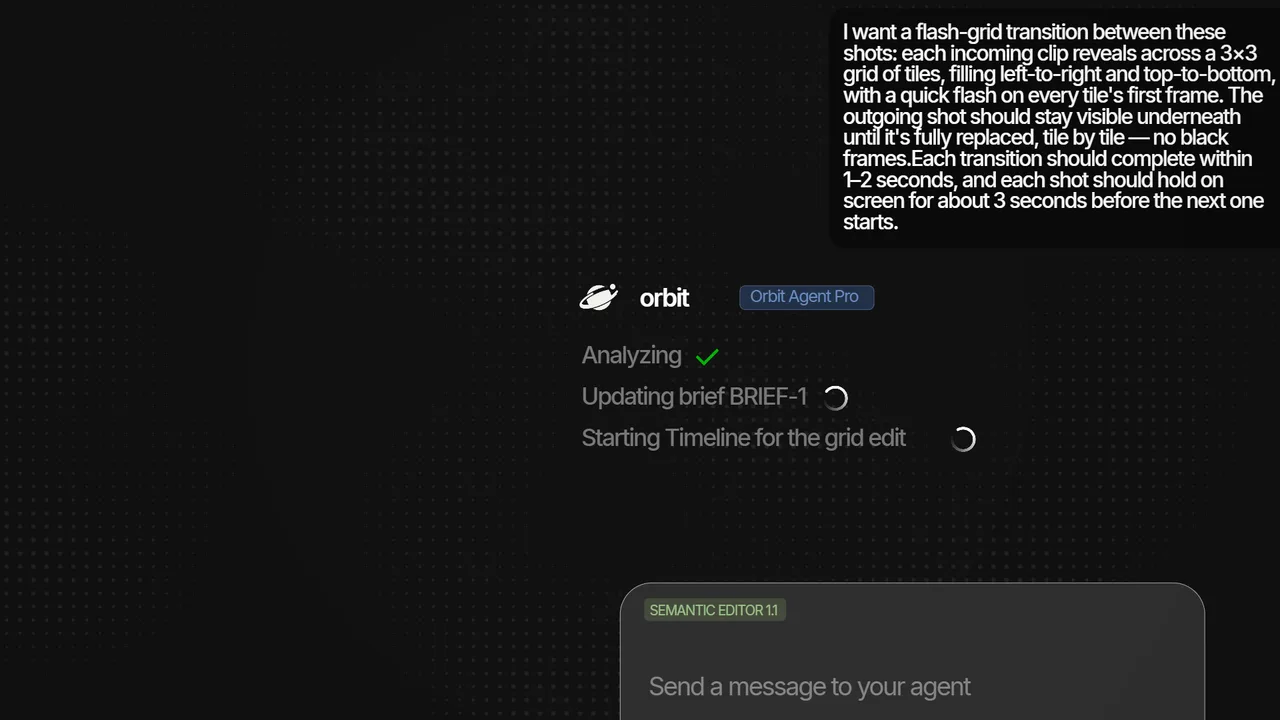
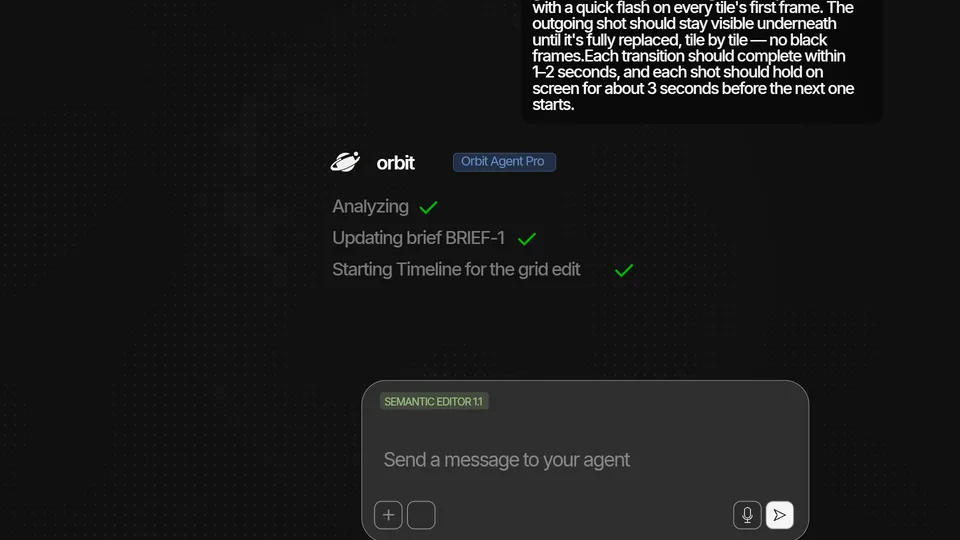
An AI agent answers a request: three work steps spin, then tick one after another under the user’s message.
Interfaces6 s16:9Build with Remotion, HyperFrames or HTML
Your prompt
Your prompt is ready
Leave your email to see it and copy it. Free during launch.
Paste it into Claude (Claude Code works best). It builds the scene and shows you 3 still frames before rendering. How to use it
About this animation
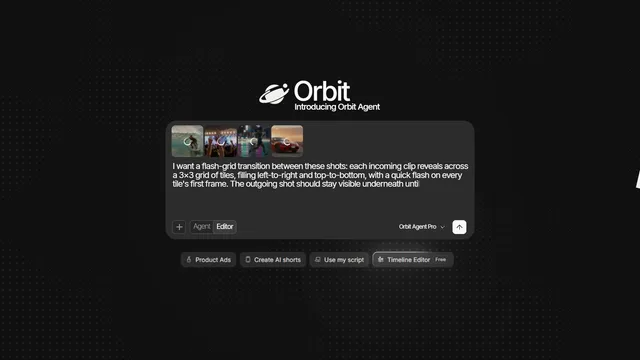
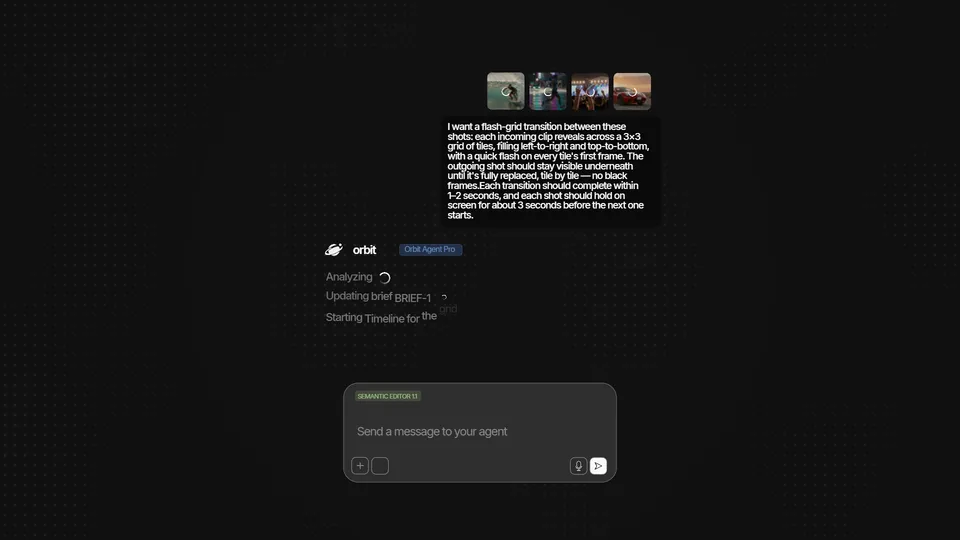
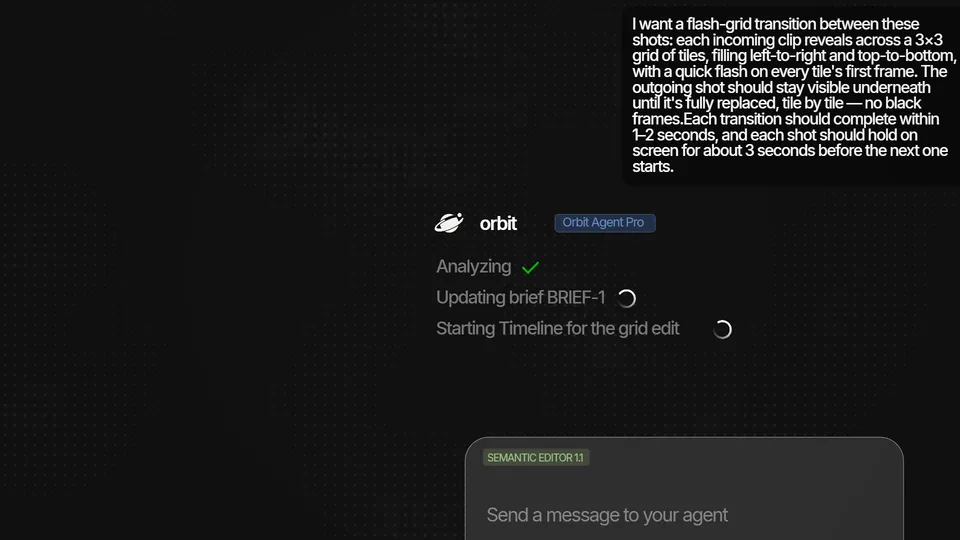
The best AI demos show the agent thinking. In this scene the user’s request sits at the top with its attached clips, the agent signs its answer with a logo and a model badge, and three work steps appear in a column: each one spins a small loader, then turns into a green check, one after the other, while the camera drifts closer. A message box waits at the bottom for the next instruction.
It comes from a professional After Effects edit, replayed by code with its own camera, easing, loaders and motion blur. You rename the agent, its badge and the three steps, and you can change the request above them; the logo is a neutral mark you can replace. The original confirmation sounds tick with each step.
Scene timeline
Second by second, with the example content. Timing adapts to your text.
- 0.0 s
Request on screen
The user’s request and its clips settle at the top of a dark chat page.
- 0.5 s
Agent answers
The agent logo, its name and its model badge appear, followed by the three steps with spinning loaders.
- 2.6 s
Checks
The steps tick one by one, about a second apart, as the camera moves closer.
- 5.0 s
Done
All steps are checked; the message box waits below for the next instruction.
Frames from the scene
Entrance, middle and final hold, with the example content.
What you can customize
- Agent and badge
- Your agent name and model badge replace the originals, in the same place.
- Three steps
- Write three short steps; keep each one about as long as the default so the loader stays at its end.
- Request and logo
- Change the request at the top; the logo is a separate picture you can replace.
- Sound
- Turn Sound on to hear the hits and confirmation chimes; the MP4 includes them.
Best for
AI agent demos
Make the work behind a request visible: analysis, planning, execution.
Onboarding videos
Turn three setup steps into a satisfying sequence of checkmarks.
Product launches
Bridge the request and the result in a feature video.
How to use it
Customize
Change the text, the color, the format and the tool in the panel above. The live preview follows as you type.
Unlock
Leave your email once to reveal the full prompt and copy it. It is free during launch.
Paste into Claude Code
Start Claude Code in a project folder (npx create-video for Remotion, npx hyperframes init for HyperFrames, any empty folder for plain HTML) and paste the prompt. Claude writes the scene with your content.
Check the 3 frames
Before any render, Claude shows you three still frames: the end of the entrance, the middle of the hold and the moment just before the exit. Ask for fixes until they match the preview.
Render
Approve and let Claude render the video: an MP4 to upload, or a transparent WebM or ProRes 4444 file for your editor. A plain HTML scene is captured frame by frame with a headless browser and FFmpeg.
Pro tips
- Name steps with verbs in -ing: Analyzing, Writing, Rendering.
- Say your result in the voice-over right after the third check, at about 4.7 seconds.
- Pair it with the AI agent prompt box scene before and the editor timeline after.
Questions
Is it the original After Effects animation?
Yes. The scene plays the original project’s values: camera, easing, loaders, checks and motion blur. Only the names, the words and the logo changed.
Can I have more than three steps?
The scene keeps the original three steps; ask Claude in the extra field to duplicate one, and it will copy its timing.
Does the video include the sound?
Yes. The hits and confirmation chimes of the original edit are mixed into the MP4 at their instants.
Which formats are available?
This scene is 16:9, 1920 × 1080, like the original film.
More animations
Browse the library