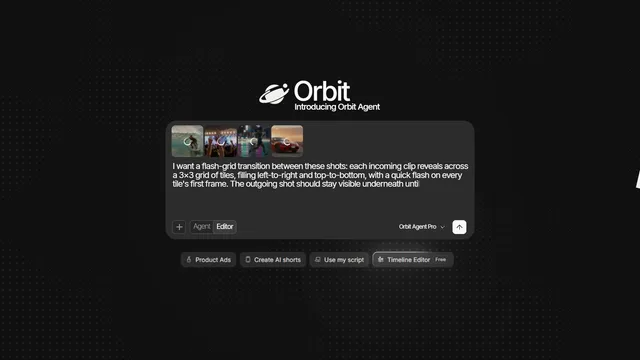
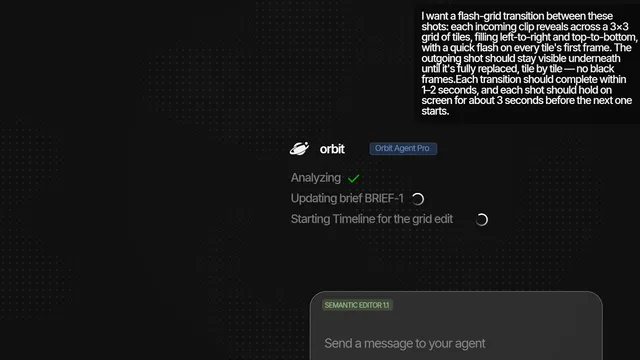
Editor timeline build
A video editor timeline fills itself track by track while the camera flies over it, then a new request is typed to the agent.
Interfaces9 s16:9Build with Remotion, HyperFrames or HTML
Your prompt
Your prompt is ready
Leave your email to see it and copy it. Free during launch.
Paste it into Claude (Claude Code works best). It builds the scene and shows you 3 still frames before rendering. How to use it
About this animation
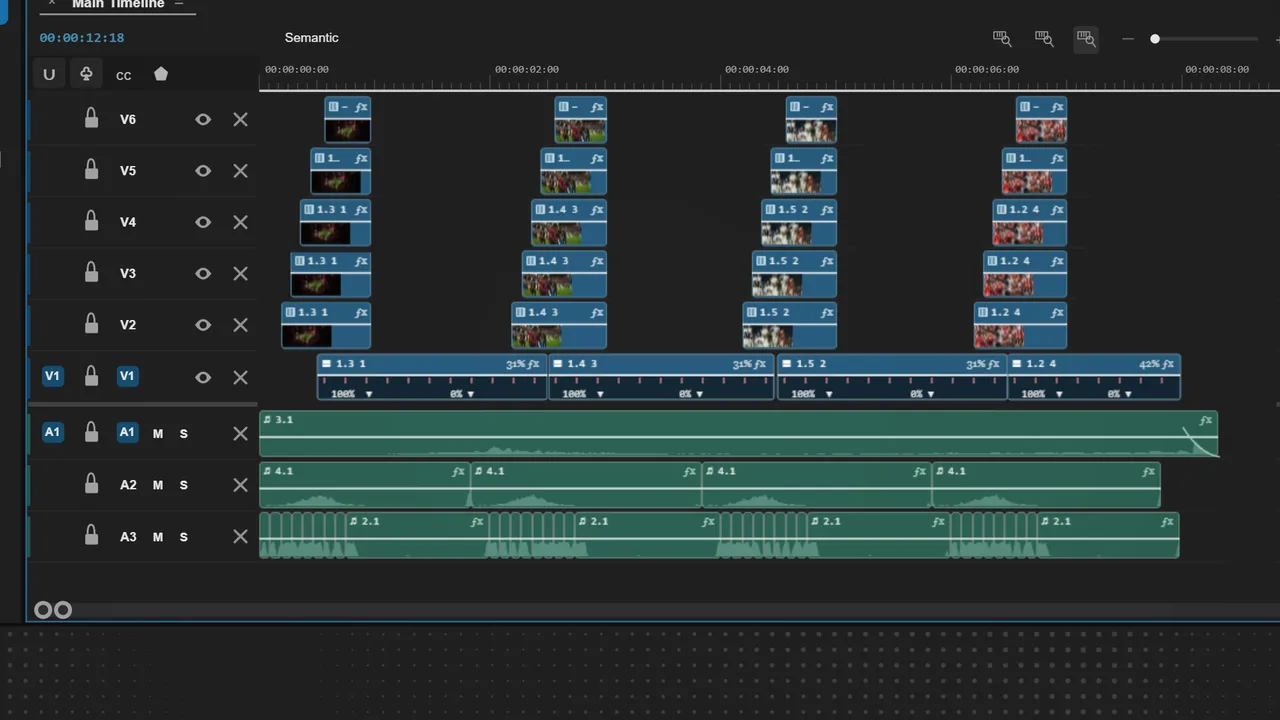
Showing automatic editing is hard without a real timeline. This scene builds one in front of the viewer: an editor panel appears with its video and audio tracks, then clips land one after another in tight stacks, transitions snap into place and green audio waveforms stretch underneath, while three successive camera moves sweep across the panel. A chat box finally slides up over the timeline and a new request types itself to the agent.
It is a professional After Effects scene replayed by code, with its camera cuts, easing, staggered clips and motion blur. The editor interface is drawn in code, so the panel title, the agent label and the typed request are yours; the clip thumbnails are neutral generated shots you can replace with frames of your own video. The original hits and stereo accents land on each burst of clips.
Scene timeline
Second by second, with the example content. Timing adapts to your text.
- 0.0 s
Editor panel
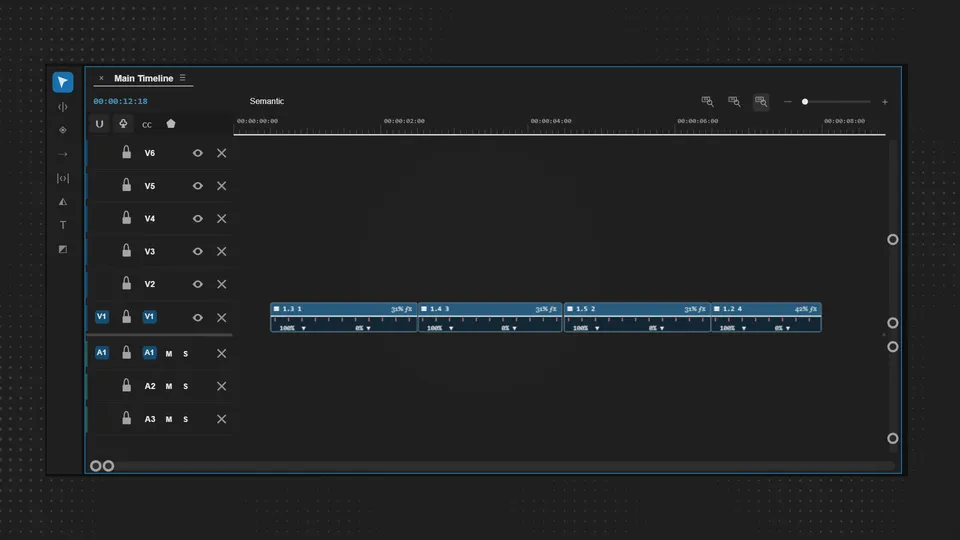
The editor panel and its empty tracks appear under the first camera move.
- 1.6 s
Clips land
Clips drop into the video tracks in quick bursts, with an accent sound on each one.
- 4.3 s
Full timeline
Transitions and audio waveforms fill the tracks as the camera glides across.
- 5.9 s
New request
A chat box slides up over the timeline and the next request is typed to the agent.
Frames from the scene
Entrance, middle and final hold, with the example content.
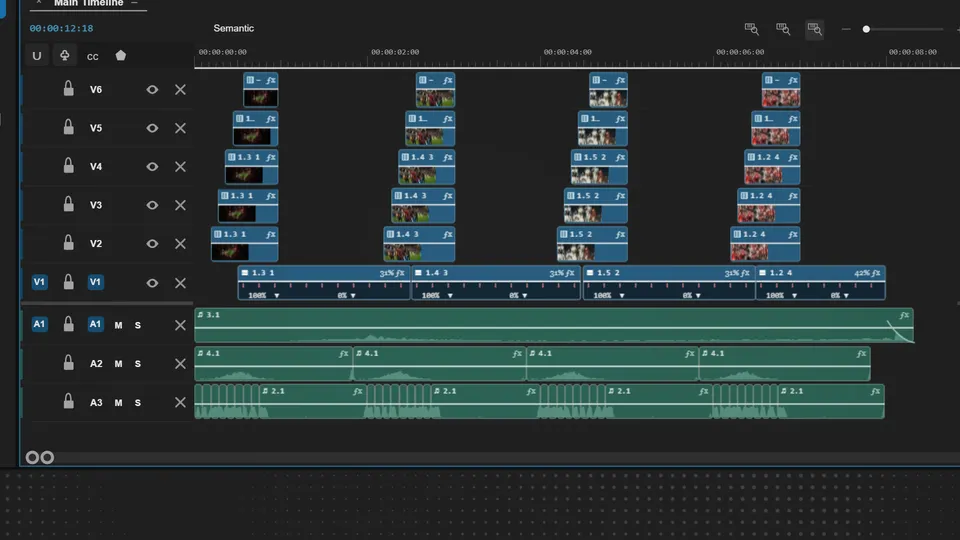
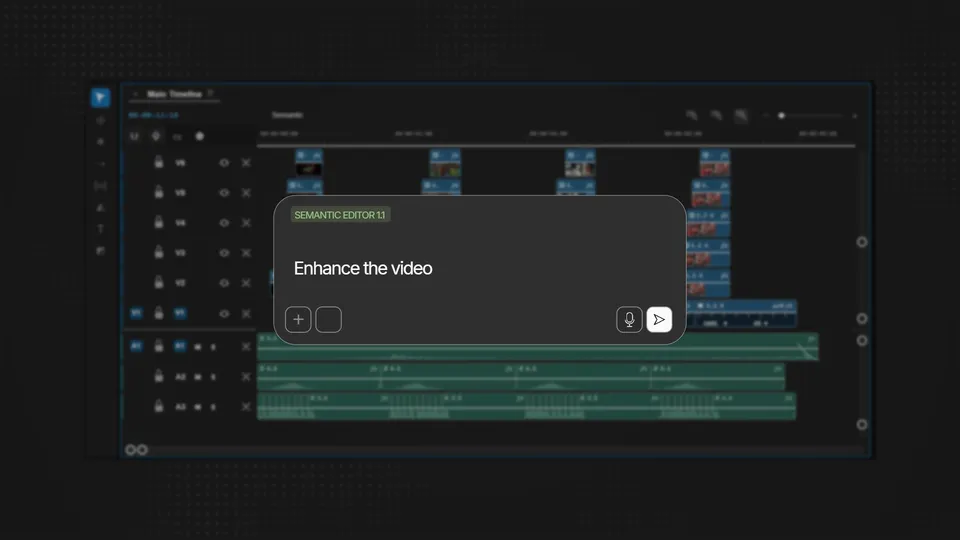
What you can customize
- Panel and label
- Rename the timeline panel and the agent box label.
- Request
- Type the next instruction for the agent; keep it to one line.
- Thumbnails
- The clip thumbnails are four separate pictures: ask Claude to use frames of your own video.
- Sound
- Turn Sound on to hear the hits and stereo accents; the MP4 includes them.
Best for
Video editing tools
Show an automatic edit being assembled, track by track.
AI agent stories
Prove that a request produced real work before showing the final video.
Creator tutorials
Illustrate “the timeline builds itself” in a YouTube video about editing faster.
How to use it
Customize
Change the text, the color, the format and the tool in the panel above. The live preview follows as you type.
Unlock
Leave your email once to reveal the full prompt and copy it. It is free during launch.
Paste into Claude Code
Start Claude Code in a project folder (npx create-video for Remotion, npx hyperframes init for HyperFrames, any empty folder for plain HTML) and paste the prompt. Claude writes the scene with your content.
Check the 3 frames
Before any render, Claude shows you three still frames: the end of the entrance, the middle of the hold and the moment just before the exit. Ask for fixes until they match the preview.
Render
Approve and let Claude render the video: an MP4 to upload, or a transparent WebM or ProRes 4444 file for your editor. A plain HTML scene is captured frame by frame with a headless browser and FFmpeg.
Pro tips
- Keep the request short and concrete, like Add captions and music.
- Cut to your finished video right after this scene for a clear before and after.
- Use frames from the video you are promoting as thumbnails, so the timeline feels real.
Questions
Is it the original After Effects animation?
Yes. Camera moves, clip stagger, easing and motion blur come from the original project, replayed value by value.
Is the editor a screenshot?
No. The editor panel, its tracks, clips and waveforms are drawn in code, so they stay sharp and can be renamed.
Does the video include the sound?
Yes. The original hits and stereo accents are mixed into the MP4 at their instants.
Which formats are available?
This scene is 16:9, 1920 × 1080, like the original film.
More animations
Browse the library