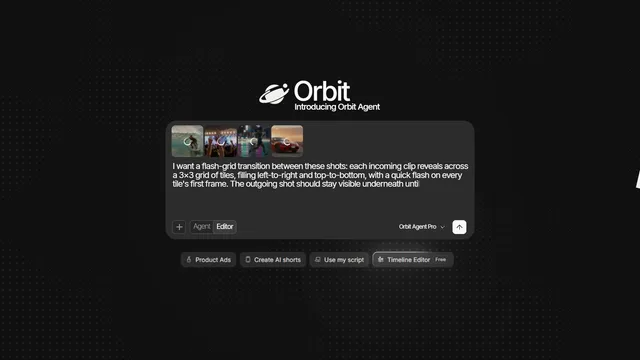
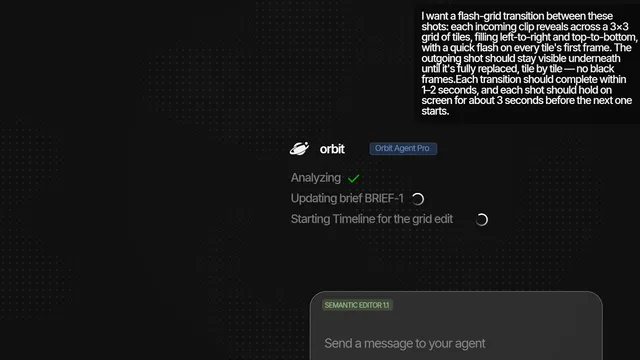
Phone chat over landscape
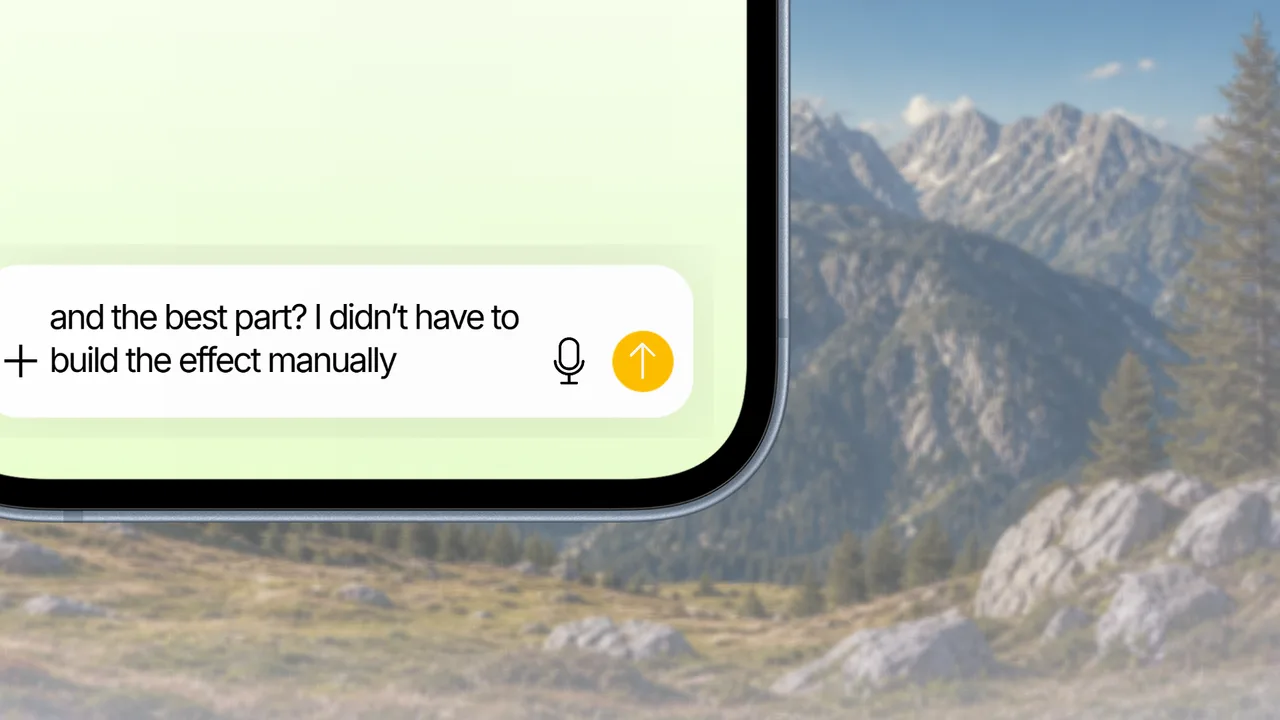
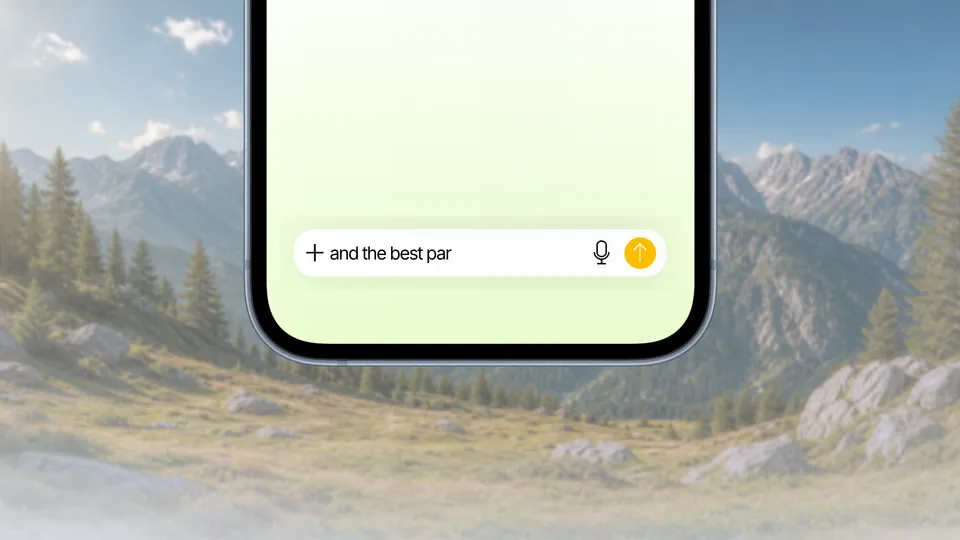
A phone rises over a mountain landscape and a message types itself in its chat bar, then a dot-grid wipe closes the shot.
Interfaces4 s16:9Build with Remotion, HyperFrames or HTML
Your prompt
Your prompt is ready
Leave your email to see it and copy it. Free during launch.
Paste it into Claude (Claude Code works best). It builds the scene and shows you 3 still frames before rendering. How to use it
About this animation
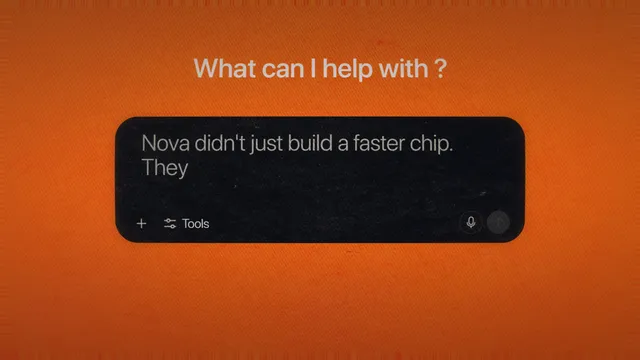
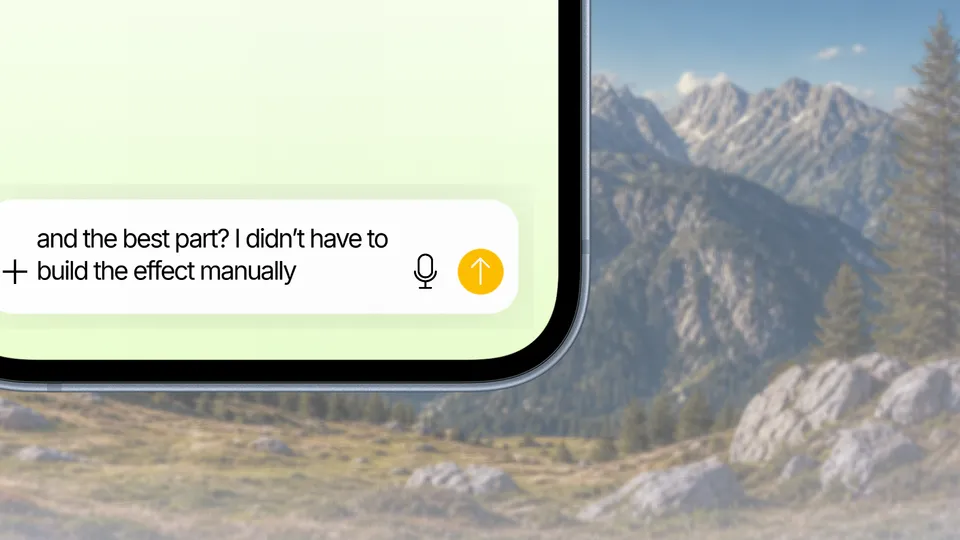
Some lines of a voice-over are best said as a message. This scene gives them a stage: a phone rises in front of a wide mountain landscape seen through a halftone shimmer, its chat bar types your sentence letter by letter, the camera pushes in until the message fills two lines, then a dot-grid wipe closes the shot and hands over to the next scene.
It is a professional After Effects scene replayed by code: the phone move, the depth-graded landscape, the typing rhythm, the camera push, the motion blur and the wipe come from the original project, sample by sample. Your sentence replaces the original message; the landscape and its depth map are pictures you can swap. The pops, the hit and the sweep of the original edit come with it.
Scene timeline
Second by second, with the example content. Timing adapts to your text.
- 0.0 s
Phone in
A phone rises in front of a mountain landscape behind a halftone shimmer.
- 0.4 s
Typing
The message starts typing in the chat bar, next to the microphone and send buttons.
- 1.7 s
Camera push
A hit lands as the camera pushes in; the message wraps onto two lines.
- 2.5 s
Settle
A sweep plays and the camera settles on the finished message.
- 3.6 s
Dot-grid wipe
A dot grid sweeps across the frame and closes the shot.
Frames from the scene
Entrance, middle and final hold, with the example content.
What you can customize
- Message
- Type your sentence; up to about seventy characters keeps it on two lines inside the bar.
- Landscape
- The landscape and its depth map are separate pictures: ask Claude to put your own photo in their place.
- Sound
- Turn Sound on to hear the pops, the hit and the sweep; the MP4 includes them.
Best for
Story beats
Turn a punchline of your voice-over into a message the viewer reads.
App explainers
Show a chat-based feature in four seconds, in a calm and premium frame.
Transitions
The dot-grid wipe hands over cleanly to a dark interface scene.
How to use it
Customize
Change the text, the color, the format and the tool in the panel above. The live preview follows as you type.
Unlock
Leave your email once to reveal the full prompt and copy it. It is free during launch.
Paste into Claude Code
Start Claude Code in a project folder (npx create-video for Remotion, npx hyperframes init for HyperFrames, any empty folder for plain HTML) and paste the prompt. Claude writes the scene with your content.
Check the 3 frames
Before any render, Claude shows you three still frames: the end of the entrance, the middle of the hold and the moment just before the exit. Ask for fixes until they match the preview.
Render
Approve and let Claude render the video: an MP4 to upload, or a transparent WebM or ProRes 4444 file for your editor. A plain HTML scene is captured frame by frame with a headless browser and FFmpeg.
Pro tips
- Start the message in lower case, like a real chat, for a natural feel.
- Put the key word at the end of the message: it lands as the camera settles.
- Follow this scene with AI agent prompt box: the wipe leads into its dark page.
Questions
Is it the original After Effects animation?
Yes. The scene was ported to code value by value: the phone move, typing, camera push, motion blur and wipe play exactly as in the original edit. Only the message was replaced.
Can I use my own landscape?
Yes. The landscape and its depth map are separate image files; the prompt names them, with their size.
Does the video include the sound?
Yes. The pops, the hit and the sweep of the original edit are mixed at their exact instants into the MP4.
Which formats are available?
This scene is 16:9, 1920 × 1080, like the original film.
More animations
Browse the library