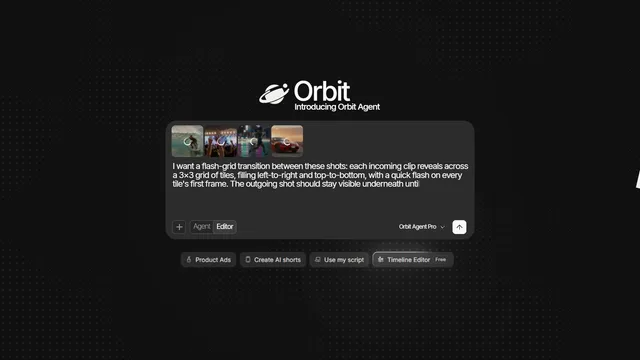
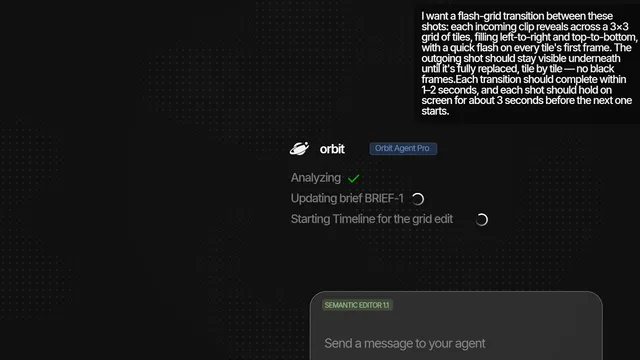
Website hero scroll
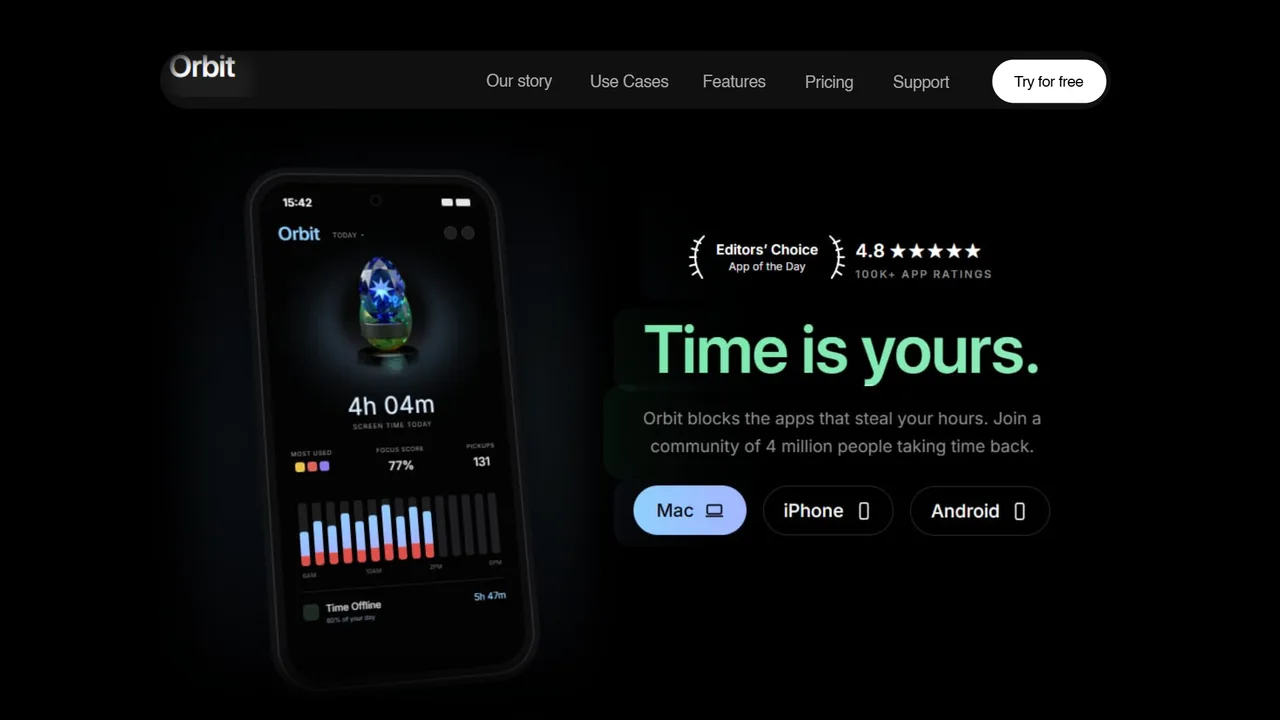
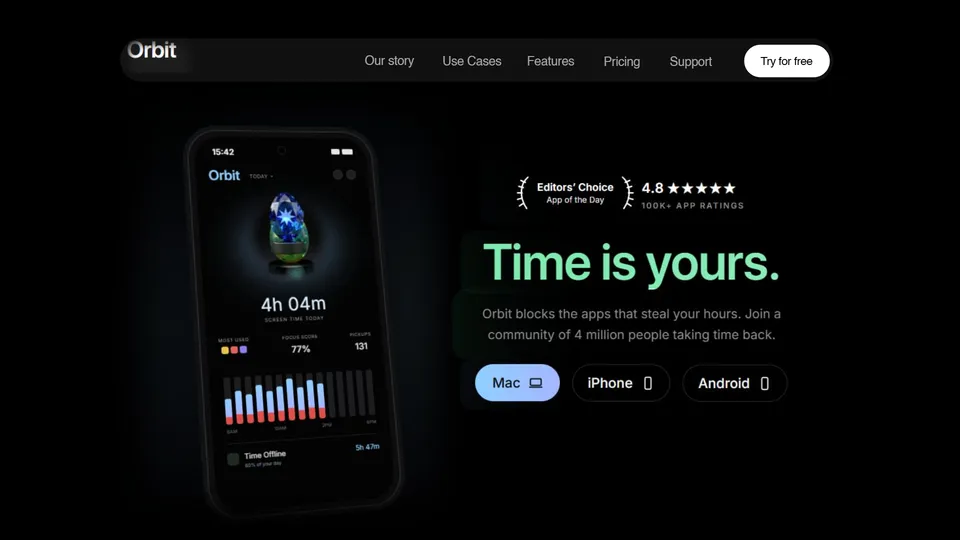
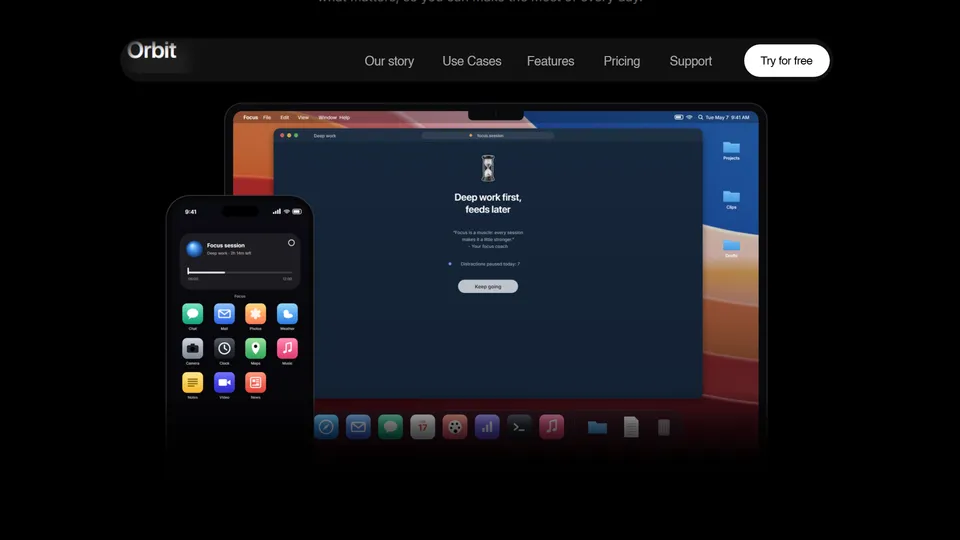
A website opens inside a circle, its pill menu writes itself, the hero glows in changing colors, then the page scrolls to a laptop and phone mockup.
Interfaces4 s16:9Build with Remotion, HyperFrames or HTML
Your prompt
Your prompt is ready
Leave your email to see it and copy it. Free during launch.
Paste it into Claude (Claude Code works best). It builds the scene and shows you 3 still frames before rendering. How to use it
About this animation
Showing a website in a video usually means a flat screen recording. This scene stages it: the page opens inside a growing circle, the pill-shaped menu writes itself item by item, the hero glows while its phone mockup and headline change color together, then the camera scrolls down the page with motion blur, through an announcement section, to a laptop and phone mockup ready for the next shot.
It is a professional After Effects scene replayed by code: the circle reveal, the menu animation, the echo trail of the page, the scroll, the motion blur and the clicks come from the original project, sample by sample. The website is a fictional one made for this site; the menu words are yours, and the page itself is a screen recording you can replace with your own site.
Scene timeline
Second by second, with the example content. Timing adapts to your text.
- 0.0 s
Circle reveal
A circle grows over a gray frame and reveals the website inside it.
- 0.3 s
Pill menu
The logo appears and the menu items write themselves one by one, then the button.
- 0.6 s
Glowing hero
The hero glows: the gem on the phone and the headline change color together.
- 1.9 s
Scroll
The page scrolls down with motion blur to the announcement section.
- 2.8 s
Device mockup
A laptop and phone mockup rises into view under the menu.
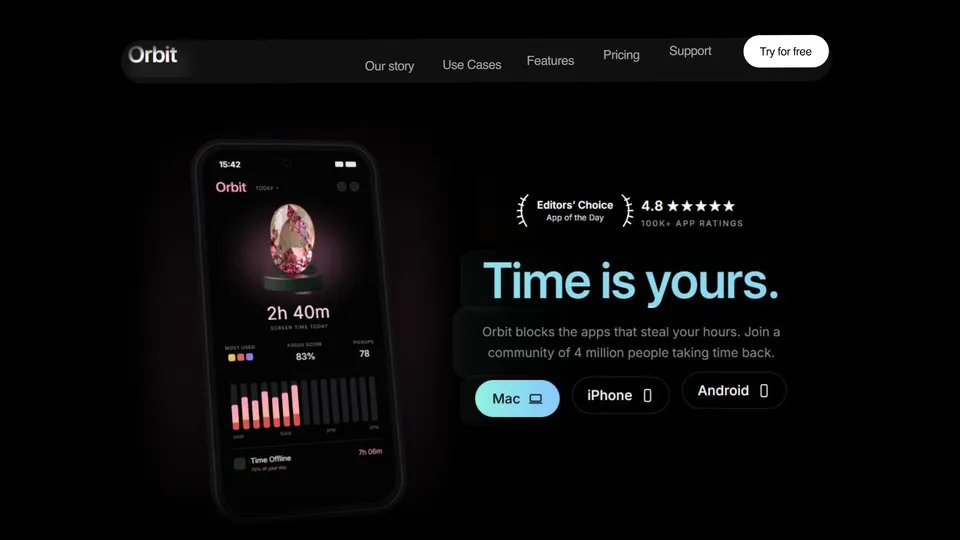
Frames from the scene
Entrance, middle and final hold, with the example content.
What you can customize
- Menu
- Rename the five menu items and the button; keep each one to one or two words.
- Your website
- The page is a screen recording played frame by frame: ask Claude to put a recording of your own site in its place.
- Mockup
- The announcement section and the laptop and phone mockup are separate pictures you can replace.
- Sound
- Turn Sound on to hear the notification and the clicks of the menu; the MP4 includes them.
Best for
SaaS launch videos
Introduce your website in four seconds, with a premium reveal instead of a raw recording.
App explainers
Move from a problem to your product page with a confident scroll.
Agency showreels
Present a client website with a camera move and a clean menu animation.
How to use it
Customize
Change the text, the color, the format and the tool in the panel above. The live preview follows as you type.
Unlock
Leave your email once to reveal the full prompt and copy it. It is free during launch.
Paste into Claude Code
Start Claude Code in a project folder (npx create-video for Remotion, npx hyperframes init for HyperFrames, any empty folder for plain HTML) and paste the prompt. Claude writes the scene with your content.
Check the 3 frames
Before any render, Claude shows you three still frames: the end of the entrance, the middle of the hold and the moment just before the exit. Ask for fixes until they match the preview.
Render
Approve and let Claude render the video: an MP4 to upload, or a transparent WebM or ProRes 4444 file for your editor. A plain HTML scene is captured frame by frame with a headless browser and FFmpeg.
Pro tips
- Record your own site at 1920 × 1080 with the hero in the middle of the screen.
- Keep the menu short: five items and one button read best in the pill.
- Follow it with Gem grid into a stats card: the mockup at the end leads straight into it.
Questions
Is it the original After Effects animation?
Yes. The scene was ported to code value by value: the circle reveal, the menu animation, the echo trail, the scroll and the motion blur play exactly as in the original edit. The website shown was replaced with a fictional one.
Can I show my own website?
Yes. The page is a screen recording turned into numbered pictures; the prompt explains how to record your site and which files to replace.
Does the video include the sound?
Yes. The notification and the clicks of the original edit are mixed at their exact instants into the MP4.
Which formats are available?
This scene is 16:9, 1920 × 1080, like the original film.
More animations
Browse the library