White flash logo and blue wipe
A word types in on a white flash and turns into a logo, then a blue field types your line before a white circle wipes in with the logo.
Transitions3.4 s16:9, 9:16Build with Remotion, HyperFrames or HTML
Your prompt
Your prompt is ready
Leave your email to see it and copy it. Free during launch.
Paste it into Claude (Claude Code works best). It builds the scene and shows you 3 still frames before rendering. How to use it
About this animation
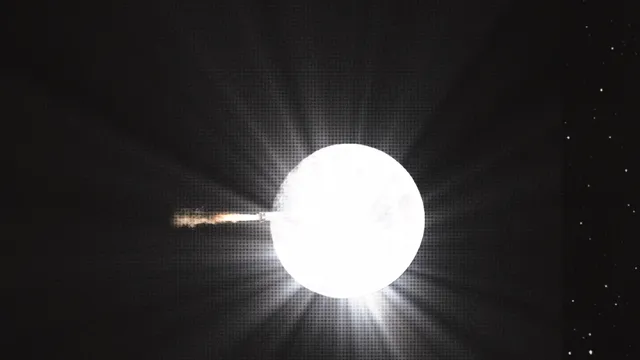
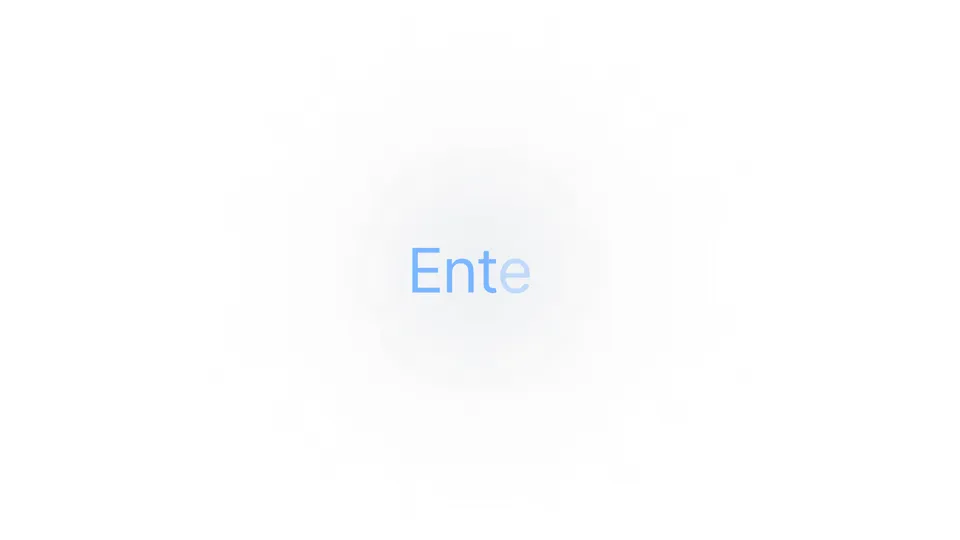
A white flash fills the screen and a single light blue word types itself in the middle of a soft gray glow. Then the word gives way to a logo that appears in pale gray and turns blue as it settles. A cut to the bright blue field types your line in white, and a white circle sweeps in from the side, carrying the logo huge toward the camera.
It is the reveal of a premium SaaS launch film, made in After Effects and replayed by code value by value: the flash, the glow, the color change of the logo, the typing and the circle wipe keep their original timing in 16:9 and 9:16. The logo is a neutral mark you replace with your own; the original sound effects play on the flash and the wipe.
Scene timeline
Second by second, with the example content. Timing adapts to your text.
- 0.0 s
White flash
A white field with a soft gray glow; the word types itself in light blue.
- 0.54 s
Logo
The word gives way to the logo, which appears in pale gray in the center.
- 1.0 s
Blue logo
The logo turns blue as it settles.
- 1.92 s
Blue field
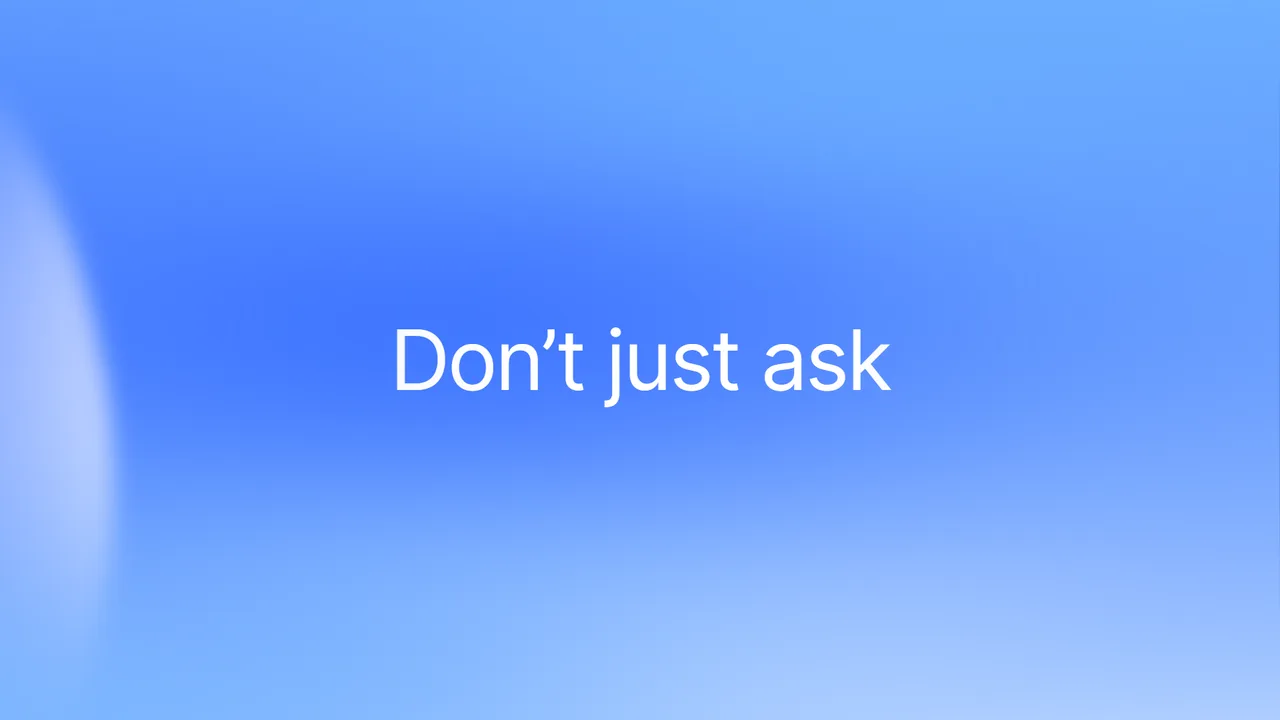
Cut to the bright blue gradient: your line types itself in white.
- 2.6 s
Circle wipe
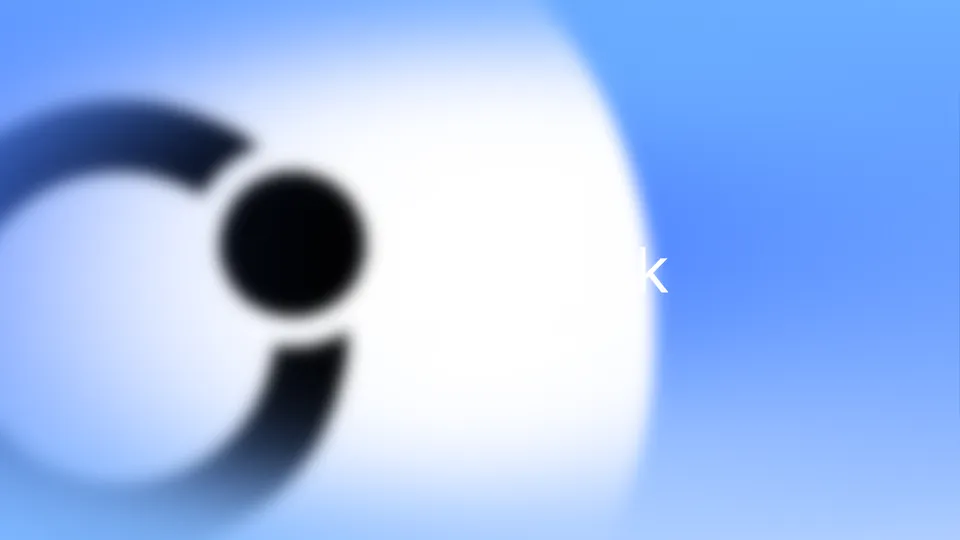
A white circle sweeps in from the side, carrying the logo huge toward the camera.
Frames from the scene
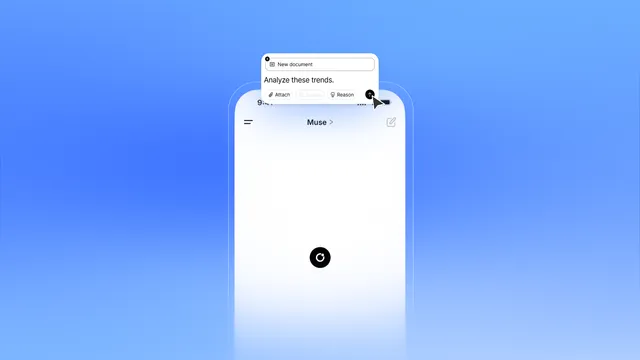
Entrance, middle and final hold, with the example content.

What you can customize
- Word
- One short word of up to about 10 characters on the flash.
- Line
- One line of up to about 18 characters on the blue field.
- Logo
- A square picture, black on transparent: the engine tints it gray, then blue.
- Format
- 9:16 is the vertical original; 16:9 is the recomposed YouTube version with the same timing.
Best for
Logo reveals
Introduce your product after the problem.
Section transitions
A bright flash and a wipe to move to the next part.
App launch videos
The moment the product enters the story.
How to use it
Customize
Change the text, the color, the format and the tool in the panel above. The live preview follows as you type.
Unlock
Leave your email once to reveal the full prompt and copy it. It is free during launch.
Paste into Claude Code
Start Claude Code in a project folder (npx create-video for Remotion, npx hyperframes init for HyperFrames, any empty folder for plain HTML) and paste the prompt. Claude writes the scene with your content.
Check the 3 frames
Before any render, Claude shows you three still frames: the end of the entrance, the middle of the hold and the moment just before the exit. Ask for fixes until they match the preview.
Render
Approve and let Claude render the video: an MP4 to upload, or a transparent WebM or ProRes 4444 file for your editor. A plain HTML scene is captured frame by frame with a headless browser and FFmpeg.
Pro tips
- Put your own logo in place of the neutral mark: black on transparent, square.
- Say the line of the blue field in the voice-over as it types.
- Follow it with Phone prompt and results to show the product at work.
Questions
Is it the original After Effects animation?
Yes. The film was ported to code value by value: camera moves, easing, typing, depth of field, glows and motion blur play exactly as in the original edit. Only the words you change are different.
Are there real brands in it?
No. The AI assistant of the original was replaced with a fictional one, Muse, and its logo, app screens and brand cards were replaced with neutral versions. Put your own name in its place.
Which formats are available?
Two: 9:16 (1080 × 1920), the vertical original for Shorts, Reels and TikTok, and 16:9 (1920 × 1080), recomposed for YouTube. Same timing, same texts.
Does it come with sound?
Yes: the original sound effects of the edit (digital transitions, whooshes, soft data blips and clicks) play on the motion at their original level. Turn Sound on to hear them; the MP4 includes them. Add your voice-over and music on top.
More animations
Browse the library