Brand reveal over landscape
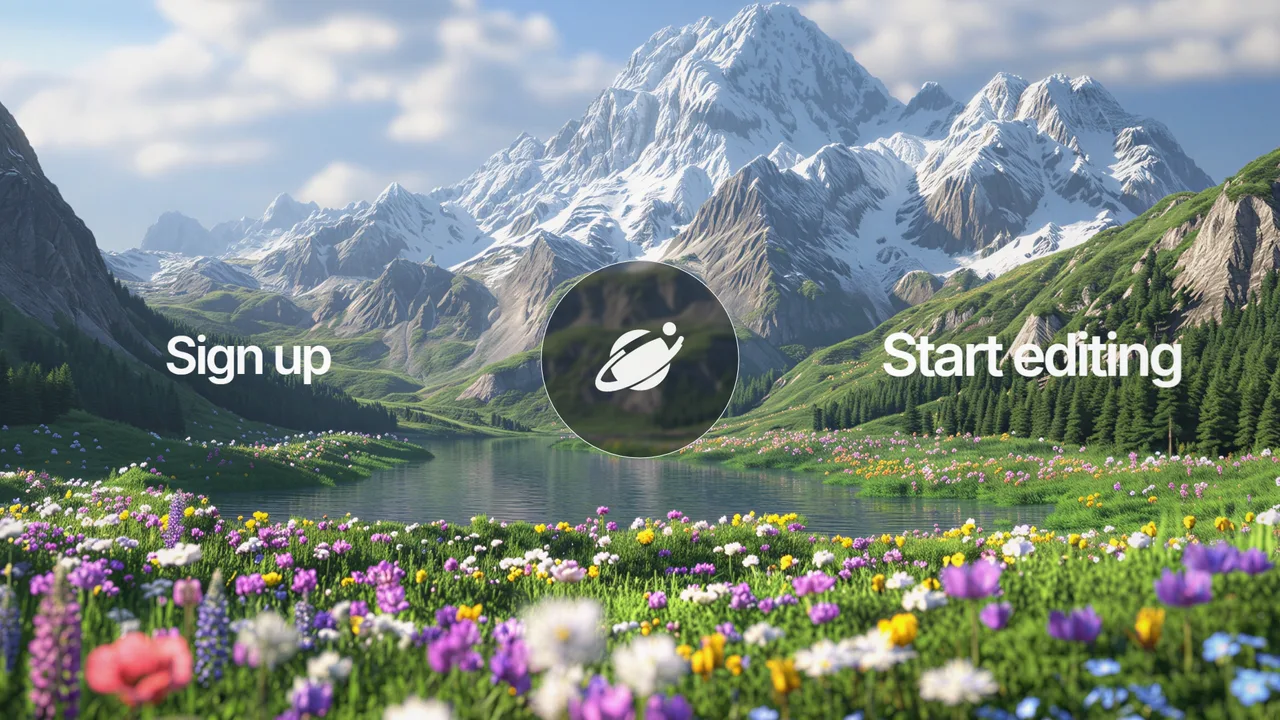
A circle opens on a mountain landscape, the brand and product name settle, the logo lands and two calls to action appear.
Calls to action5 s16:9Build with Remotion, HyperFrames or HTML
Your prompt
Your prompt is ready
Leave your email to see it and copy it. Free during launch.
Paste it into Claude (Claude Code works best). It builds the scene and shows you 3 still frames before rendering. How to use it
About this animation
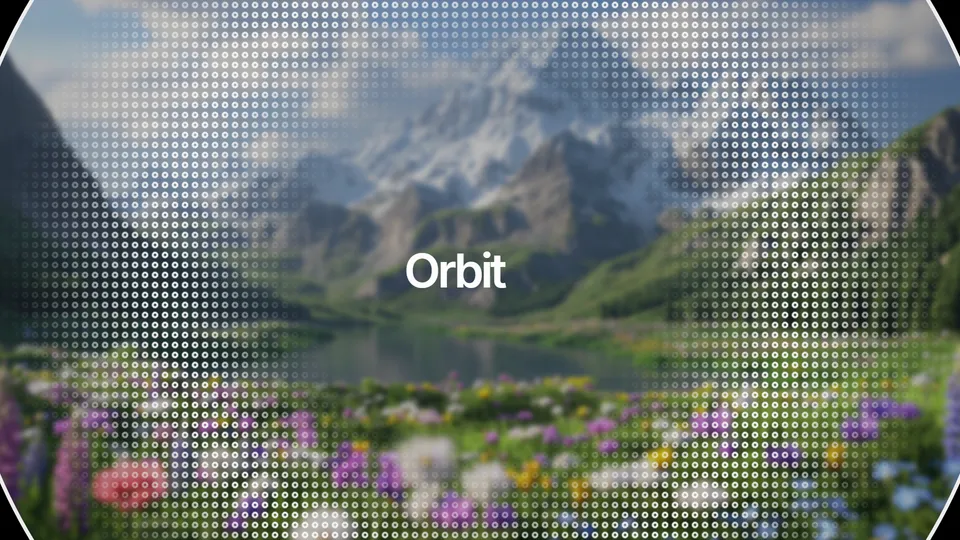
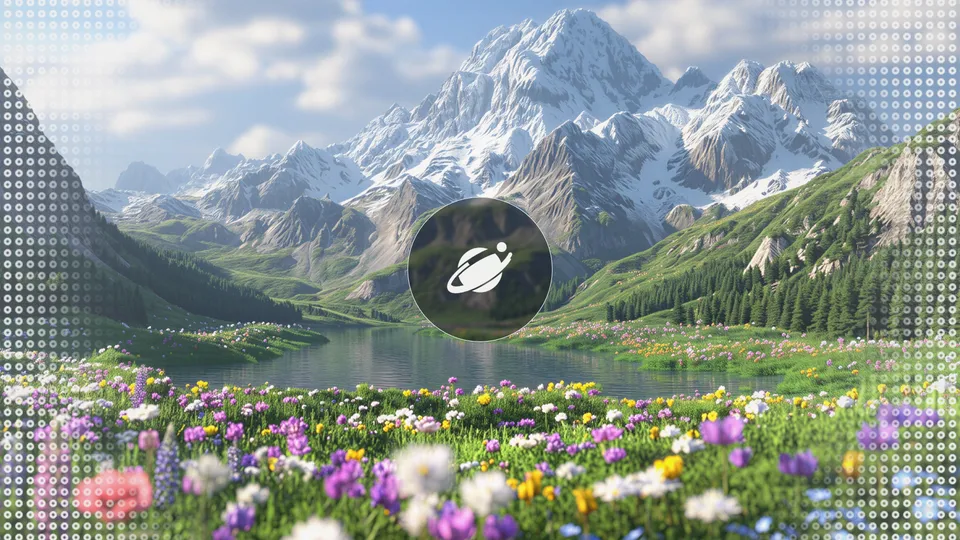
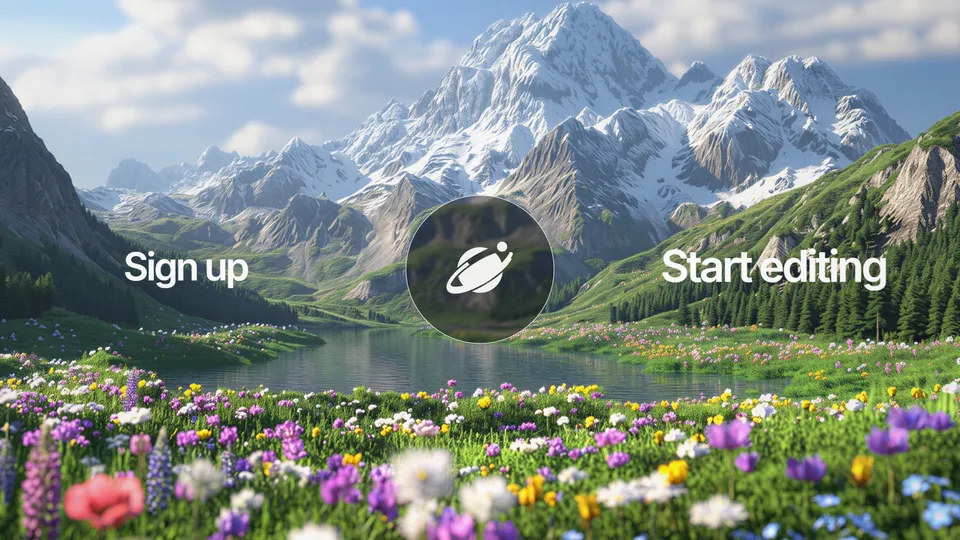
A product film needs an ending that breathes. This one opens a circle from black onto a wide mountain landscape, settles your brand name in the middle, brings in the product word beside it, then slides the logo between them. A dot-grid wipe sharpens the landscape, the logo lands in a glass disc, and two calls to action appear on each side: one to sign up, one to start.
It is a professional After Effects ending replayed by code: the circle reveal, the soft focus that clears, the camera, the easing, the motion blur and the wipe come from the original project, sample by sample. Your brand, product word and two calls to action replace the original words; the logo and the landscape are pictures you can swap. The two hits of the original edit come with it.
Scene timeline
Second by second, with the example content. Timing adapts to your text.
- 0.0 s
Circle reveal
A circle opens from black onto a soft-focus mountain landscape.
- 0.3 s
Brand
The brand name settles in the middle of the landscape.
- 0.8 s
Product word
The product word joins it, then the logo slides in between the two words.
- 2.0 s
Dot-grid wipe
A dot grid sweeps across and the landscape comes into focus around the logo in a glass disc.
- 3.1 s
Calls to action
The left call to action appears, then the right one, on each side of the logo.
Frames from the scene
Entrance, middle and final hold, with the example content.
What you can customize
- Brand and product
- Your brand and product word replace the original words, in the same font and place.
- Calls to action
- Keep each action to two or three words so both fit on the sides of the logo.
- Logo and landscape
- The logo and the landscape are separate pictures: ask Claude to put your own in their place.
- Sound
- Turn Sound on to hear the two hits; the MP4 includes them.
Best for
Product film endings
Close a launch or product video on your brand and a clear next step.
App store previews
End on two actions, sign up and start, over a calm landscape.
YouTube outros
Replace the actions with Subscribe and Watch next for a premium outro.
How to use it
Customize
Change the text, the color, the format and the tool in the panel above. The live preview follows as you type.
Unlock
Leave your email once to reveal the full prompt and copy it. It is free during launch.
Paste into Claude Code
Start Claude Code in a project folder (npx create-video for Remotion, npx hyperframes init for HyperFrames, any empty folder for plain HTML) and paste the prompt. Claude writes the scene with your content.
Check the 3 frames
Before any render, Claude shows you three still frames: the end of the entrance, the middle of the hold and the moment just before the exit. Ask for fixes until they match the preview.
Render
Approve and let Claude render the video: an MP4 to upload, or a transparent WebM or ProRes 4444 file for your editor. A plain HTML scene is captured frame by frame with a headless browser and FFmpeg.
Pro tips
- Use a white logo on a transparent background: it sits in a dark glass disc.
- Pick a landscape with a clear sky in the upper half so the words stay readable.
- Use it after Editor timeline build to end the story of a product film.
Questions
Is it the original After Effects animation?
Yes. The ending was ported to code value by value: circle reveal, focus, camera, easing, motion blur and wipe play exactly as in the original edit. Only the brand, the words and the logo were replaced.
Can I use my own logo and landscape?
Yes. The logo and the landscape are separate image files; the prompt names them, with their size.
Does the video include the sound?
Yes. The two hits of the original edit are mixed at their exact instants into the MP4.
Which formats are available?
This scene is 16:9, 1920 × 1080, like the original film.
More animations
Browse the library