Status pills into a logo reveal
A glowing pill flips through three status words, turns into a red action button, then morphs into an app icon with your brand name and tagline.
Calls to action6 s16:9, 9:16, 1:1Build with Remotion, HyperFrames or HTML
Your prompt
Your prompt is ready
Leave your email to see it and copy it. Free during launch.
Paste it into Claude (Claude Code works best). It builds the scene and shows you 3 still frames before rendering. How to use it
About this animation
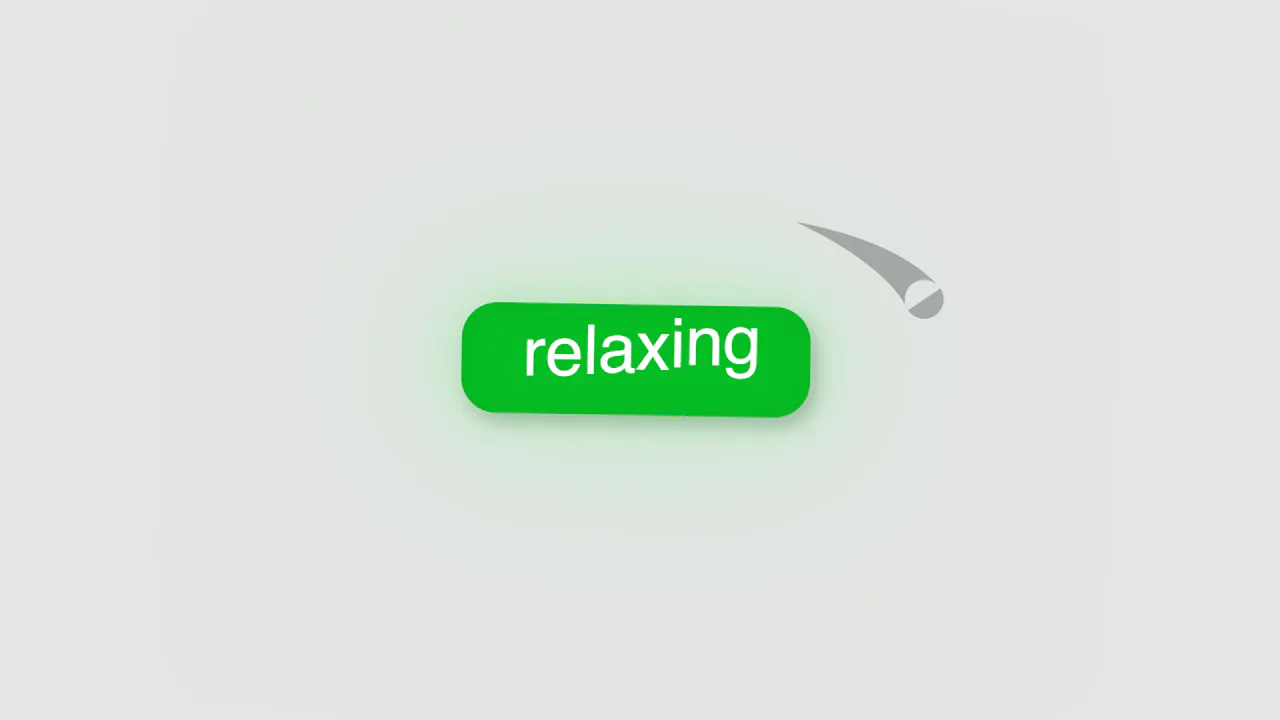
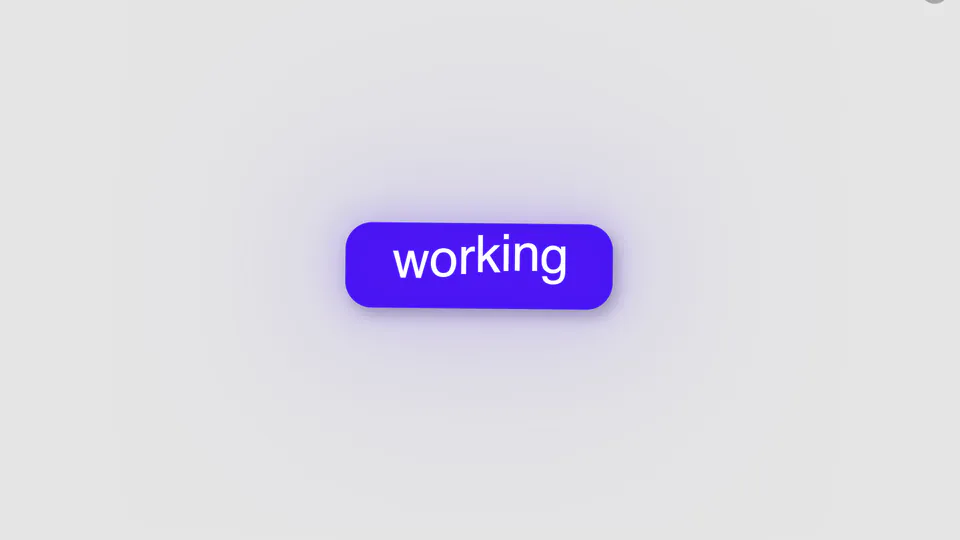
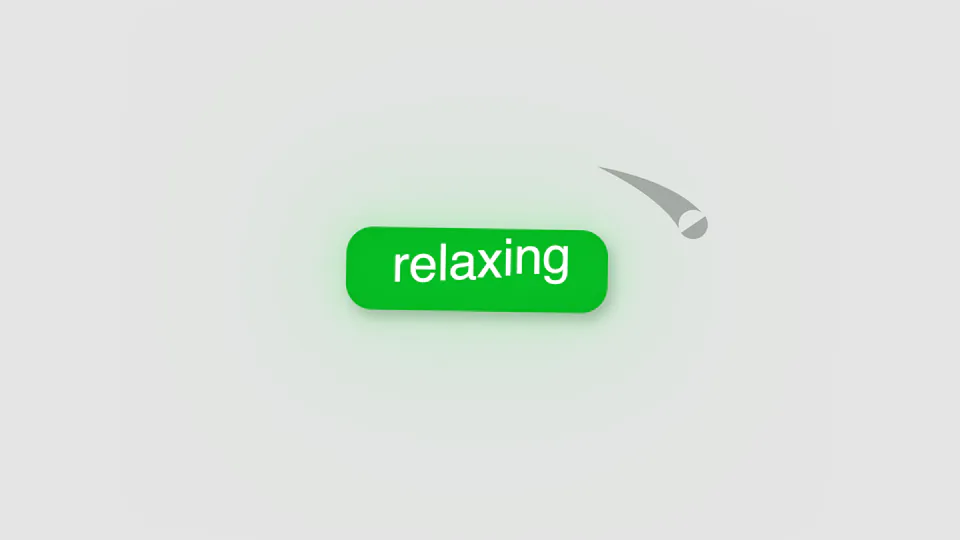
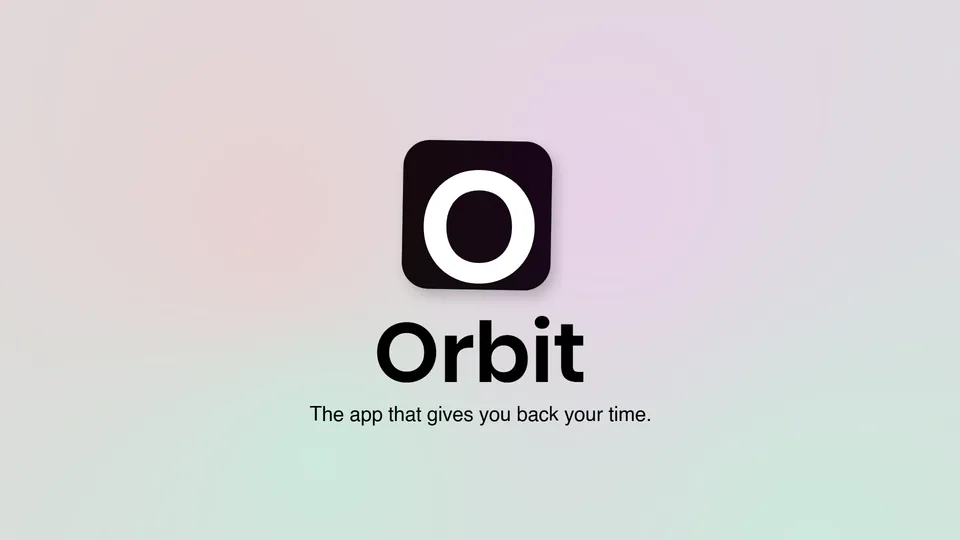
An app end card usually just fades a logo in. This one earns it. A soft gray circle opens on a purple pill that reads working, letters bouncing into place one by one. The pill spins, turns blue for reading, flips again into green for relaxing while a gray streak whips around it, and then a red action color sweeps across it: Disconnect. The frame shakes once, a pastel wash rises behind, and the button folds into a black app icon that lifts up while your brand name types itself in below, letter by letter, with a short tagline sweeping in last.
It comes from a professional After Effects project, rewritten as readable code keyframe by keyframe: the same parents and spins, the same springy inertia, the same letter selectors with their exact easing, measured word by word on the original render, and halos and shadows matched pixel by pixel. The sound design of the original edit comes with it: the whoosh of the opening, a click for each letter of the brand and soft clicks under the tagline. The original logo is replaced by your own brand name, its first letter on the icon.
Scene timeline
Second by second, with the example content. Timing adapts to your text.
- 0.0 s
Opening
A gray circle bursts open on a light background and a purple pill appears with a spring; working bounces in, letter by letter, under a soft purple glow.
- 0.7 s
Statuses
The pill spins 155 degrees and turns blue for reading, then turns again into a green relaxing pill while a gray streak whips around it.
- 1.8 s
Action
A red color slides across the pill and Disconnect sweeps in from the right; the frame shakes once and a pastel wash appears behind.
- 3.4 s
App icon
Disconnect drops away, the button folds into a black rounded icon that rises, and the first letter of your brand springs up inside it.
- 3.8 s
Brand and tagline
Your brand name rises letter by letter under the icon, then the tagline sweeps in word by word; the shot holds until 5.9 seconds.
Frames from the scene
Entrance, middle and final hold, with the example content.
What you can customize
- Statuses and action
- Any three short words and one action; a longer word shrinks to stay inside its pill.
- Brand
- Your brand name is drawn in a clean geometric sans and its first letter becomes the icon; long names shrink to fit.
- Tagline
- One short sentence, swept in word by word under the brand.
- Sound, color and format
- Turn Sound on to hear the effects; the MP4 includes them. The Color menu shifts every hue together. Vertical and square keep the same sizes, centered.
Best for
App end cards
Close a product video on your icon, your name and your promise, after showing what the app changes.
Feature reels
Use the three statuses for the moods, modes or plans your product supports, then land on the action.
Focus and wellbeing apps
Working, reading, relaxing, Disconnect: the original story fits any app about attention, time or balance.
How to use it
Customize
Change the text, the color, the format and the tool in the panel above. The live preview follows as you type.
Unlock
Leave your email once to reveal the full prompt and copy it. It is free during launch.
Paste into Claude Code
Start Claude Code in a project folder (npx create-video for Remotion, npx hyperframes init for HyperFrames, any empty folder for plain HTML) and paste the prompt. Claude writes the scene with your content.
Check the 3 frames
Before any render, Claude shows you three still frames: the end of the entrance, the middle of the hold and the moment just before the exit. Ask for fixes until they match the preview.
Render
Approve and let Claude render the video: an MP4 to upload, or a transparent WebM or ProRes 4444 file for your editor. A plain HTML scene is captured frame by frame with a headless browser and FFmpeg.
Pro tips
- Keep the statuses to one word each: the pill shows them for less than a second.
- Say your brand name in the voice-over at about 3.9 seconds, when its letters rise.
- Use a one-line tagline of eight words or fewer: it reads in one glance.
Questions
Is it the original After Effects animation?
Yes. Every keyframe, curve, parent and expression of the original scene is in the code, and the letter easing, glows and shadows were measured on the original render frame by frame.
Can I use my own logo?
The scene writes your brand name and puts its first letter on the icon. To use a logo image instead, ask Claude to draw your image in the icon and as the wordmark: the code places both.
Does the video include the sound?
Yes. The whoosh, the letter clicks and the tagline clicks of the original edit are mixed at their exact instants into the MP4, as an AAC audio track.
Which fonts does it use?
Helvetica for the pills and the tagline, as in the original project, and Poppins SemiBold for the brand name; both are served with the code.
More animations
Browse the library