Documentary Motion Graphics for History and News Videos
Archive scenes laid out in real depth, bold red titles, vintage newspapers, maps and dates, moved by a slow cinematic camera. Each scene keeps its own job, such as a title, a hook or a transition, and they all share the documentary look of history and investigation channels.
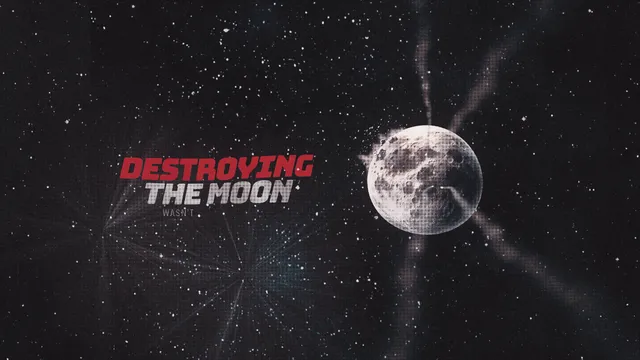 Documentary title over the MoonHooks & titles
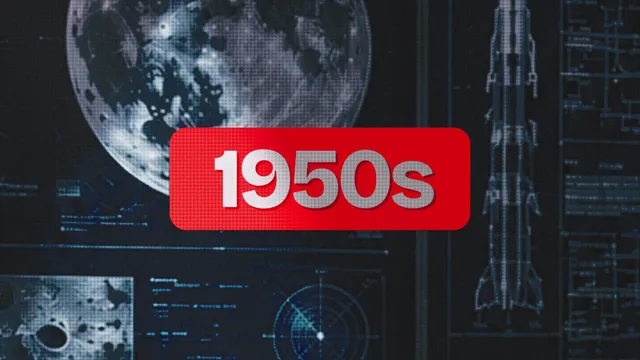 Archive planning roomChapter titles
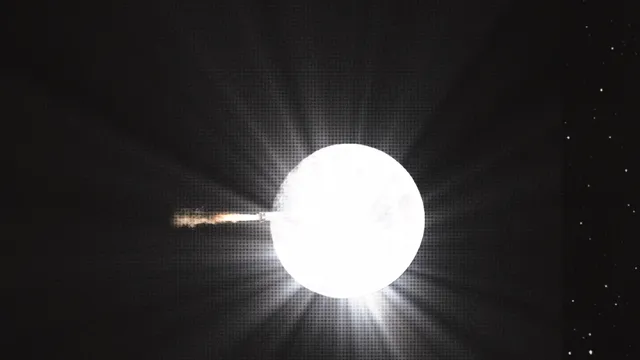 Earth to Moon flashTransitions
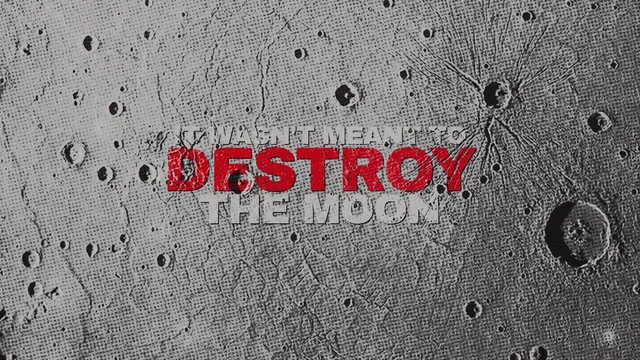 Title on a lunar surfaceKinetic type
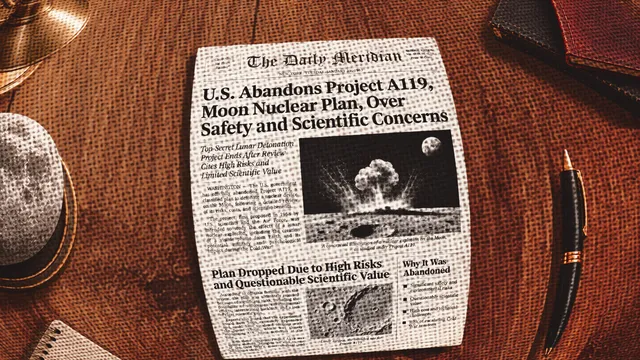 Vintage newspaper on a desk3D camera
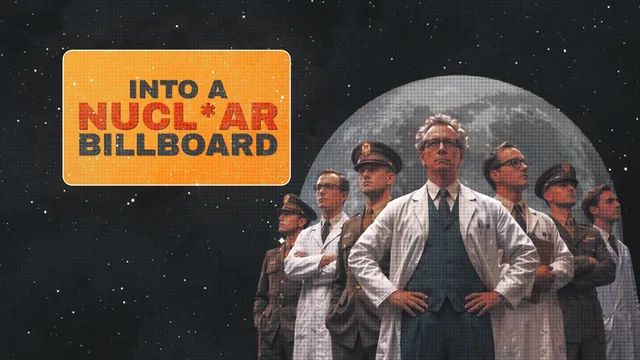 Floating words and billboardKinetic type
 Retro computer call to actionCalls to action
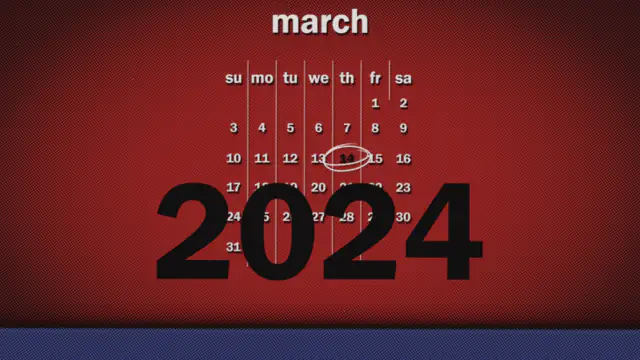 Circled calendar dateHooks & titles
How to build a documentary scene that holds attention
When to use it, pacing, design and readability.
Give every story beat a place and a date. Documentary viewers want to know where and when they are, so open a new part with a title, a circled date, a map or a newspaper headline before you show the people involved. A clear anchor makes the next minute of narration easier to follow.
Move the camera slowly through real depth. Cut-out photos placed at different distances, with a soft focus on the background, turn a flat archive image into a place the viewer travels into. Keep the moves long and eased: a push that lasts several seconds feels cinematic, a fast zoom feels like a slideshow.
Let the narration lead and the graphics confirm. Land each title or key word a beat before the voice says it, then hold it long enough to be read twice. Bold capitals in one strong color, often red or orange on dark tones, keep a serious register without looking like an advertisement.
Use texture with restraint. Film grain, halftone dots, paper and a light vignette sell the archive feel, but too much of them hides the content. Keep faces and words sharp and let the texture live in the background. A grain that stays the same from scene to scene also ties a long video together.
Plan transitions as part of the story. A flash, an ink wipe or a push through a screen can carry the viewer from one decade or place to the next. Use the same transition for the same kind of jump, so the audience learns your visual grammar.
Questions
- What makes an animation documentary style?
- A cinematic, serious look: archive photos and objects in 3D depth, bold titles, dates, maps and newspapers, a slow camera and subtle film texture. The scenes still do different jobs, from titles to transitions; this collection groups them by look.
- Can I use my own archive photos?
- Yes. Describe the photos or the period in the notes field before you copy the prompt, or ask Claude to use your own images. Cut-out subjects work best, because each one can sit at its own distance from the camera.
- Are these scenes only for history channels?
- No. The same style suits true crime, business stories, investigations, science explainers and news recaps: any video where the narration tells a story and the graphics must feel serious and cinematic.
Go further
Guide · 8 min read
Motion Graphics for YouTube Videos: 11 Scenes Made with AI
The 11 motion graphics scenes a YouTube video needs, from hooks to key numbers, how to plan them from your script, and how to build them with Claude.
Related categories
- 3D camera
Documentary depth
3 animations
- Chapter titles
Open a new part
2 animations
- Transitions
From one idea to the next
2 animations
Build it your way
Every animation comes with a prompt for Remotion, HyperFrames and plain HTML. Each tool page covers setup, licensing and export.
- Remotion prompts
React video, rendered to MP4 in one command.
- HyperFrames prompts
HTML compositions rendered to video, open source.
- HTML animation prompts
One self-contained file that plays in any browser.