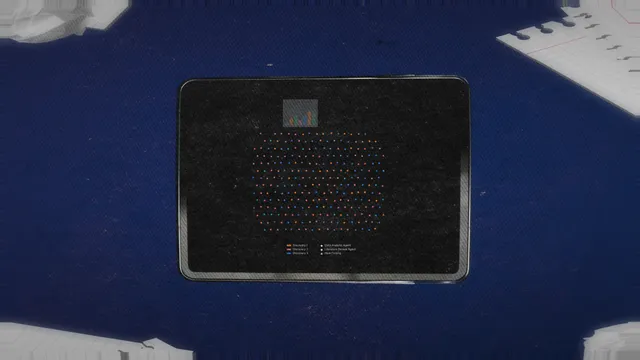
Title on a lunar surface
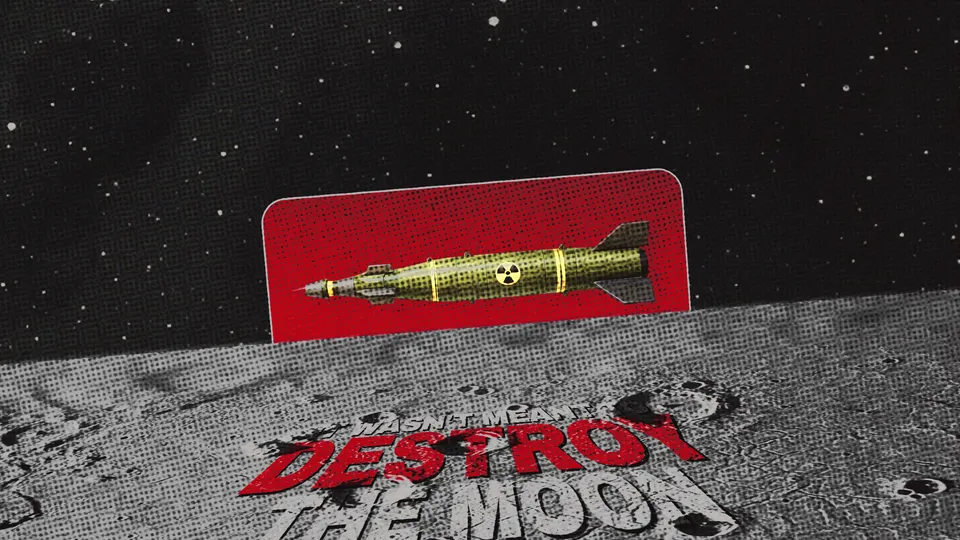
A three-line title lands on a cratered lunar surface, its middle word in bold red, then the camera tilts up to a red card holding a missile.
Kinetic type4.5 s16:9, 9:16Build with Remotion, HyperFrames or HTML
Your prompt
Your prompt is ready
Leave your email to see it and copy it. Free during launch.
Paste it into Claude (Claude Code works best). It builds the scene and shows you 3 still frames before rendering. How to use it
About this animation
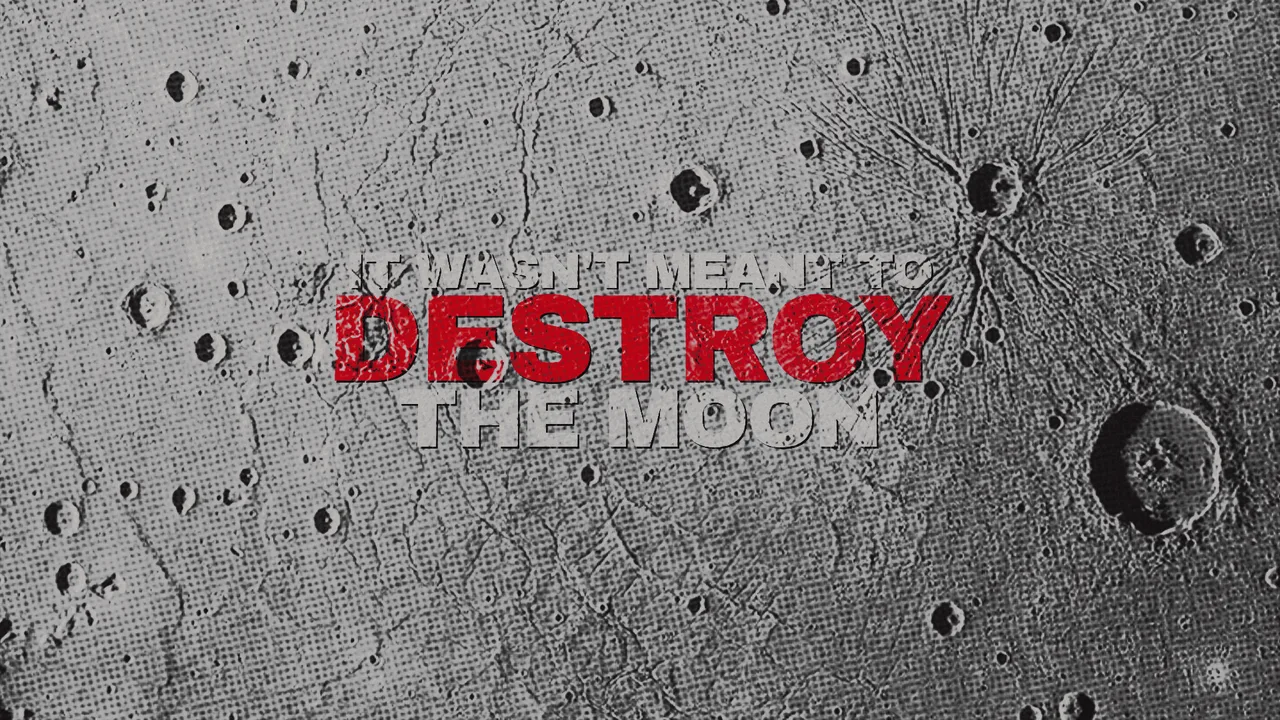
When a story takes a turn, the sentence deserves the whole screen. This scene lays a three-line title on a gray, halftone lunar surface: the first line types in small, the middle word slams in huge and red, the last line settles in gray, all embossed into the dust. Then the camera tilts up and away to a red exhibit card with a missile on it.
It is a professional After Effects scene replayed by code: the halftone grade, the embossed type, the timing of each line and the camera tilt come from the original project, sample by sample. Your three lines replace the title; the middle line gets the red.
Scene timeline
Second by second, with the example content. Timing adapts to your text.
- 0.0 s
Lunar surface
A gray, halftone lunar surface fills the frame.
- 0.1 s
First line
The first line types in small, letter by letter.
- 1.0 s
Red word
The middle word slams in huge and red.
- 1.5 s
Last line
The last line settles in gray under it.
- 3.5 s
Missile card
The camera tilts up to a red card holding a missile.
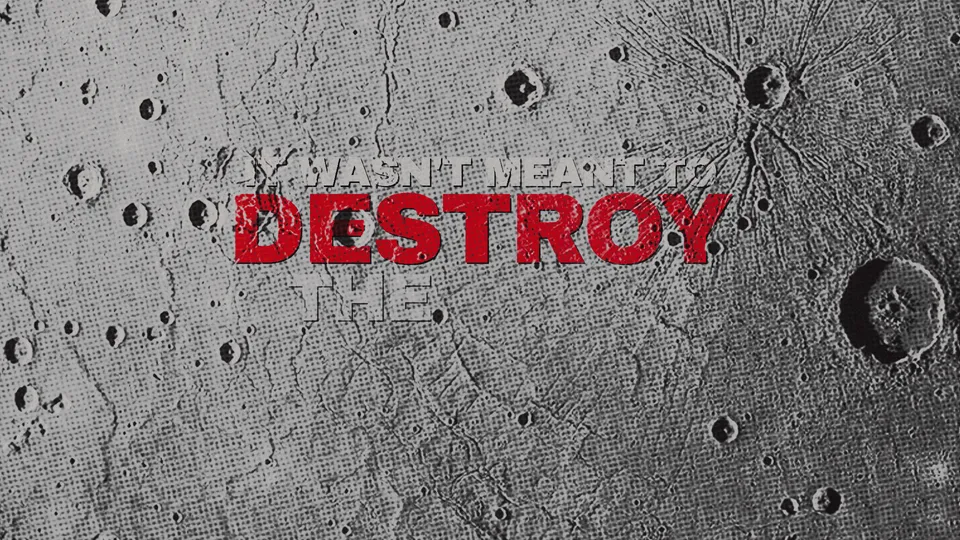
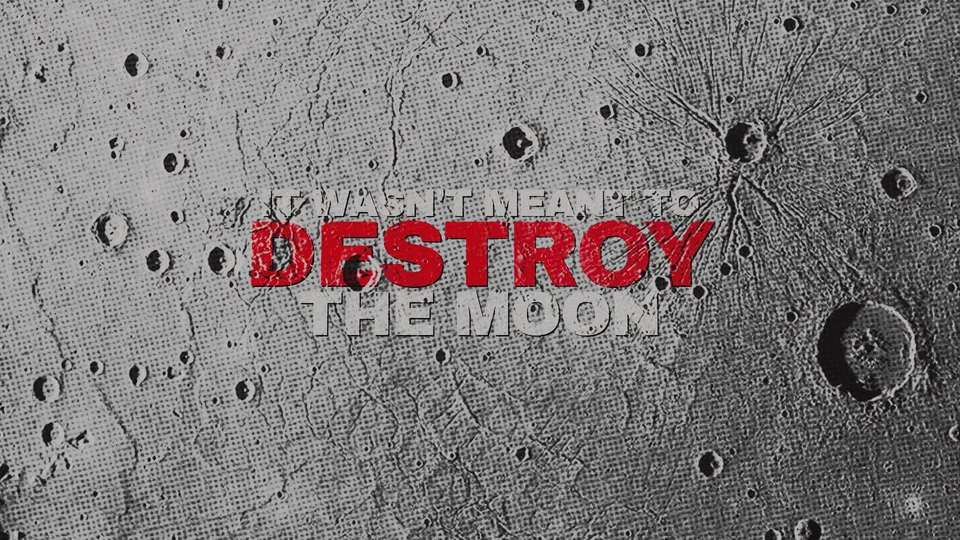
Frames from the scene
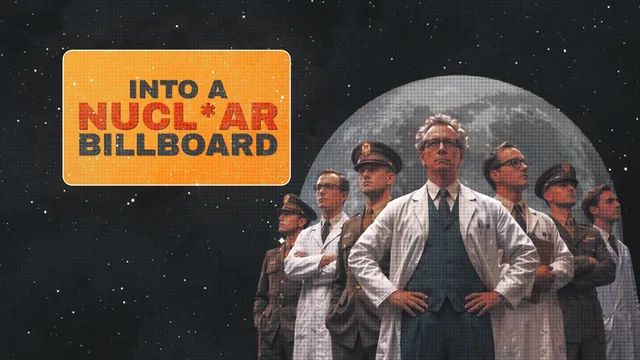
Entrance, middle and final hold, with the example content.
What you can customize
- Three lines
- Write the title on three lines; the middle one becomes the big red word.
- Length
- Keep each line under about 18 characters, and the middle one to one short word.
- Surface
- The lunar surface and the missile card are pictures you can replace.
Best for
Plot twists
State the surprising truth of the story in one embossed sentence.
Space and science
A lunar texture that fits any story about the Moon or space.
Chapter openers
Introduce a new part of a documentary with a three-line statement.
How to use it
Customize
Change the text, the color, the format and the tool in the panel above. The live preview follows as you type.
Unlock
Leave your email once to reveal the full prompt and copy it. It is free during launch.
Paste into Claude Code
Start Claude Code in a project folder (npx create-video for Remotion, npx hyperframes init for HyperFrames, any empty folder for plain HTML) and paste the prompt. Claude writes the scene with your content.
Check the 3 frames
Before any render, Claude shows you three still frames: the end of the entrance, the middle of the hold and the moment just before the exit. Ask for fixes until they match the preview.
Render
Approve and let Claude render the video: an MP4 to upload, or a transparent WebM or ProRes 4444 file for your editor. A plain HTML scene is captured frame by frame with a headless browser and FFmpeg.
Pro tips
- Make the middle line a verb or a number: it is the one viewers remember.
- Let the voice-over hit the red word at 1.0 s.
- Follow it with Vintage newspaper on a desk for the proof.
Questions
Is it the original After Effects animation?
Yes. The documentary was ported to code value by value: camera moves, easing, textures, transitions and motion blur play exactly as in the original edit. Only the words you change are different.
Can the title have more lines?
It is built for three lines; the middle line is styled big and red. A fourth line would leave the frame.
Does it come with sound?
No. The original documentary only had a voice-over: add your own narration and music in your edit, the scene is timed to carry one sentence.
Which formats are available?
Two: 16:9 (1920 × 1080), adapted for YouTube, and 9:16 (1080 × 1920), the vertical original of the documentary for Shorts, Reels and TikTok. Same timing, same texts.
More animations
Browse the library