Storytelling Motion Graphics for Story-Driven Videos
Scenes made to carry a story: a portrait that introduces the hero, a word that lands on the turning point, a number that measures the struggle, a closing shot that hands the story to the viewer. Each scene keeps its own job, such as a hook, a number or a call to action, and they all share the narrative look of story-driven channels.
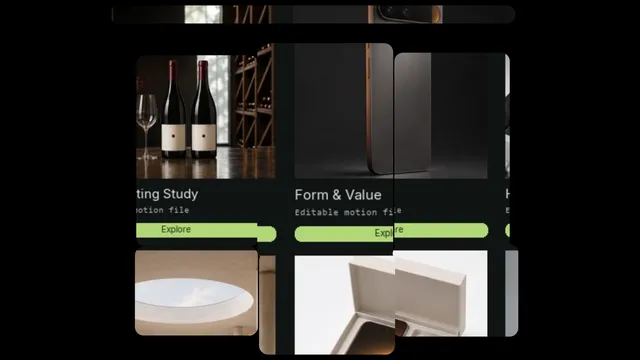 A motion file and a rail of cardsCalls to action
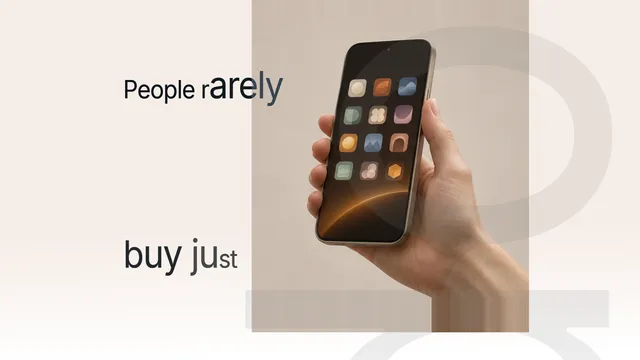 People buy perceptionKinetic type
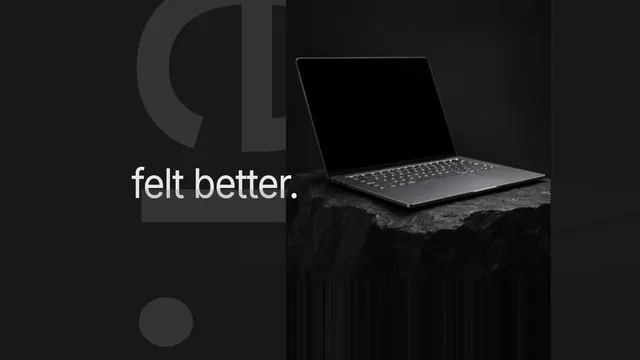 Similar specs, a higher priceComparisons
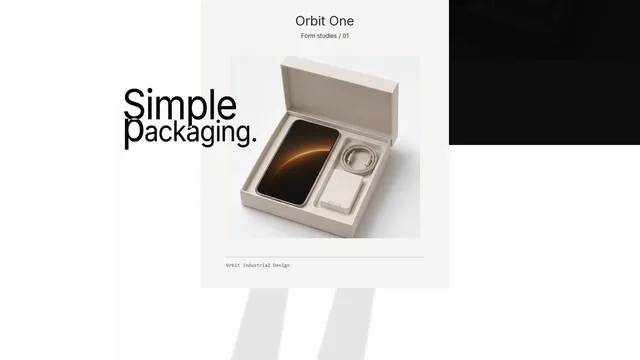 A clean line, packaging and calm spacesLists & steps
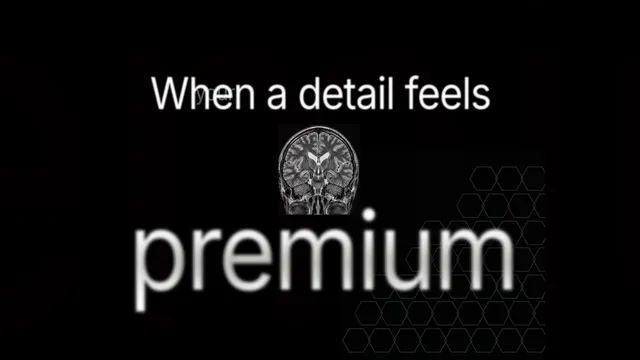 A premium detail and a brain scanKinetic type
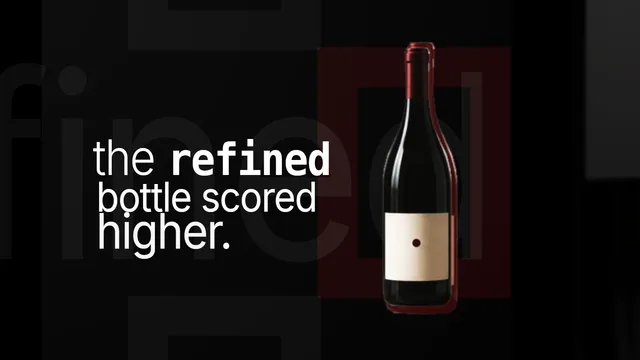 The refined bottle and the halo effectKinetic type
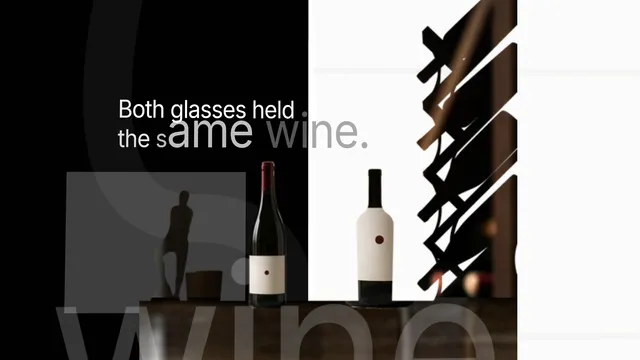 A tasting test with two wine bottlesHooks & titles
 Hourglass and spinning file cardsCalls to action
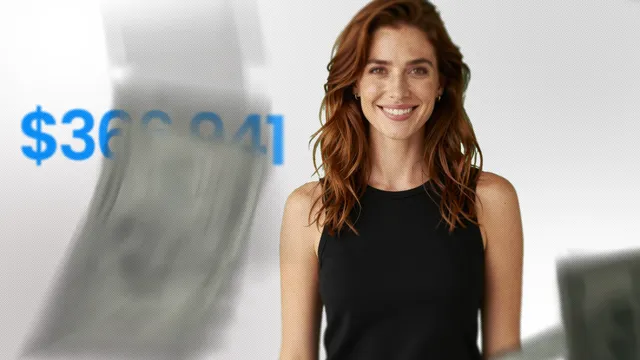 Money counter and chess piecesKey numbers
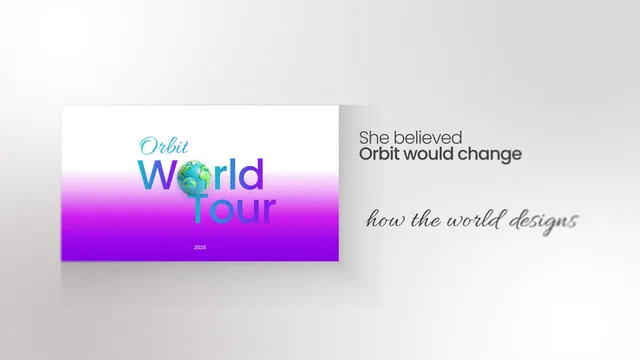 Crowd standout and app presentationInterfaces
 Microphone, IDEA to NO and comments3D camera
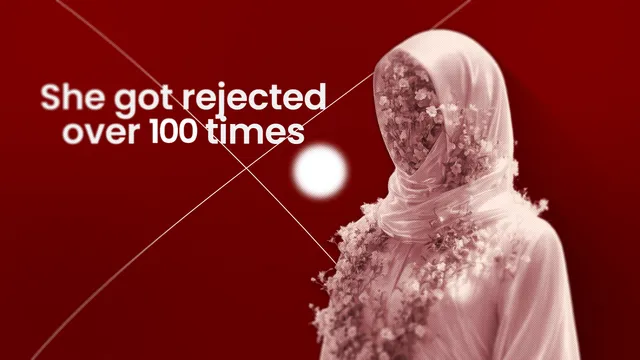 Rejected stamp and counting portraitKey numbers
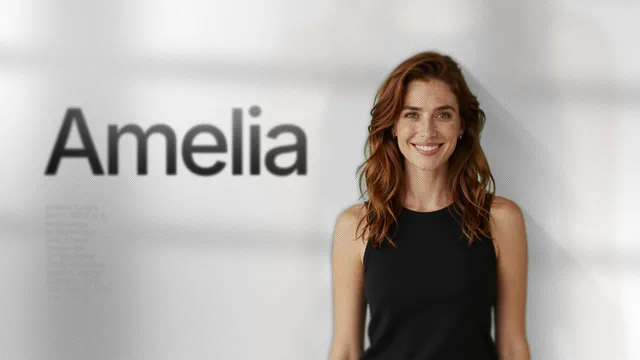 Founder portrait and name titleHooks & titles
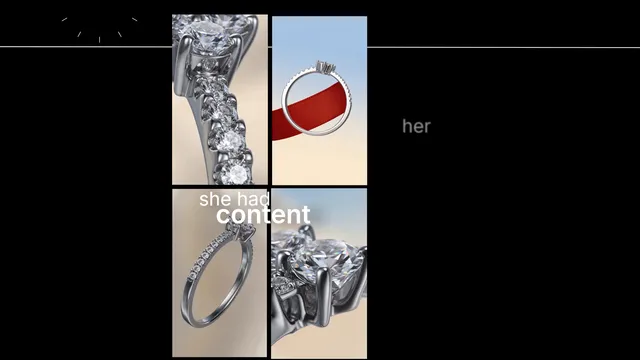 Forty-eight hours later and the signatureCalls to action
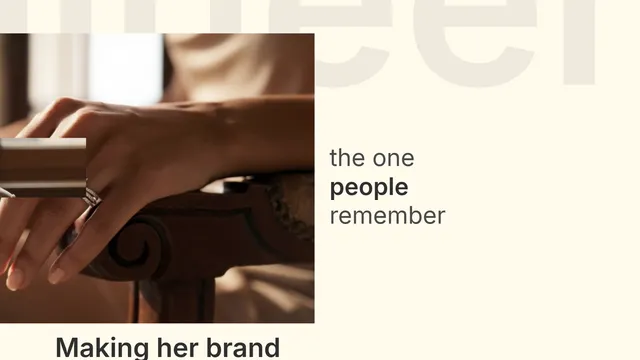 Visuals built around one jobProcesses
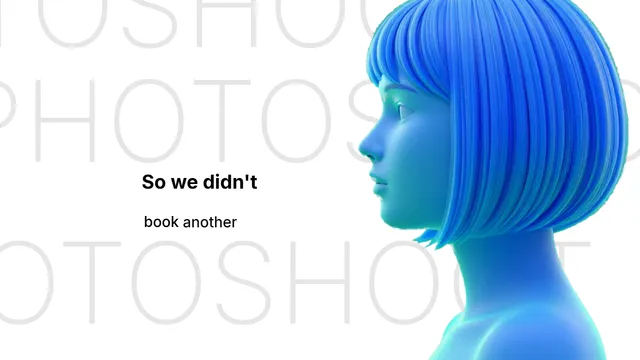 No photoshoot, study the marketProcesses
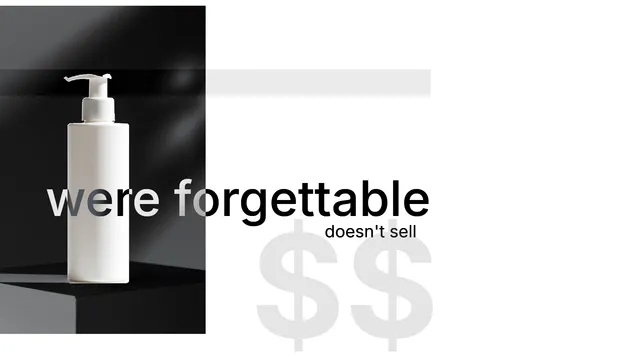 Premium product, forgettable photosKinetic type
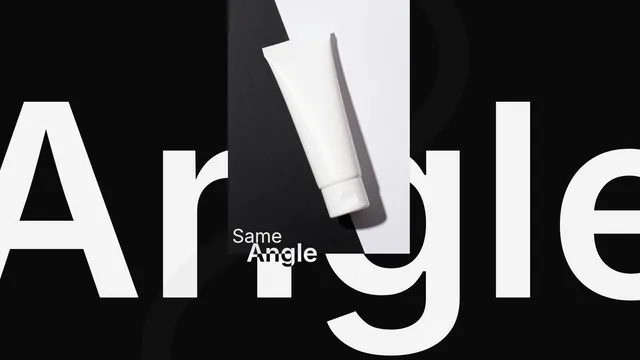 Silence and the same-angle competitorComparisons
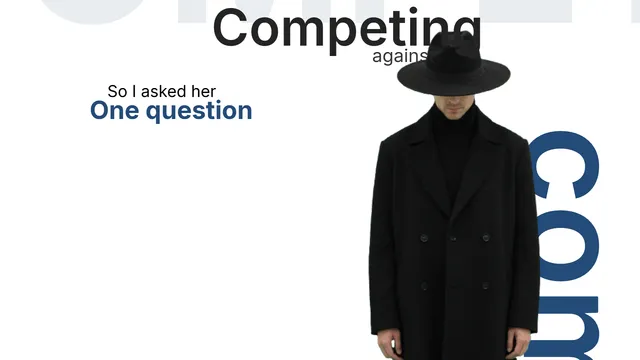 One question and competing photosKinetic type
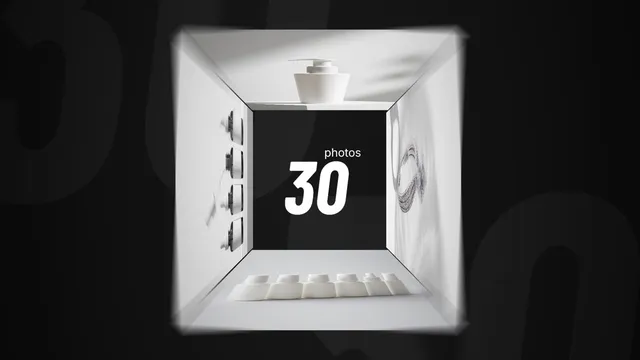 Thirty photos and the scrolling feedKey numbers
 Phone across the table and price revealHooks & titles
 Editors project file call to actionCalls to action
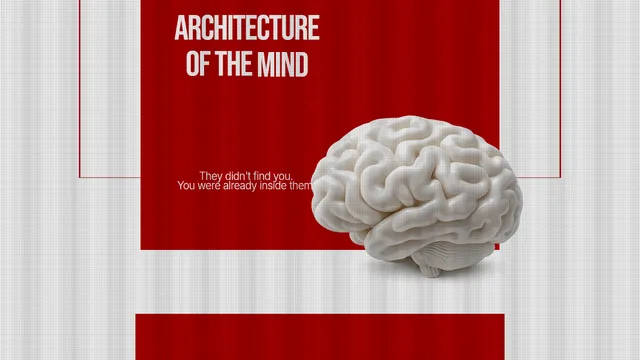 Not marketing and the brain posterKinetic type
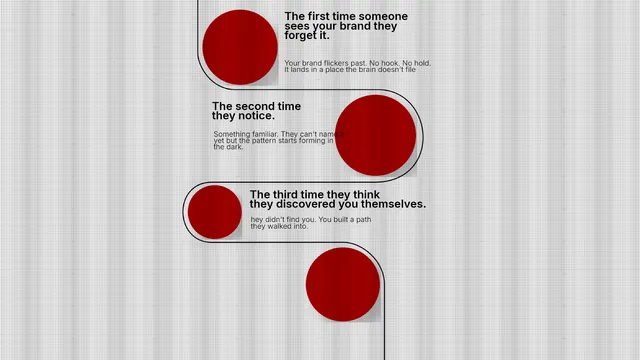 Three contacts and red circlesProcesses
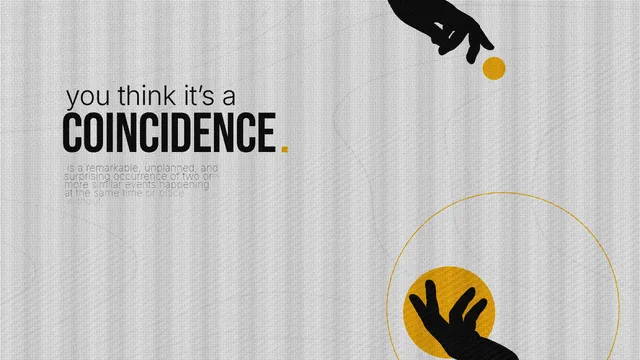 Coincidence hands and paid feelingKinetic type
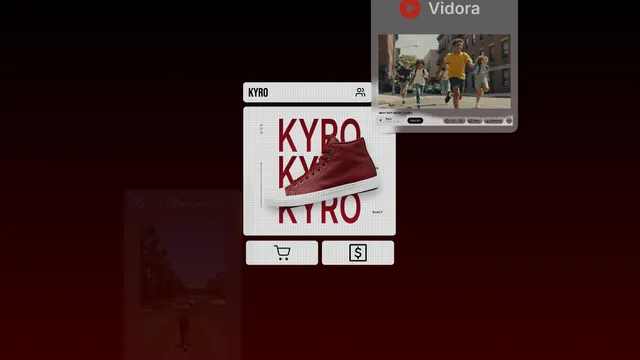 Product page and video panelsInterfaces
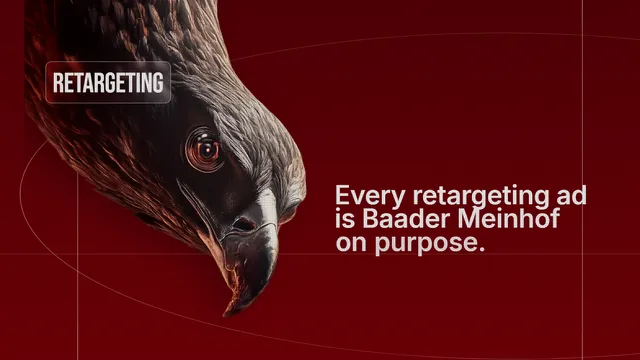 Money desk and retargeting eagleKinetic type
 Always there and the phenomenon portraitChapter titles
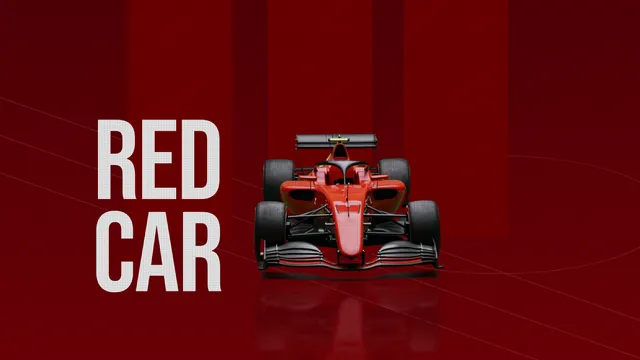 Red car title and roadHooks & titles
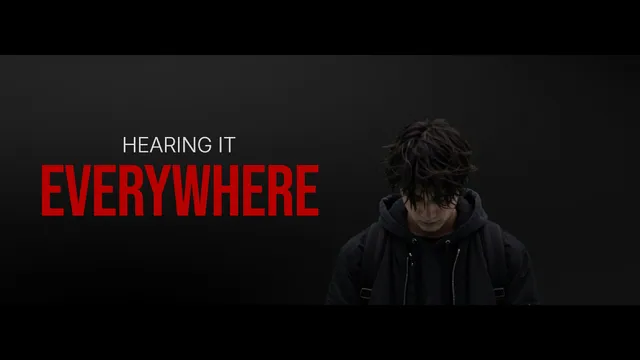 Floating figure and hearing everywhereHooks & titles
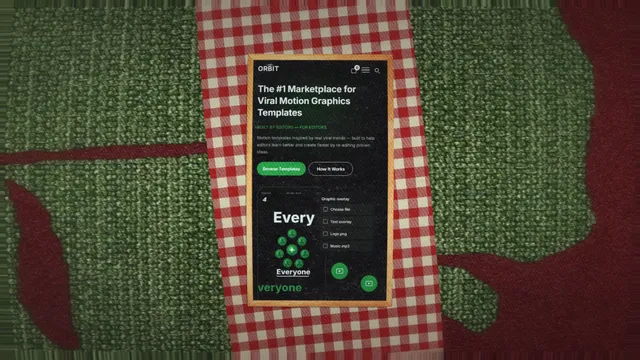 Tablet website picnic outroCalls to action
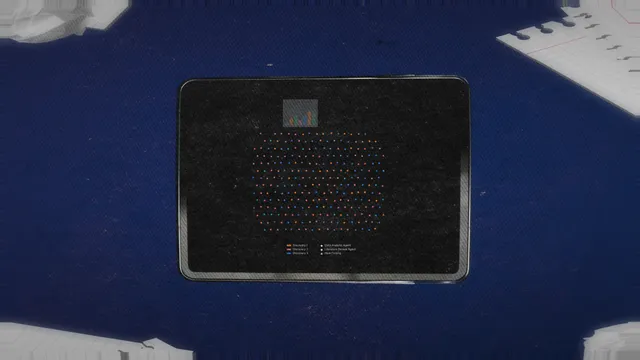 Tablet agent dashboardInterfaces
 Phone reminder alertInterfaces
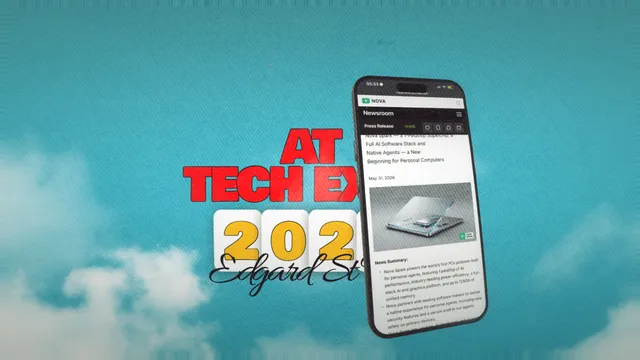 Expo year dice and phoneKey numbers
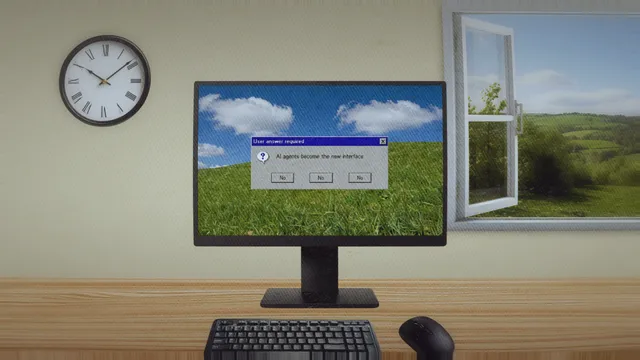 Desktop monitor dialogInterfaces
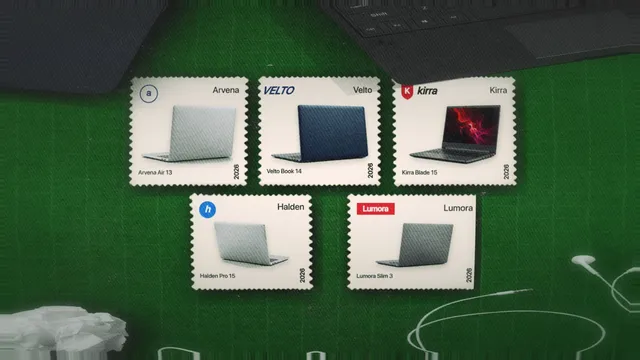 Laptop stamps all on boardLists & steps
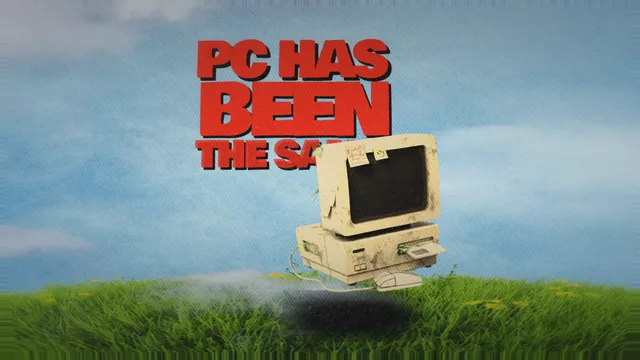 Retro PC in the clouds and playing cardsHooks & titles
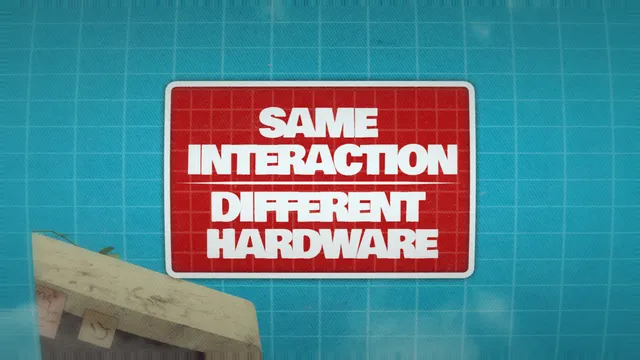 Same interaction, new brand titleKinetic type
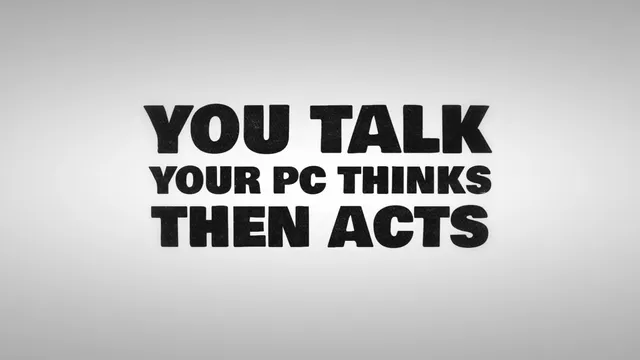 You talk, your PC thinksKinetic type
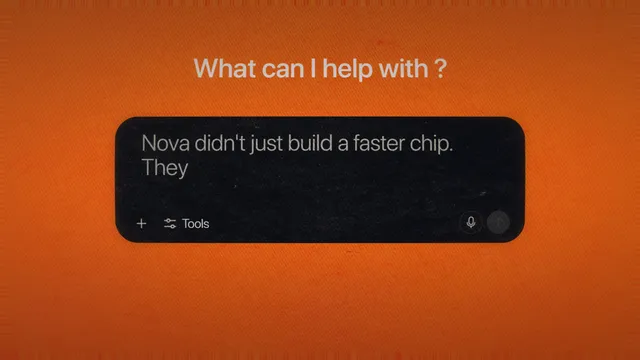 Chat box, then replaced itInterfaces
How to tell a story with motion graphics
When to use it, pacing, design and readability.
Introduce the hero before the facts. A portrait, a name and one short line about who they are give the viewer someone to follow. Once the audience cares about a person or a brand, every number, date and decision that comes after carries weight, and the story has a reason to keep going.
Build the video around one turning point. A hundred rejections, a lost customer, a deal signed after forty-eight hours: show the obstacle clearly, hold on it for a beat, then let the next scene answer it. A single strong contrast between before and after is easier to remember than a list of events.
Let one word carry each beat. Big kinetic type on the key word of the sentence keeps the rhythm of the voice-over and gives the eye something to hold while the narration explains. Choose the word that changes the meaning, such as never, always or finally, rather than the first word of the line.
Keep the camera calm and the light dramatic. Slow pushes, soft focus and long eased moves give the story room to breathe, while deep reds, warm highlights or a single spotlight set the mood. Save the flashes and fast cuts for the moment the story turns, so they still surprise.
End by handing the story to the viewer. The last scene should say what they can learn from it, what they can try today or where to see more. A call to action feels natural when it closes the arc instead of interrupting it, and it works best in the same voice as the story.
Questions
- What makes an animation storytelling style?
- It is made to carry a narrative: portraits that introduce people, kinetic words on the turning points, numbers that measure a struggle or a success, and calm cinematic motion with dramatic light. The scenes still do different jobs, from hooks to calls to action; this collection groups them by look.
- How is storytelling different from documentary?
- Documentary scenes lean on archives, dates and investigation. Storytelling scenes follow a person or a brand through a journey, closer to founder stories, case studies and viral explainers. Many videos mix both: documentary scenes for the facts, storytelling scenes for the emotional beats.
- Can I tell my own story with these scenes?
- Yes. Type your own words and numbers, describe your photos or your brand in the notes field, and copy the prompt. Claude rebuilds the scene with your story while keeping its timing and its motion.
Go further
Guide · 8 min read
Motion Graphics for YouTube Videos: 11 Scenes Made with AI
The 11 motion graphics scenes a YouTube video needs, from hooks to key numbers, how to plan them from your script, and how to build them with Claude.
Related categories
- Hooks & titles
The first seconds
26 animations
- Kinetic type
A sentence that hits
44 animations
- Key numbers
A figure that has to land
9 animations
Build it your way
Every animation comes with a prompt for Remotion, HyperFrames and plain HTML. Each tool page covers setup, licensing and export.
- Remotion prompts
React video, rendered to MP4 in one command.
- HyperFrames prompts
HTML compositions rendered to video, open source.
- HTML animation prompts
One self-contained file that plays in any browser.