Glowing dot, stop pitching, start listening
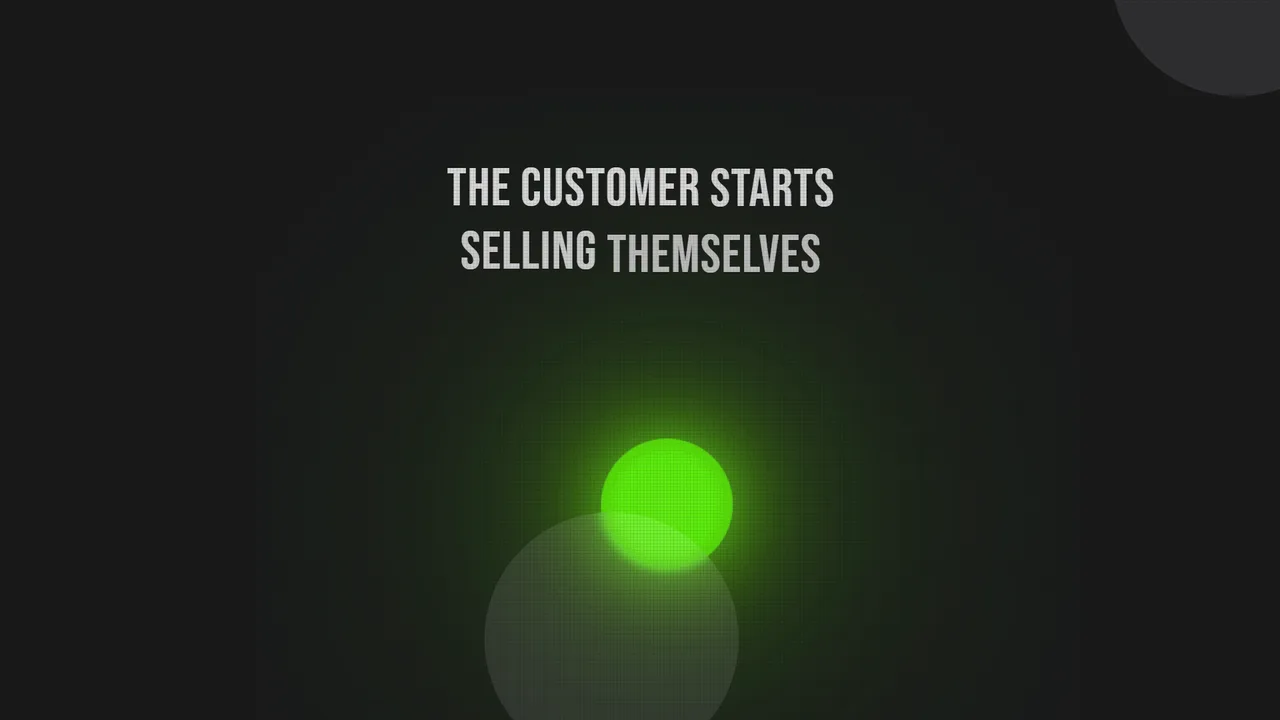
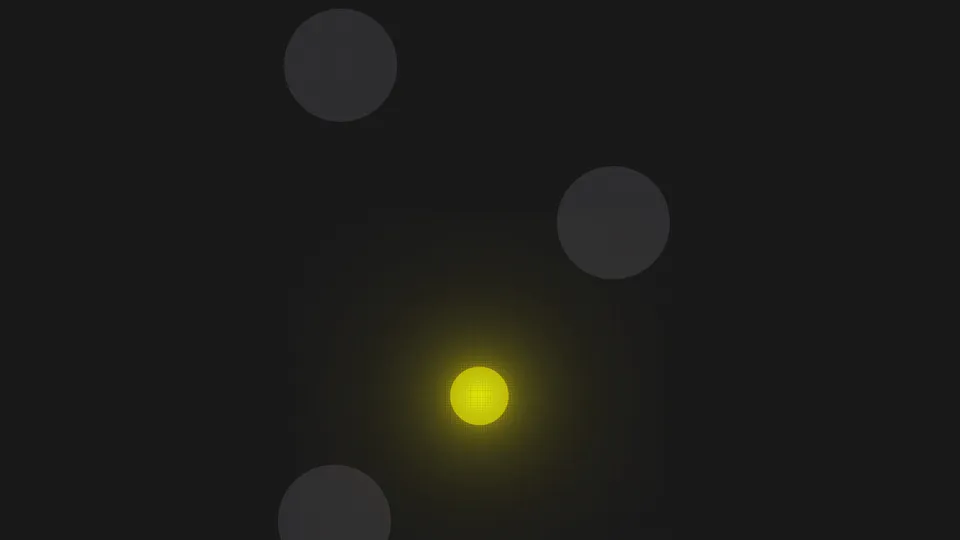
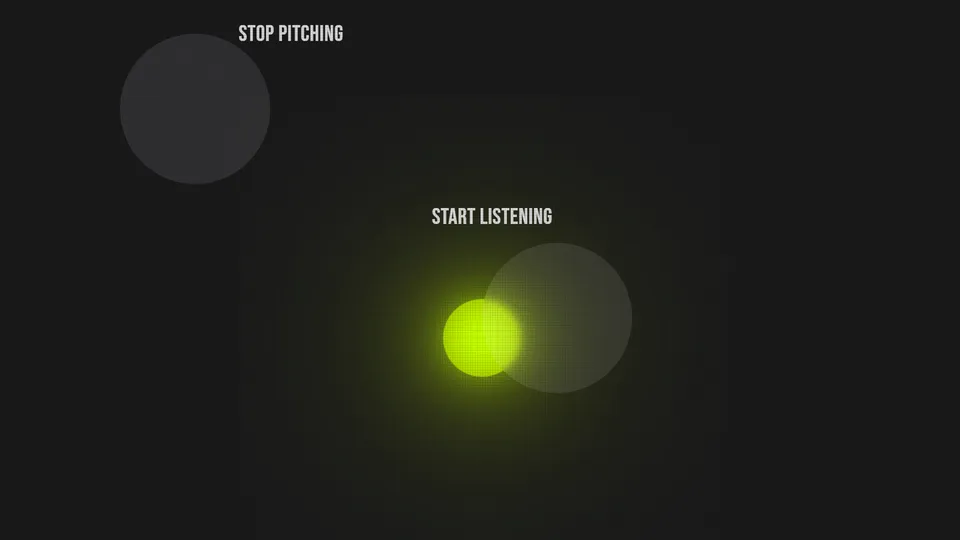
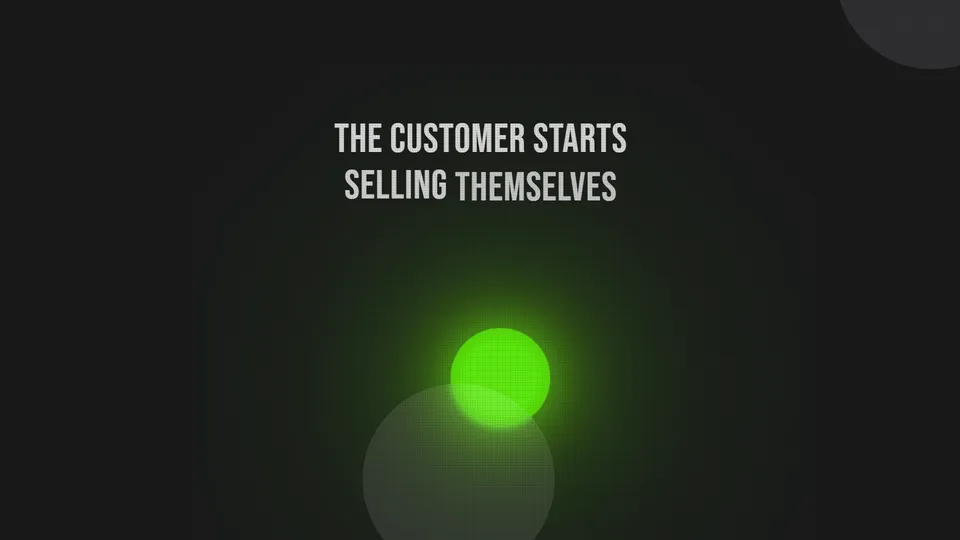
A glowing yellow dot drifts among soft gray circles while the captions move from pitching to listening, then the dot grows and turns green as the customer takes over.
Kinetic type5 s16:9, 9:16Build with Remotion, HyperFrames or HTML
Your prompt
Free: leave your email once, then copy it whenever you want.
Paste it into Claude (Claude Code works best). It builds the scene and shows you 3 still frames before rendering. How to use it
About this animation
A minimal, almost abstract scene: a small glowing yellow dot floats on a dark slate background among quiet gray circles. Short condensed captions appear around it, the first one sliding away as the next one arrives, and on the last caption the dot grows and turns green, as if a signal had changed.
It comes from a viral storytelling edit made in After Effects and replayed by code value by value: the drift of the dot, its glow, the circles and the captions keep the original timing, in the vertical original and a recomposed 16:9 version where the captions and the dot are framed together in the middle.
Scene timeline
Second by second, with the example content. Timing adapts to your text.
- 0.0 s
Glow
A small glowing yellow dot floats among quiet gray circles.
- 1.1 s
Pitching
The first caption appears at the top and slides away.
- 1.8 s
Listening
The second caption appears above the dot.
- 2.9 s
Takeover
The last caption lands over two lines while the dot grows and turns green.
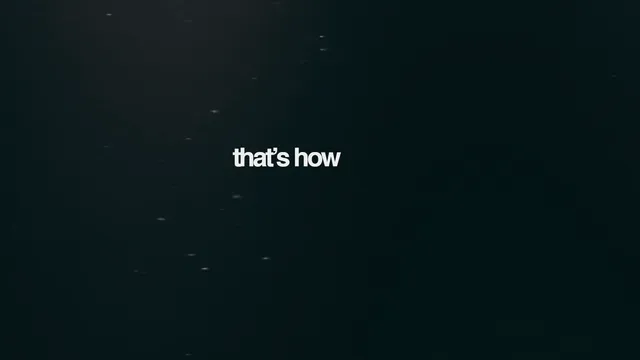
Frames from the scene
Entrance, middle and final hold, with the example content.
What you can customize
- Texts
- The three captions; the last one is two lines.
- Color
- Shifts the glowing dot and its glow to the hue you pick, keeping it bright.
- Format
- 9:16 is the original; 16:9 is the recomposed horizontal version with the same timing.
Best for
Sales and marketing advice
Show a change of approach in three short captions.
Calm explainers
A quiet, minimal beat between busier scenes.
Before and after messages
The color change of the dot marks the turning point.
How to use it
Customize
Change the text, the color, the format and the tool in the panel above. The live preview follows as you type.
Unlock
Leave your email once to reveal the full prompt and copy it. It is free.
Paste into Claude Code
Start Claude Code in a project folder (npx create-video for Remotion, npx hyperframes init for HyperFrames, any empty folder for plain HTML) and paste the prompt. Claude writes the scene with your content.
Check the 3 frames
Before any render, Claude shows you three still frames: the end of the entrance, the middle of the hold and the moment just before the exit. Ask for fixes until they match the preview.
Render
Approve and let Claude render the video: an MP4 to upload, or a transparent WebM or ProRes 4444 file for your editor. A plain HTML scene is captured frame by frame with a headless browser and FFmpeg.
Pro tips
- Keep the captions short: they are small and appear for about a second each.
- Write the last caption as two balanced lines.
- Follow it with Pinned No, filtering, the top 1% to keep the same film.
Questions
Is it the original After Effects animation?
Yes. The edit was ported to code value by value: the camera moves, the text reveals, the spotlights, the glows and the transitions play as in the original. Only the words and the replaced pictures are different.
Which formats are available?
Two: 9:16 (1080 × 1920), the original for Shorts, Reels and TikTok, and 16:9 (1920 × 1080), recomposed for YouTube with its own placements, centered on each shot. Same timing, same texts.
Why does the motion step a little?
On purpose: the original edit is posterized (a Posterize Time adjustment layer) to about 22 poses per second for a slightly handmade feel, in both formats, and the port keeps it.
Does it come with sound?
Yes: sound effects from licensed template libraries, placed on the sound cues of the original edit (clicks on the title and the monitor switches, a boom on the handshake, a low drop on the spotlight, keyboard bursts on the typed words, low hits on the red cards, soft pops on the glowing dot, a marker stroke, a riser before the number, a low whoosh and a reveal on the website). Turn Sound on to hear them; the MP4 includes them. The original voice is not included: add your voice-over and music on top.
Can I change the color?
Yes. Color shifts every colored text, shape, light and line of the scene to the hue you pick (red, orange, gold, green, teal, blue, violet or pink); black, white, grays, photos and videos keep their colors.
More animations
Browse the library