A color orb opens a chat request
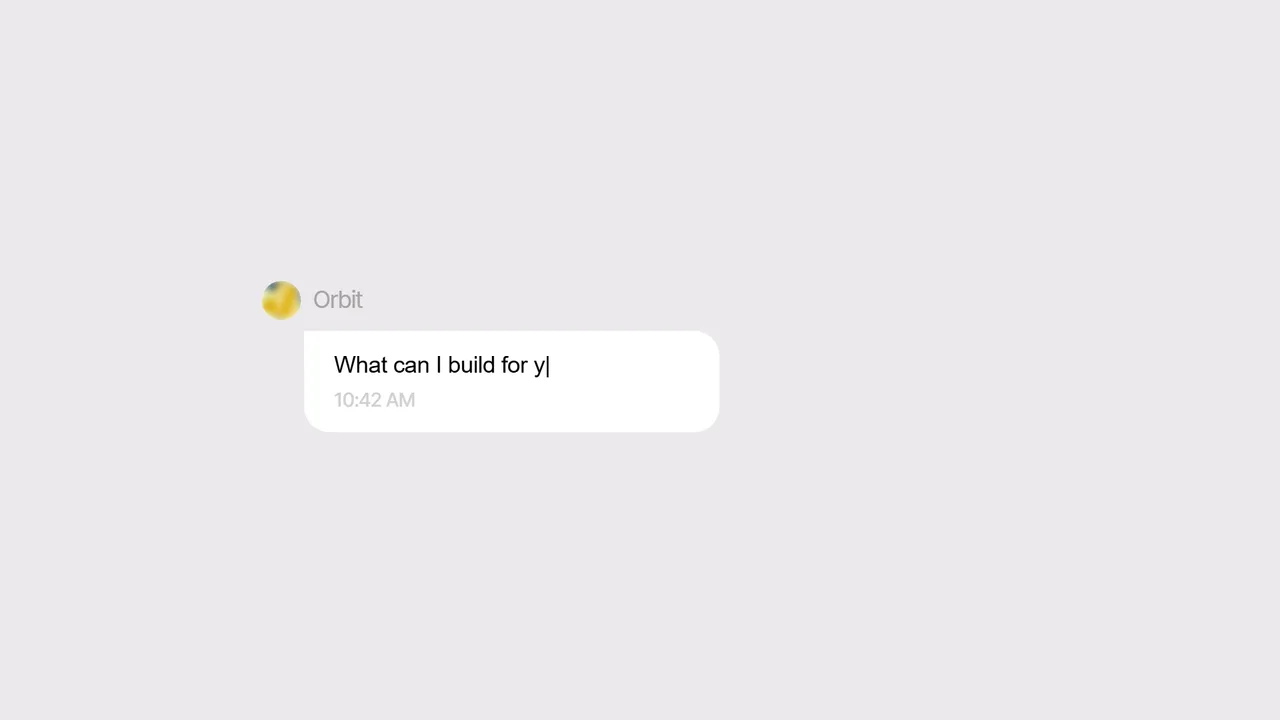
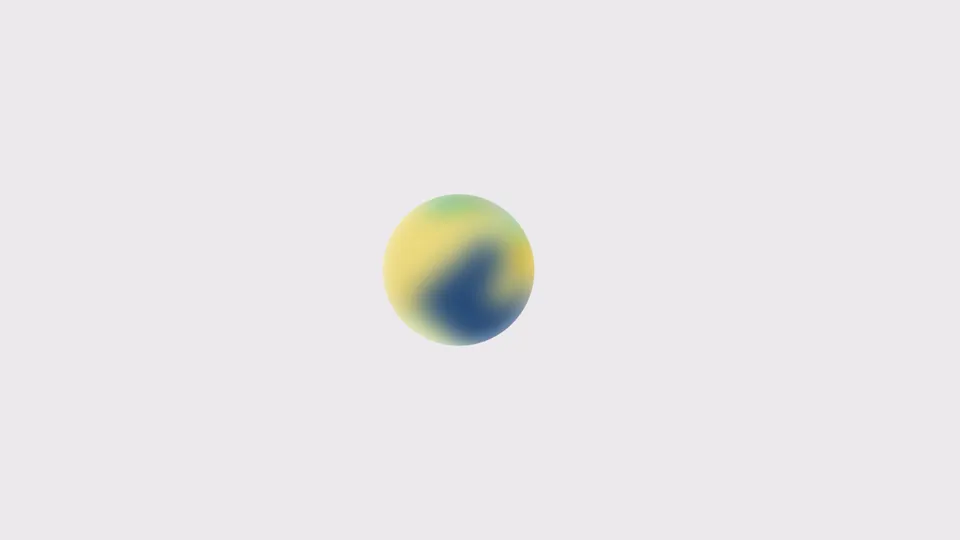
A soft moving color orb drifts on a pale gray ground and settles into a conversation, where an assistant question and a request bubble introduce the brief.
Hooks & titles3.7 s16:9, 9:16Build with Remotion, HyperFrames or HTML
Your prompt
Free: leave your email once, then copy it whenever you want.
Paste it into Claude (Claude Code works best). It builds the scene and shows you 3 still frames before rendering. How to use it
About this animation
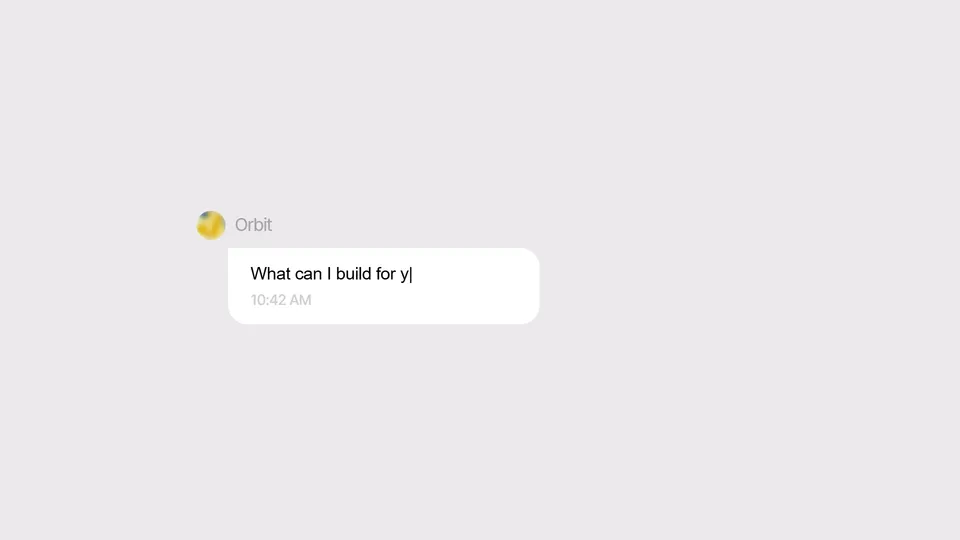
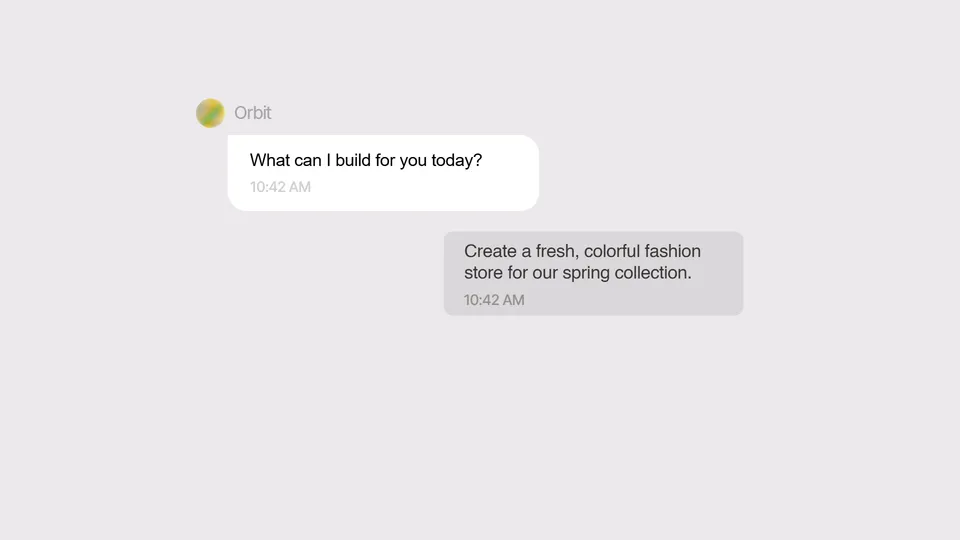
A hook for AI tool videos: a soft blurred color orb drifts and breathes on a pale gray ground, then settles as the avatar of a conversation, an assistant bubble asks what to build today and a gray request bubble answers with the brief, with time stamps under each message before a short designing label.
It comes from a SaaS launch edit made in After Effects and replayed by code value by value: the camera moves, the cards, the typing and the transitions keep the original rhythm, in the 16:9 original and a recomposed 9:16 version. The brand of the original was replaced by the fictional Orbit brand.
Scene timeline
Second by second, with the example content. Timing adapts to your text.
- 0.0 s
Orb
A soft color orb drifts and breathes on a pale gray ground.
- 1.2 s
Question
The orb settles as the avatar and the assistant asks its question.
- 2.2 s
Request
The request bubble pops in with the brief, then a designing label.
Frames from the scene
Entrance, middle and final hold, with the example content.
What you can customize
- Texts
- The 5 lines of the scene: “Orbit”, “10:42 AM”, “What can I build for…”, “Create a fresh, colorful fashion…”, “Designing...”. Each one keeps its font, color and reveal.
- Format
- 16:9 is the original; 9:16 is recomposed for vertical video with the same timing.
- Speed and delay
- Fit the scene to your voice-over: slow it down or speed it up a little, or hold the first frame.
Best for
AI and SaaS product videos
Show a tool that builds a website or a store from a prompt.
No-code and web design content
Illustrate the steps of building a site with AI.
Feature launches
Announce a builder feature with a premium product beat.
How to use it
Customize
Change the text, the color, the format and the tool in the panel above. The live preview follows as you type.
Unlock
Leave your email once to reveal the full prompt and copy it. It is free.
Paste into Claude Code
Start Claude Code in a project folder (npx create-video for Remotion, npx hyperframes init for HyperFrames, any empty folder for plain HTML) and paste the prompt. Claude writes the scene with your content.
Check the 3 frames
Before any render, Claude shows you three still frames: the end of the entrance, the middle of the hold and the moment just before the exit. Ask for fixes until they match the preview.
Render
Approve and let Claude render the video: an MP4 to upload, or a transparent WebM or ProRes 4444 file for your editor. A plain HTML scene is captured frame by frame with a headless browser and FFmpeg.
Pro tips
- Keep each line about as long as the original: the bubbles and cards were timed on those lengths.
- Put your brand in the Orbit texts and your screens in assets/orbit/.
- Let the camera move finish before your next scene: it hands over to the following shot.
Questions
Is it the original After Effects animation?
Yes. The edit was ported to code value by value: the camera moves, the text reveals, the transitions and the effects play as in the original. Only the words and the replaced pictures are different.
Which formats are available?
Two: 16:9 (1920 × 1080), the original for YouTube, and 9:16 (1080 × 1920), recomposed for Shorts, Reels and TikTok with its own placements. Same timing, same texts.
Does it come with sound?
Yes: the sound effects of the original template: a soft texture and a reveal on the color orb, pops on the message bubbles, typing on the prompt and the code, whooshes on the camera moves, interface clicks on the cards and a click on Publish, from licensed template libraries, placed on the sound cues of the original edit. Turn Sound on to hear them; the MP4 includes them. No voice is included: add your voice-over and music on top.
Are there real brands or people in it?
No. Every brand of the original edit was replaced by the fictional Orbit brand (name, logo, screens and pictures made for Motion Parcel). Put your own product, screens and pictures in their place.
More animations
Browse the library