Clock and calendar 3D words
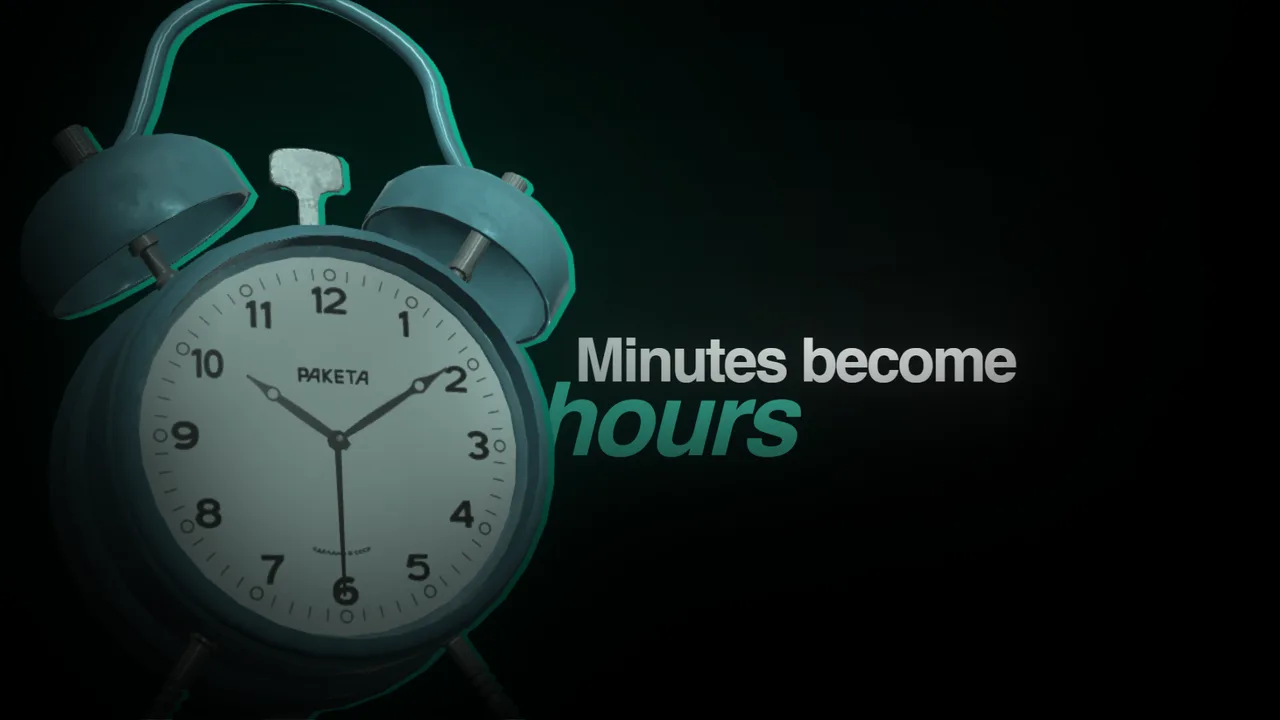
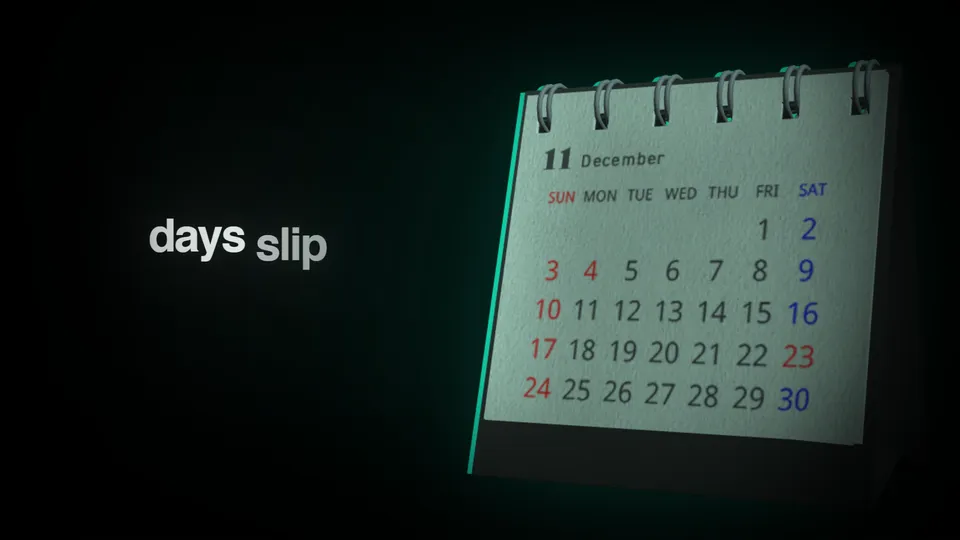
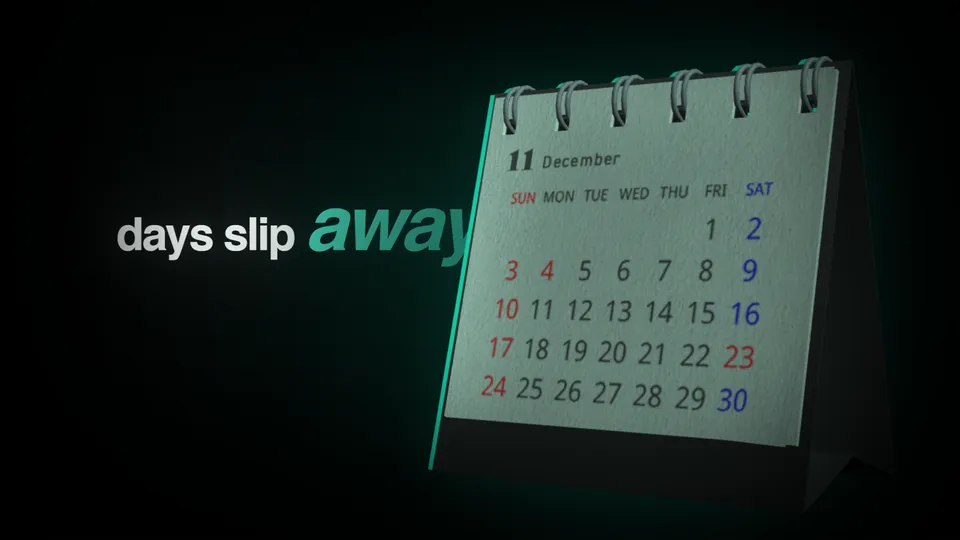
A 3D alarm clock swings in beside “Minutes become hours”, then a 3D desk calendar turns in as “days slip away” lands in green.
3D camera4 s16:9Build with Remotion, HyperFrames or HTML
Your prompt
Your prompt is ready
Leave your email to see it and copy it. Free during launch.
Paste it into Claude (Claude Code works best). It builds the scene and shows you 3 still frames before rendering. How to use it
About this animation
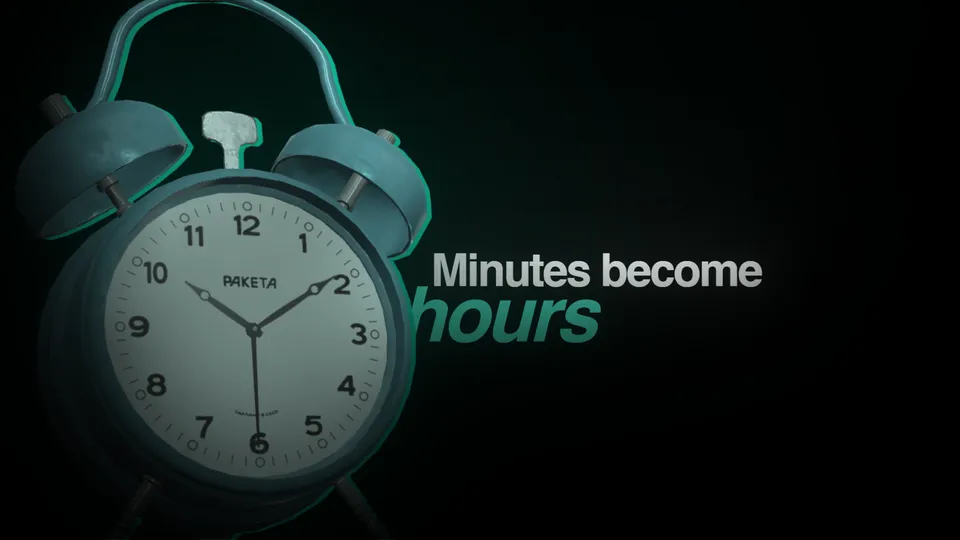
Time is hard to show without a cliché; this scene does it with two real objects. A teal 3D alarm clock swings into a dark frame lit by a soft green halo while “Minutes become hours” writes itself beside it, the last word in a bold green italic. The camera cuts to a 3D desk calendar turning in, and “days slip away” lands the same way before a gray flash hands over to the next scene.
It is a professional After Effects scene replayed by code: the 3D models, their swing, the lighting, the word-by-word reveal, the blur and the flash come from the original project, sample by sample. Your two lines replace the original words. The clicks of the original edit come with it.
Scene timeline
Second by second, with the example content. Timing adapts to your text.
- 0.0 s
Clock in
A 3D alarm clock swings up into a dark frame lit by a green halo.
- 0.3 s
Minutes
The first words write themselves beside the clock.
- 0.9 s
hours
The last word lands below in a bold green italic as the clock settles.
- 2.6 s
Calendar
Cut to a 3D desk calendar turning in, and the second line begins.
- 3.9 s
Gray flash
The calendar line is complete and a gray flash closes the scene.
Frames from the scene
Entrance, middle and final hold, with the example content.
What you can customize
- Two lines
- Write two short lines that escalate; the last word of each lands in green italic.
- Length
- Keep each line to three or four words so it stays beside its object.
- Sound
- Turn Sound on to hear the clicks of the original edit; the MP4 includes them.
Best for
Problem statements
Show how time slips away before you present a solution.
Productivity videos
Illustrate procrastination, deadlines or wasted hours with real objects.
Storytelling beats
Two short lines that escalate, minutes then days, in four seconds.
How to use it
Customize
Change the text, the color, the format and the tool in the panel above. The live preview follows as you type.
Unlock
Leave your email once to reveal the full prompt and copy it. It is free during launch.
Paste into Claude Code
Start Claude Code in a project folder (npx create-video for Remotion, npx hyperframes init for HyperFrames, any empty folder for plain HTML) and paste the prompt. Claude writes the scene with your content.
Check the 3 frames
Before any render, Claude shows you three still frames: the end of the entrance, the middle of the hold and the moment just before the exit. Ask for fixes until they match the preview.
Render
Approve and let Claude render the video: an MP4 to upload, or a transparent WebM or ProRes 4444 file for your editor. A plain HTML scene is captured frame by frame with a headless browser and FFmpeg.
Pro tips
- Make the second line bigger in meaning than the first: minutes, then days.
- End each line on its strongest word: it gets the green italic.
- Follow it with Glowing cards, then a question for the next beat of the story.
Questions
Is it the original After Effects animation?
Yes. The scene was ported to code value by value: the 3D models, their motion, the lighting, the word reveal and the flash play exactly as in the original edit. Only the words change.
Where do the 3D models come from?
The alarm clock (“Alarm clock Rocket” by Anton Dobrovenko) and the desk calendar (“Desk Calendar” by Shitanaga) are Sketchfab models shared under the Creative Commons Attribution 4.0 license. Keep this credit in your video description if you publish them.
Does the video include the sound?
Yes. The clicks of the original edit are mixed at their exact instants into the MP4.
Which formats are available?
This scene is 16:9, 1920 × 1080, like the original film.
More animations
Browse the library